
Switch chart timeframes and favorite the ones you use
Set a timeframe for each chart and pin frequently used periods to its header.
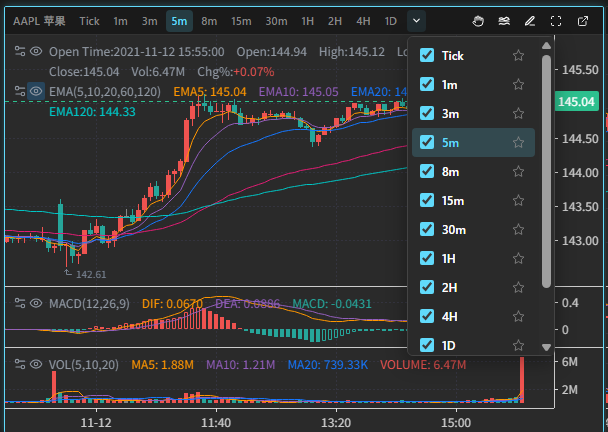
Open the timeframe menu
At the end of the timeframe row on the target chart, click the down chevron. Its tooltip says Choose timeframe.
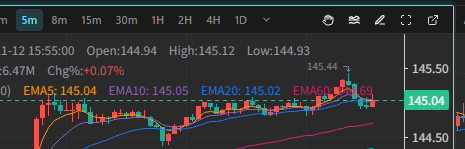
Select or favorite a timeframe
Click a label such as 5m or 1D to switch. Click its outline star to add it to your favorites.
Check the step size
Select the five-minute chart, press Right once and watch the current daily candle update.