
Jump to a candle and return to your starting point
Choose a historical candle on the chart and review what happens from that point.
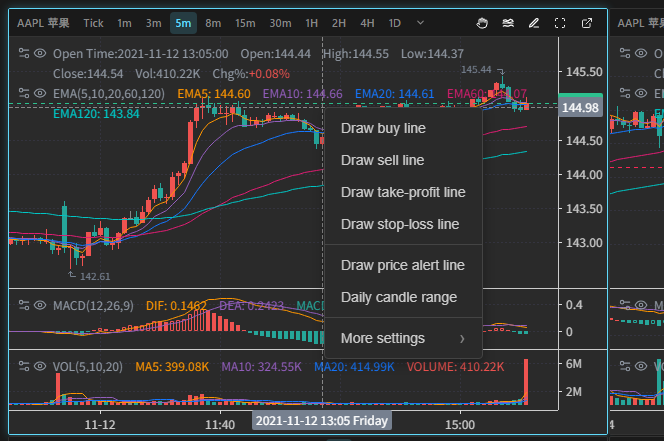
Pause and right-click an earlier candle
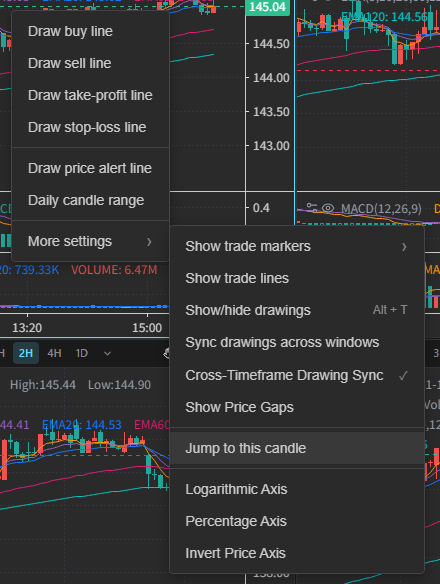
Note the current time and right-click an earlier candle. Hover over More Settings with the chevron at the bottom of the menu.
Choose Jump to this candle
Check the chart date and timeframe after the jump, then step forward to inspect what followed.
Return to the pre-jump position
Before you replay to the original point, use Return to pre-jump position and check the date.