
Use the AI Indicator Assistant to draft or check formulas
Open the assistant from the formula editor, verify its output and apply the formula to a chart.
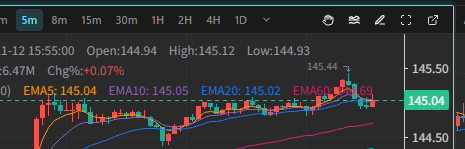
Open Indicator Settings
At the upper right of the chart, click the line icon between the hand and pencil. Its tooltip says Indicator Settings.
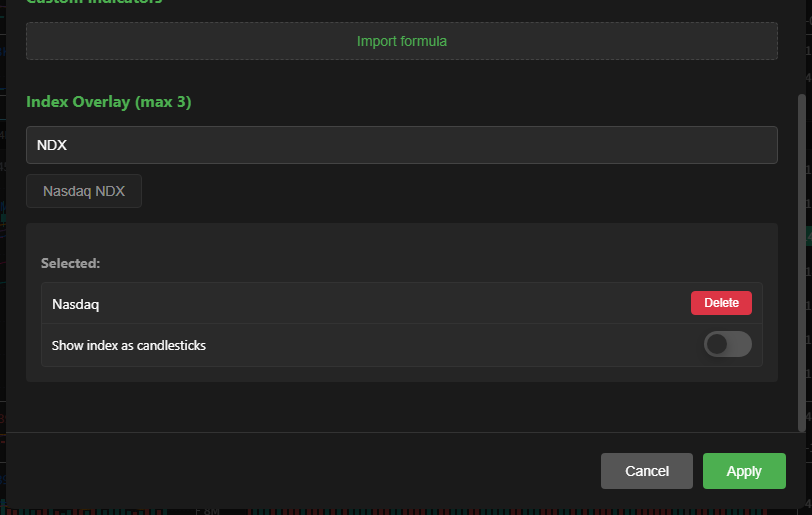
Choose Import Formula
Scroll down in Indicator Settings to the wide Import Formula button under Custom Indicators.
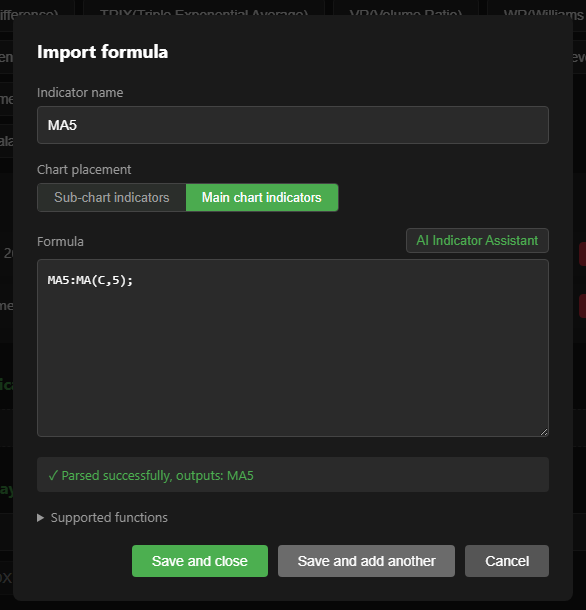
Click AI Indicator Assistant
In the Import Formula dialog, use the green text button above the right edge of the formula field.
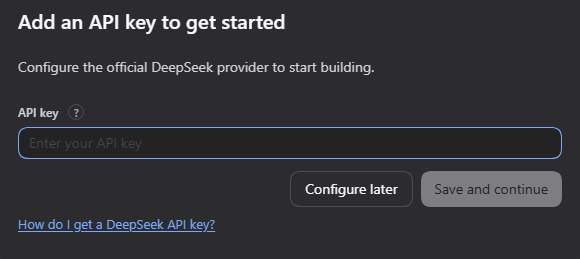
Set up the model and send your draft
Save your own API key if prompted. Review the formula and parameters, add your goal and send the draft.
Test the formula in the editor
Paste the result back, check the parser and apply it. Replay from before the expected signal to verify it.