
Use market orders to buy, sell, go long or go short
Place a simulated trade from the sidebar and check which actions apply to your instrument.
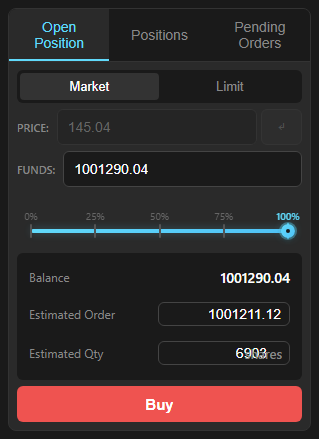
Choose Market in the right-hand entry panel
Pause AAPL, select Market under Open Position, verify the estimate and size, then click the red Buy button.
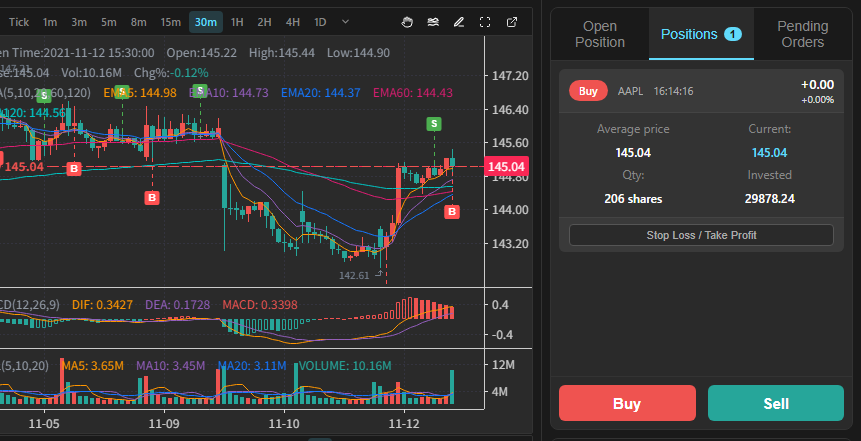
Open the middle Positions tab
After the green fill notice, click Positions between Open Position and Pending Orders. Check the average entry and quantity.
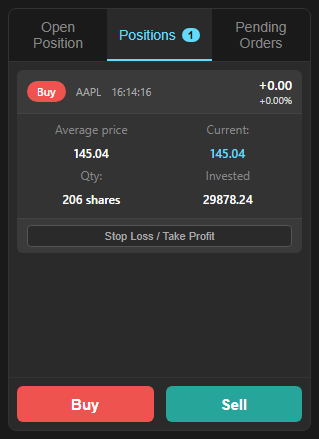
Exit from the Positions panel
For spot, use Sell at the bottom right. For futures, use Close Position on the applicable card.
Click the clock in the P&L header
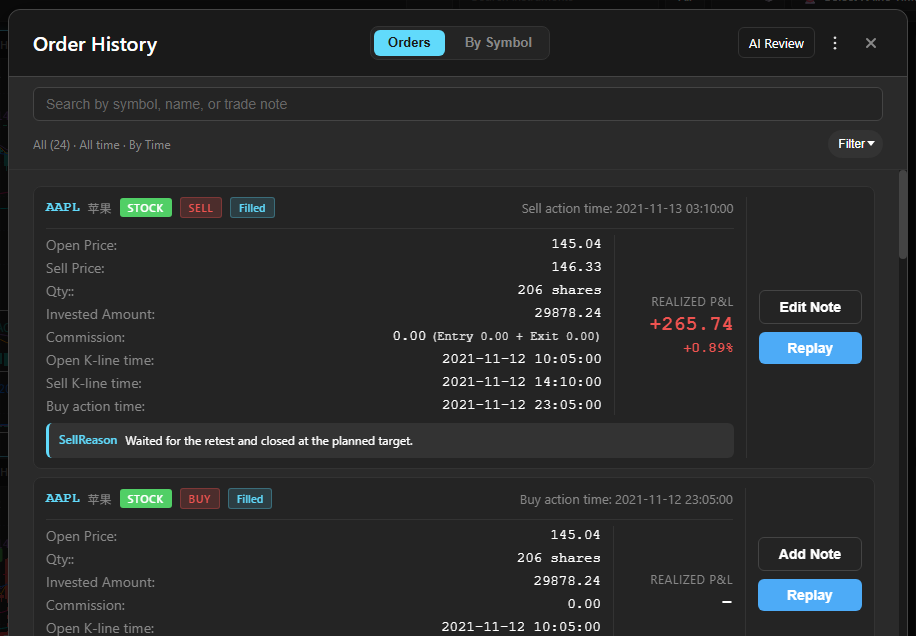
On the right, find the clock at the far end of the P&L Statistics header. Its tooltip says View trade history.
Check the fills
Compare the buy and sell records, including quantities, prices, fees and candle times.
Walk through a practice sessionSet stops, profit targets and partial exits