
Import a TongdaXin formula as a custom indicator
Paste a formula, check the parser result and add it to the main chart or a sub-chart.
Open Indicator Settings
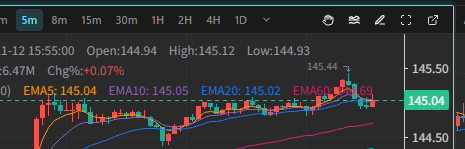
At the upper right of the chart, click the line icon between the hand and pencil. Its tooltip says Indicator Settings.
Choose Import Formula
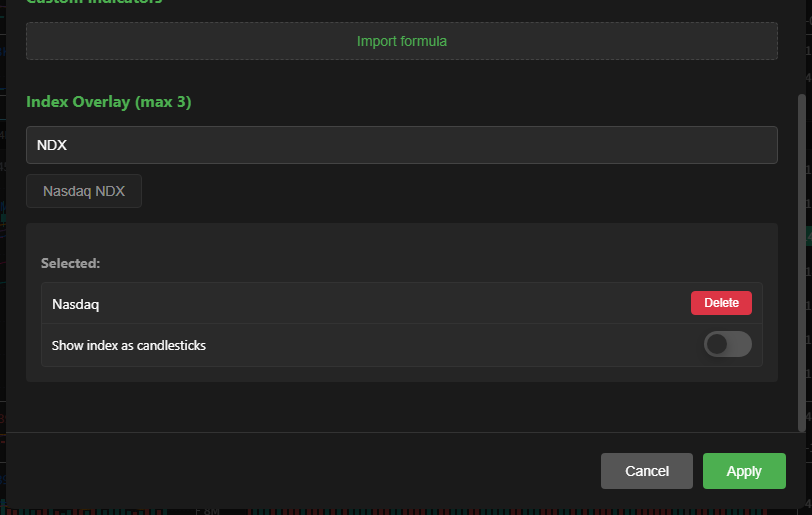
Scroll down in Indicator Settings to the wide Import Formula button under Custom Indicators.
Name and enter the formula
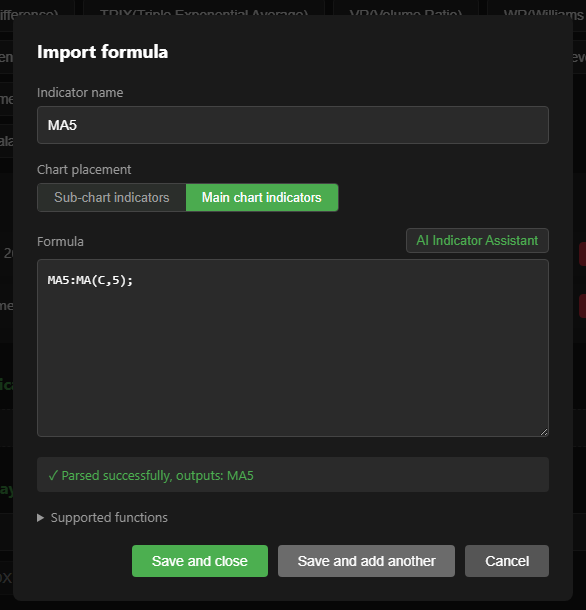
Enter a name, select the main chart and enter “MA5:MA(C,5);” in the formula field.
Save, close and apply
Check the parser output and click the green Save and close button. Back in Indicator Settings, click Apply.