
Overlay indexes for comparison
Compare a benchmark index with the instrument you are replaying.
Open Indicator Settings
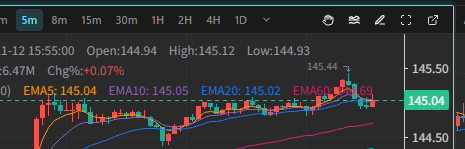
At the upper right of the chart, click the line icon between the hand and pencil. Its tooltip says Indicator Settings.
Find and select an index
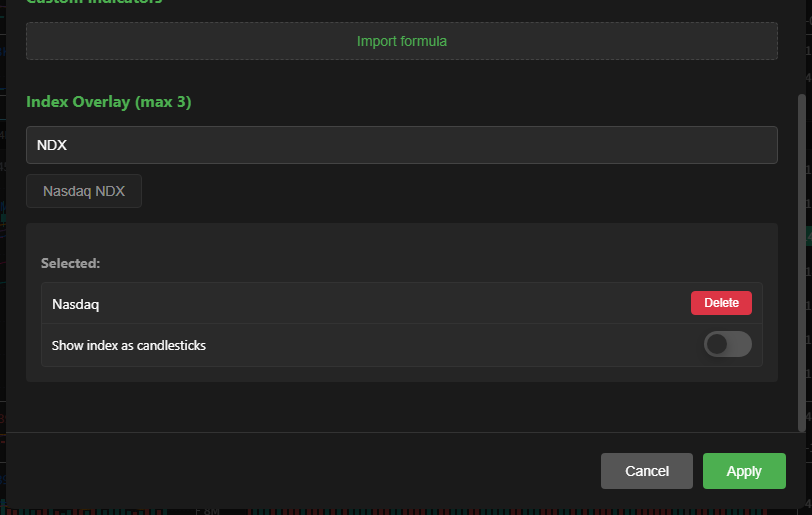
Scroll to Index Overlay, search for NDX and click the Nasdaq NDX result below the field.
Choose line or candles and apply
Use the selected index’s toggle for candlesticks, then click Apply in the lower-right corner. Each chart supports up to three indexes.
Compare matching dates
Read both panes at the same date, using the scale or change displayed for each series.