
Draw trend lines, horizontal levels, and shapes on mobile
Choose a drawing tool, mark a price or move, and adjust an existing drawing.
Find Drawing Tools
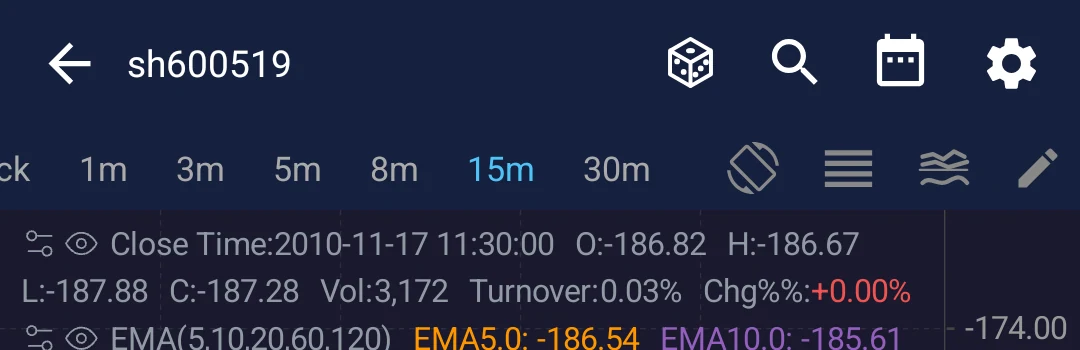
On the trading screen, tap the pencil at the far right of the timeframe row.
Choose a drawing tool
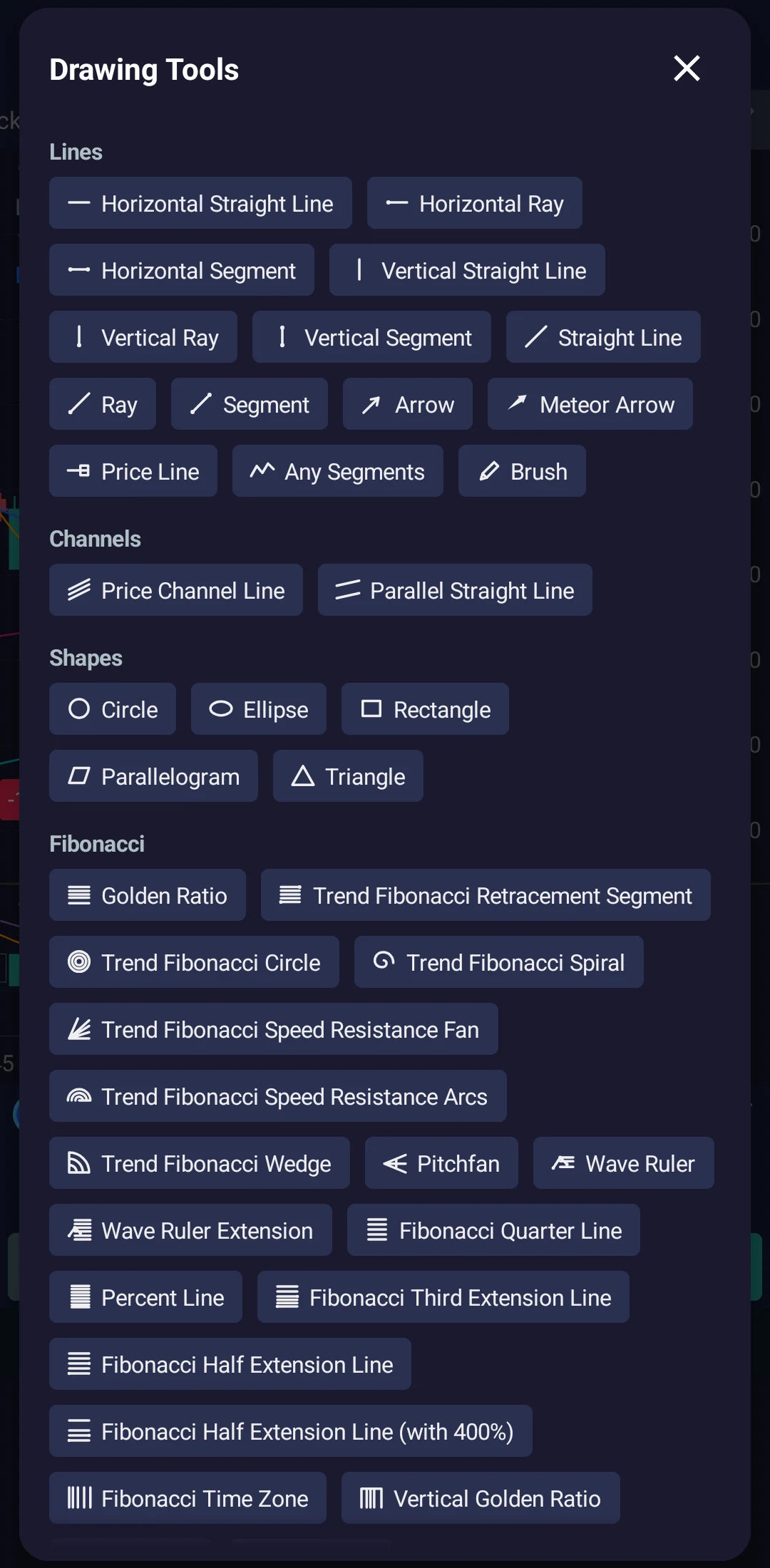
Under Lines, use Horizontal Straight Line to mark a price or Segment to connect two highs or lows. Use Rectangle under Shapes to mark a consolidation area.
Place and refine the drawing
Mark the points needed by the tool on the chart. To adjust a drawing, select it and drag a handle. Magnet mode snaps points to nearby candle open, high, low, or close prices.