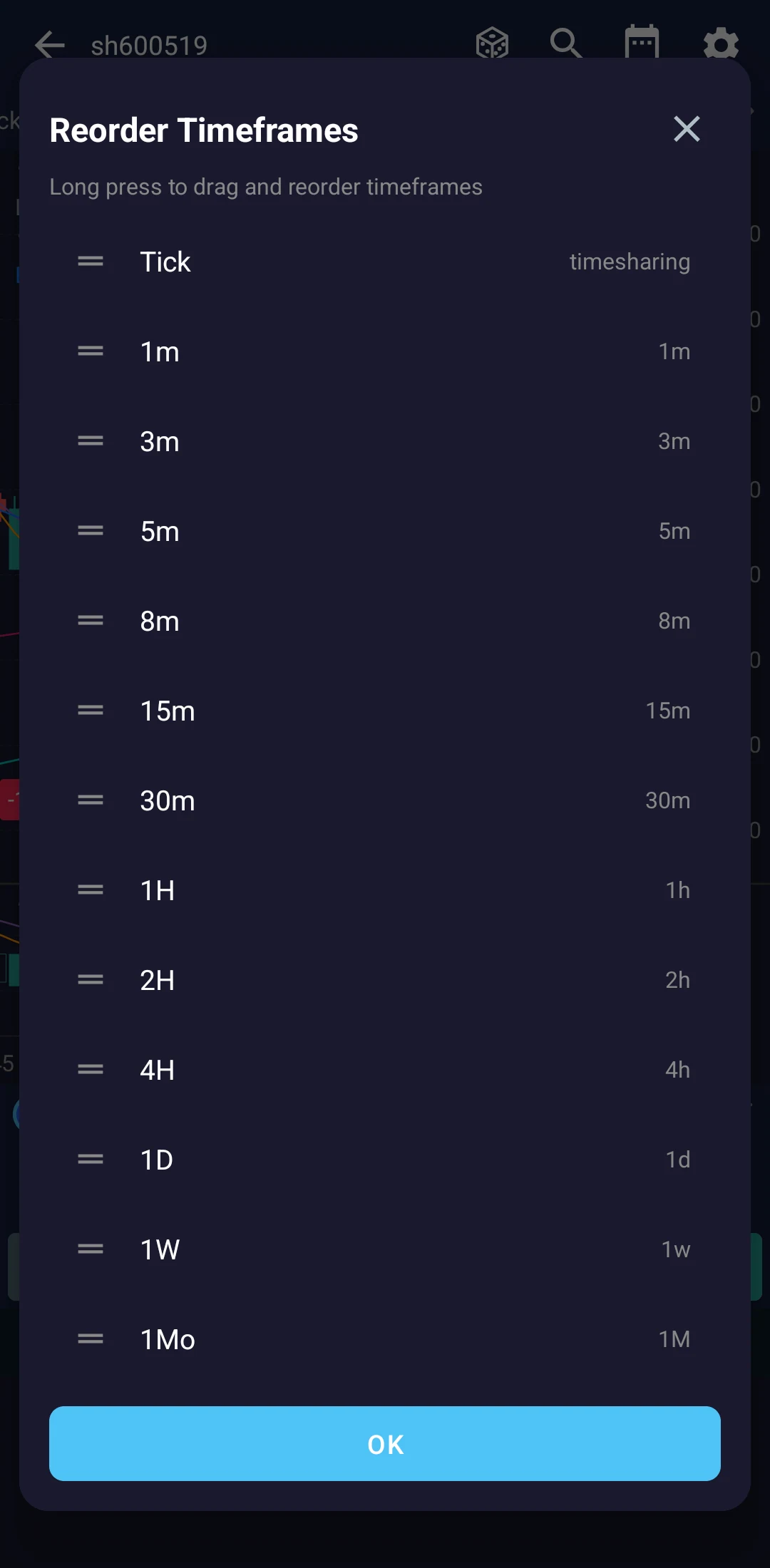
Switch between intraday and candlestick views on mobile
Choose an intraday, minute, or daily view and arrange the timeframe tabs in your preferred order.
Switch views from the timeframe row
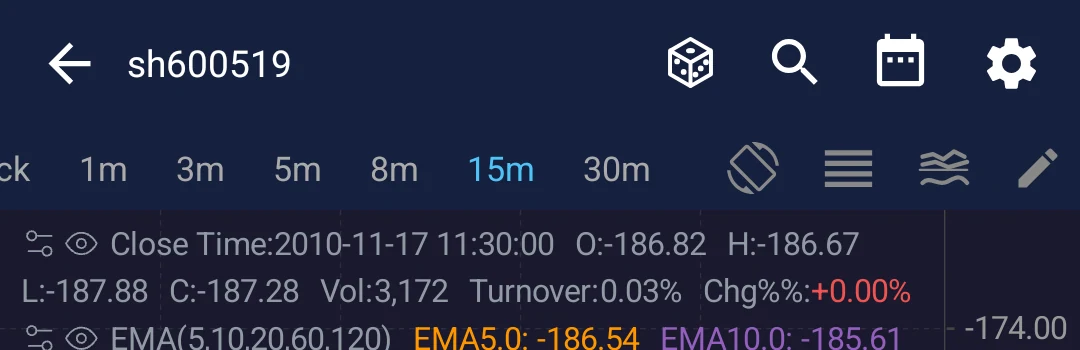
Swipe the timeframe row above the chart. Tap Tick for the intraday session view, or choose a candle interval such as 15m or 1D. Each view follows the current replay time.
Open timeframe sorting
Tap the three horizontal lines to the right of the timeframe row, between the rotation icon and the three wavy lines.
Move your usual timeframes to the front
In Reorder Timeframes, touch and hold the handle to the left of a timeframe, drag it upward, then tap OK at the bottom.