Save drawings and sync them between timeframes
Keep chart markings for a symbol and view them again on another timeframe or when you reopen that symbol.
Enable saving and syncing
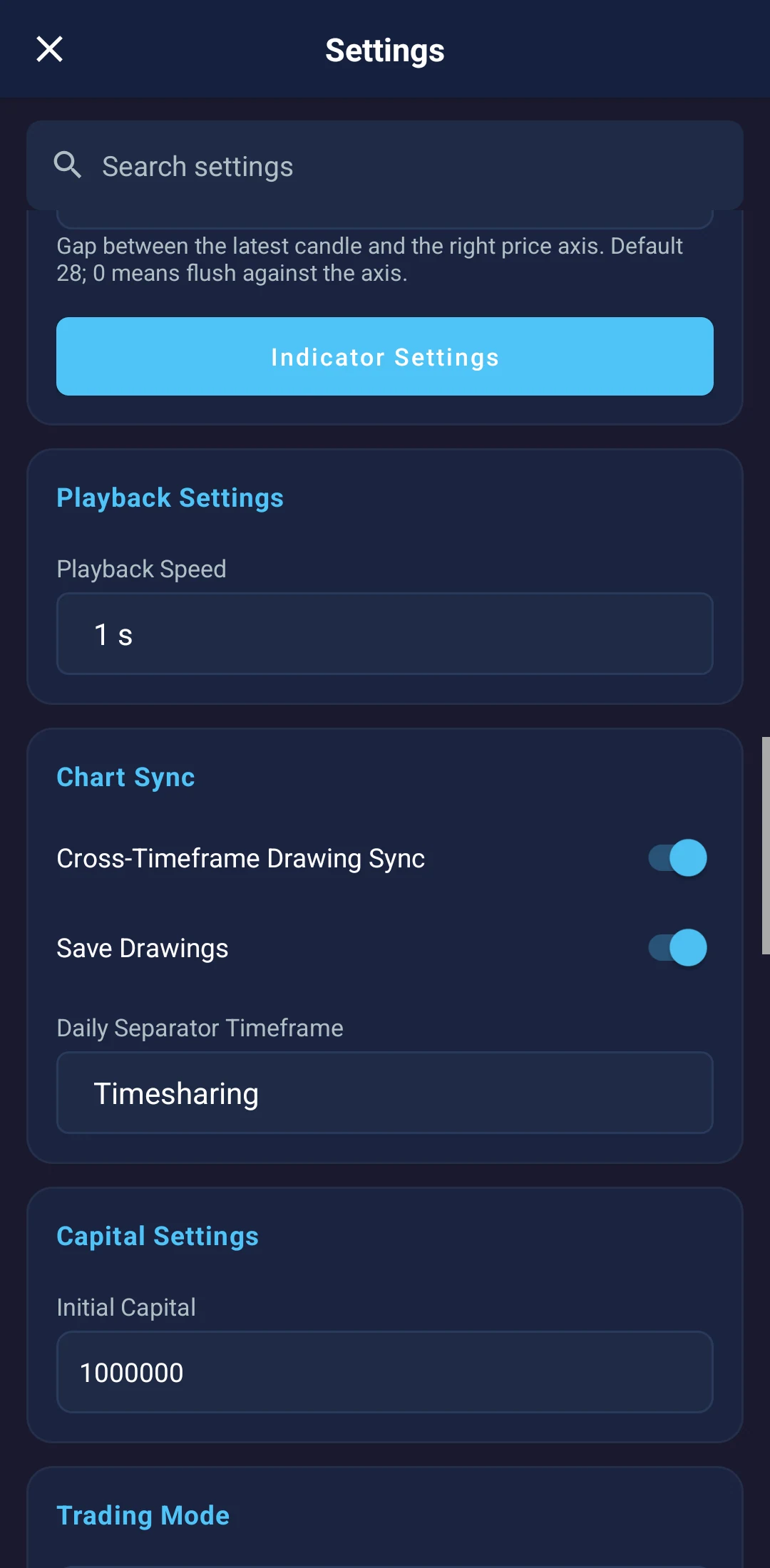
Open Settings from the trading screen. Under Chart Sync, turn on Save Drawings to keep your drawings when you reopen the same instrument, or Cross-Timeframe Drawing Sync to show them across its timeframes.
Switch timeframes and check the drawing
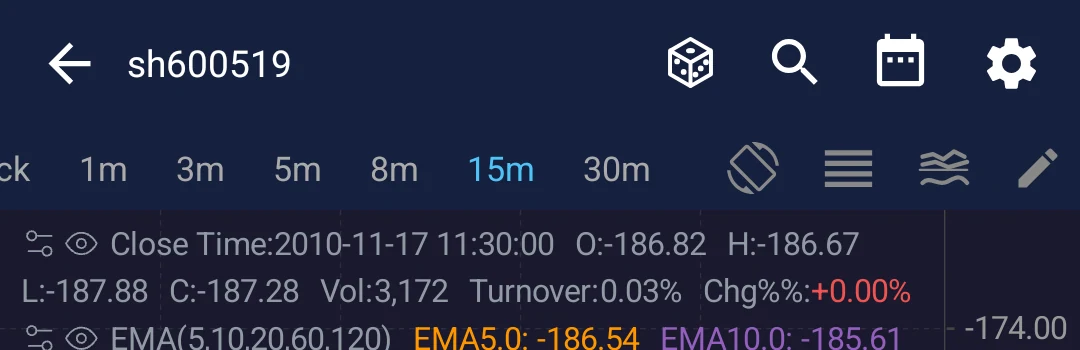
Draw a line on the current instrument, then choose another candlestick timeframe to check where the line appears in that view.