Favorite instruments and import a watchlist on mobile
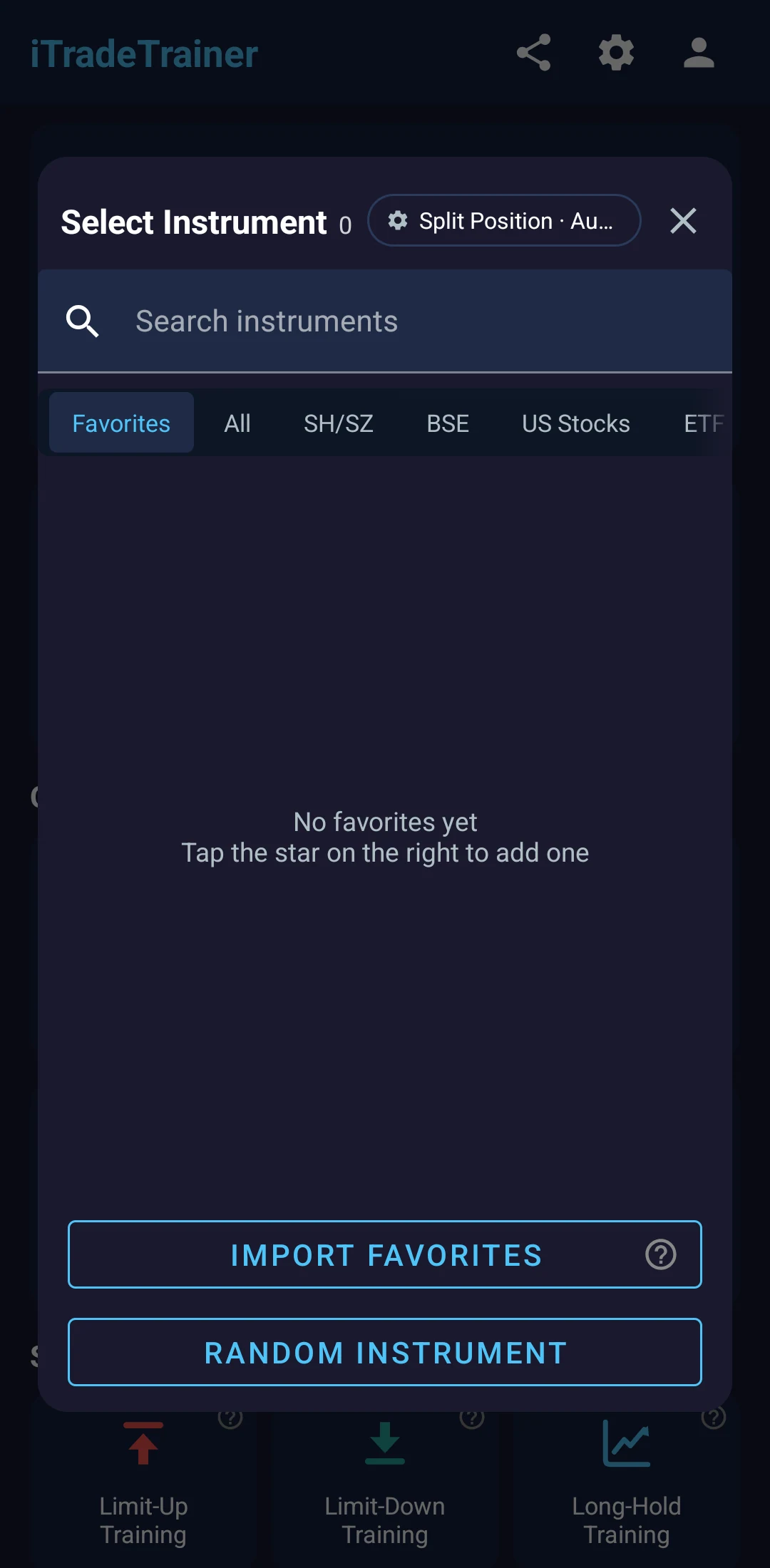
Star an instrument or import favorites in bulk from a CSV or TXT file on your phone.
Star a favorite
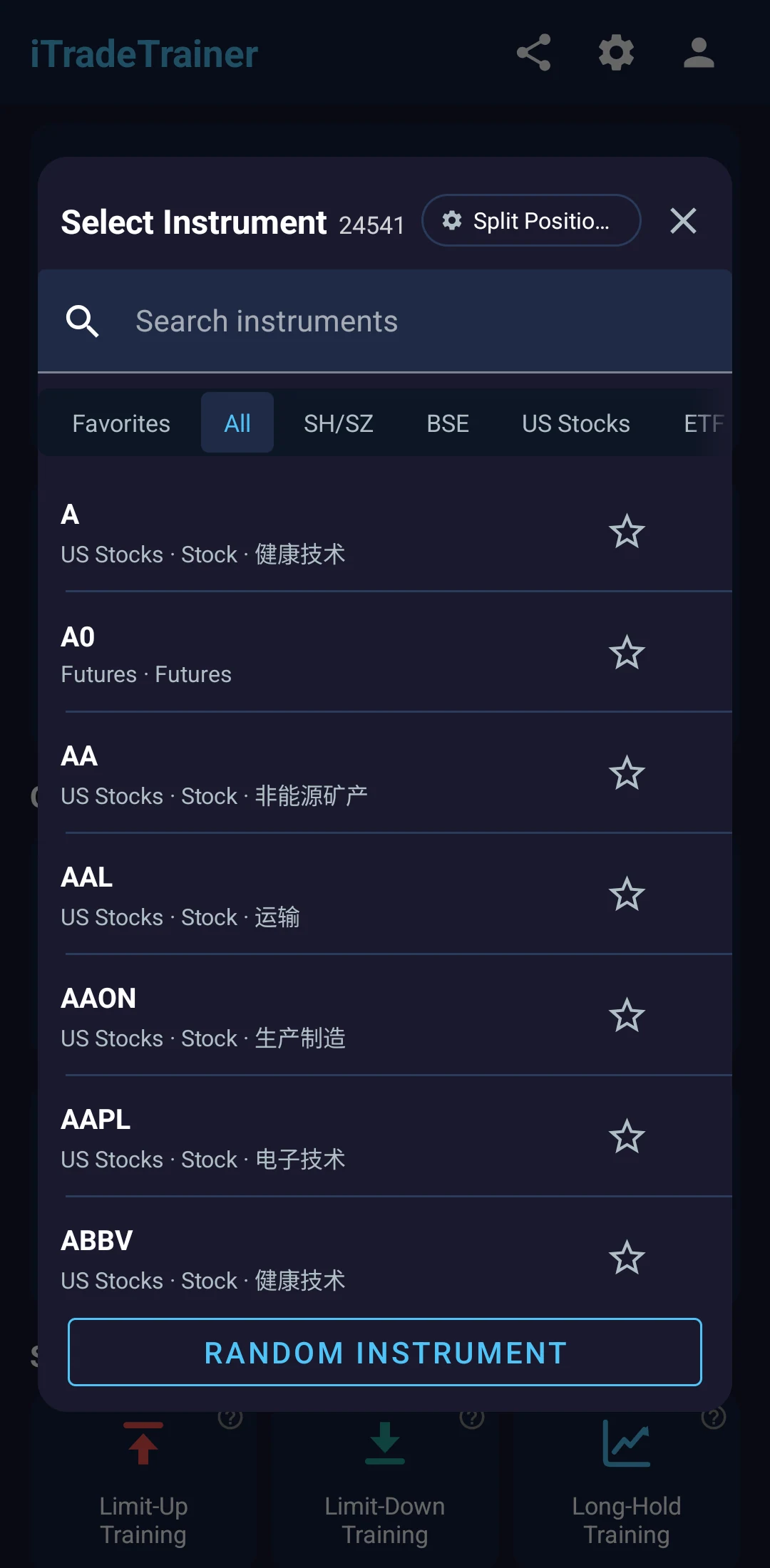
Open Select Instrument and tap the star at the right of an instrument. Open the Favorites tab to find it again or tap the star again to remove it.
Import a watchlist
Tap Import Favorites at the bottom of Favorites and pick a CSV or TXT with a header, such as Code,Name. Check the results for new favorites, existing favorites, and unmatched rows.