Run your first candlestick replay
Pick an instrument, reveal historical bars, place a simulated trade and review the record.
Open the instrument picker from Home
In Quick Start, click the upper-right Select Instrument card with the magnifying glass.

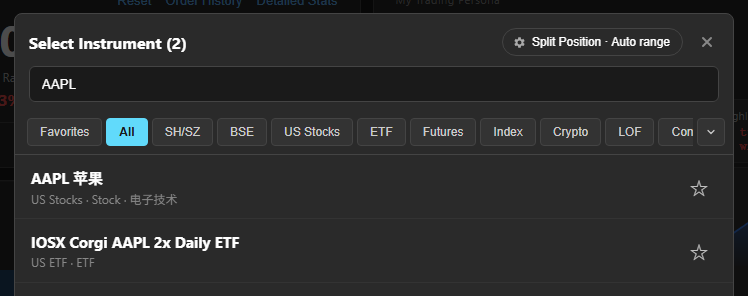
Select Apple (AAPL)
Search for AAPL and click the Apple stock result.
Step through the daily chart
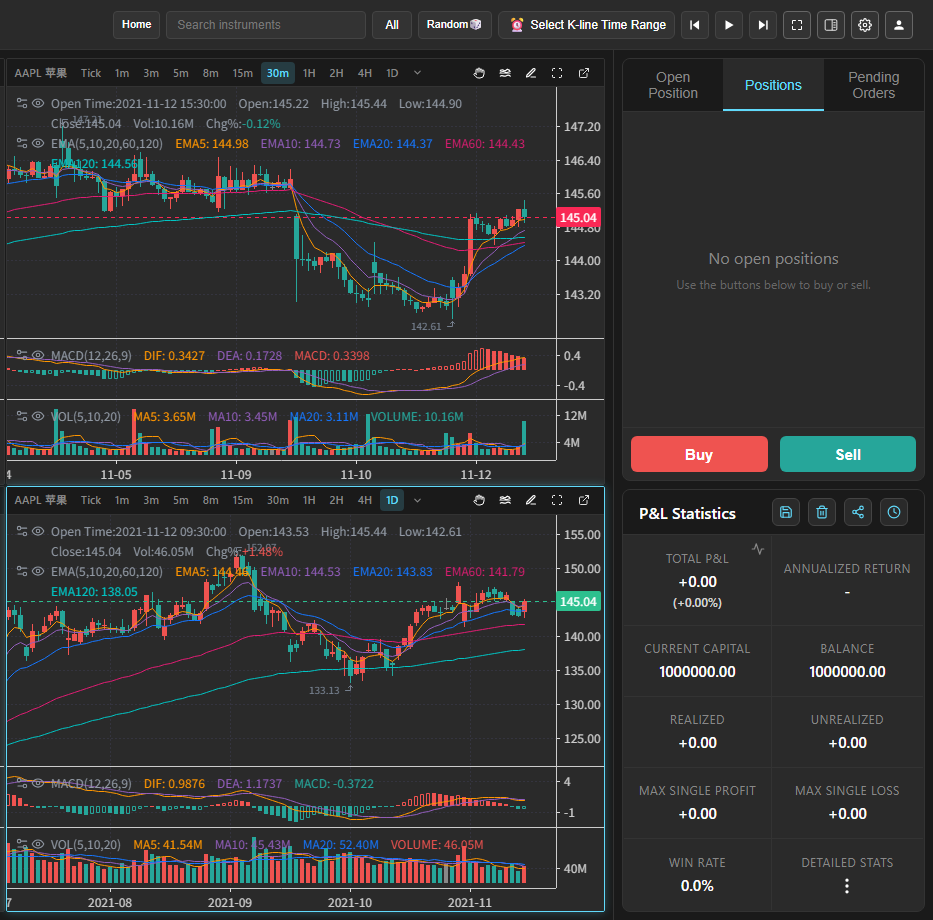
Select the chart whose header shows 1D, then click the step button immediately to the right of Play.
Buy at market and set a stop
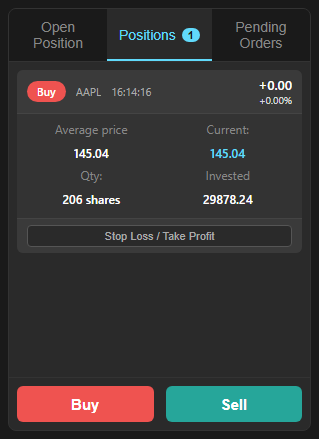
In the right-hand Open Position tab, buy a small position at Market. After it fills, click Stop Loss / Take Profit below the position.
Exit, then open Order History with the clock
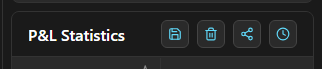
If the position is still open at your planned exit, use Sell at the bottom of Positions. Then click the clock at the far right of the P&L Statistics header.
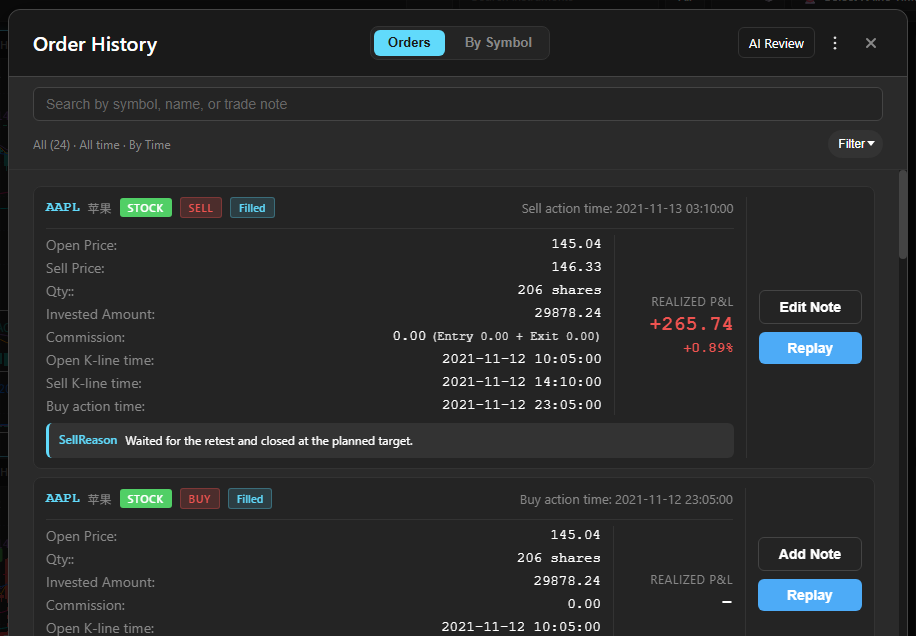
Verify this AAPL trade
In Order History, find the AAPL trade under order details and check the prices and candle times.
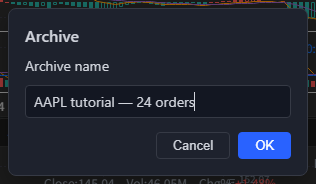
Archive the practice session
Close Order History and click the disk icon beside P&L Statistics. Enter a name and choose Confirm.