
Choose an instrument by market, ticker or name
Browse market categories or go directly to an instrument with search.
Open the instrument picker
On Home, click the upper-right Select Instrument card with the magnifying glass.

Search by name or ticker
Enter AAPL or Apple and verify the ticker, name and market category.
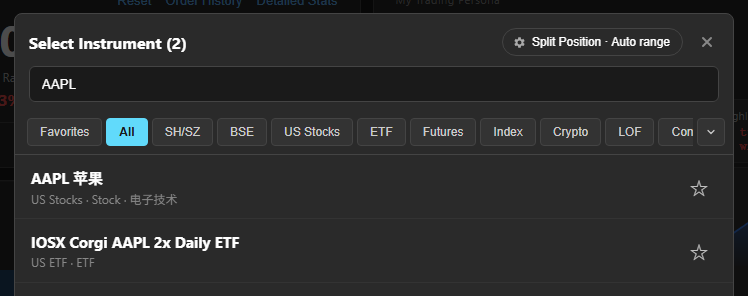
Check launch settings before selecting
Click the gear summary in the upper-right of the picker to set the dates, bar count or trading mode.
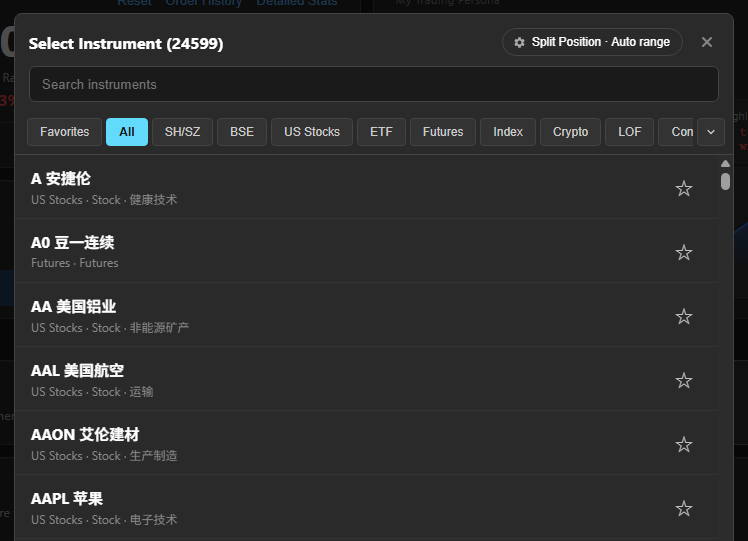
Select the result and verify the chart
Open the row and check the symbol and replay time. Check positions and orders before switching symbols.
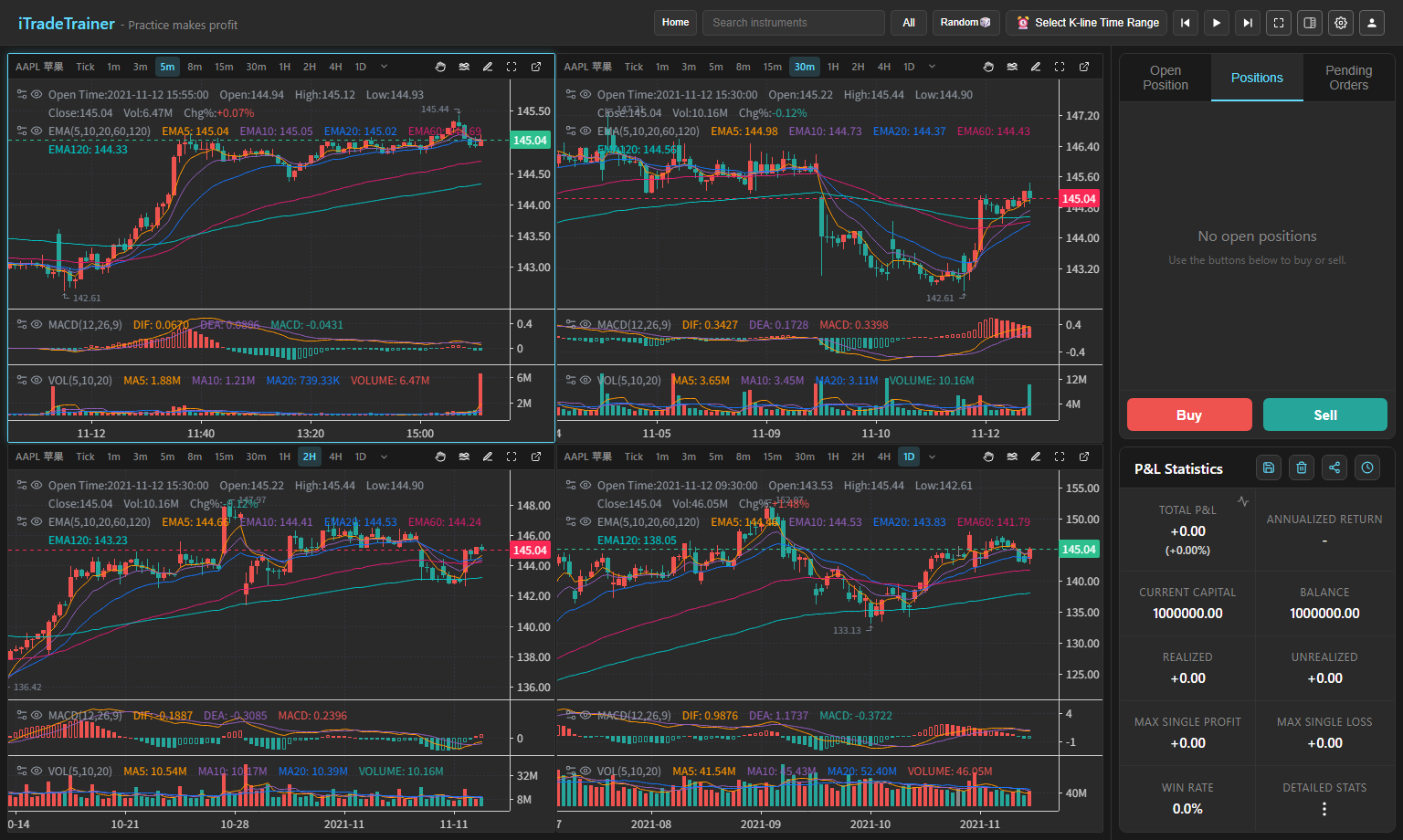
Walk through a practice sessionSet a replay date range, fixed start and bar count