
Practice within a market sector
Narrow the universe to a sector, then pick or draw an instrument from it.
Open Sector Test
Click the lower-right Sector Test card in Quick Start on Home.

Choose a sector and check its list
Use the search field at the top or click a sector card, such as Semiconductors, to see its instruments.
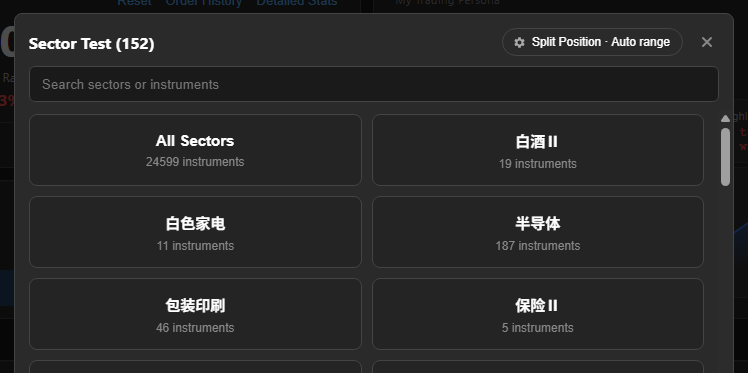
Pick or draw within the sector
Select an instrument directly or use Random Instrument to draw from the current sector.