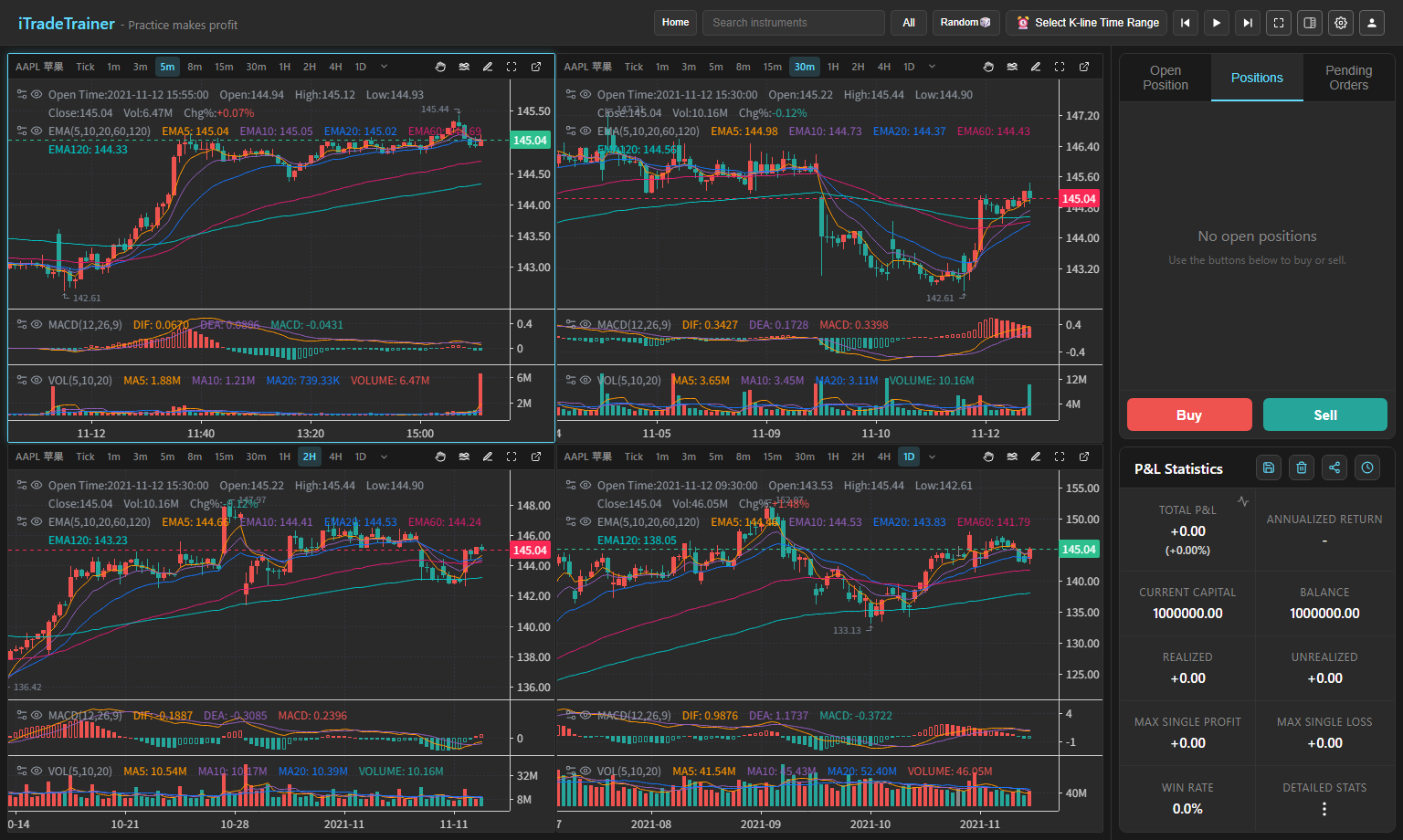
Filter random picks by market and turnover
Sample from a market, date range or turnover bracket, or draw only from favorites.
Open Random Pick
In Quick Start, click the upper-left Random Pick card with the crossed arrows.

Choose the candidate pool
Pick a market, All Instruments or Favorites. Favorites skips the turnover filter.
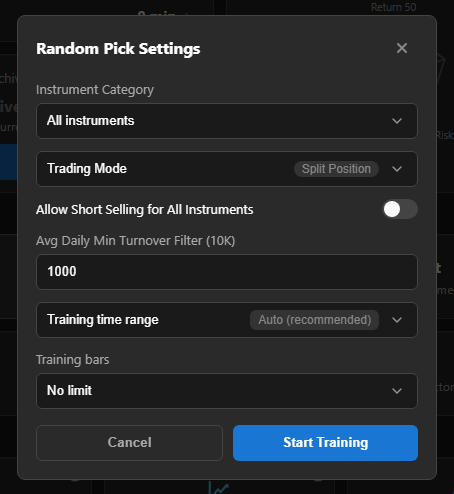
Set the range and choose Start
Check the dates, bar count and trading mode. If there are no matches, relax one filter and retry.
Record the selected sample
Note the symbol and actual start. With a random start, different runs can begin on different dates.