
Start a blind test and hide real prices on mobile
Practice with the instrument identity hidden and optionally rescale its price to 100 at the start.
Set up a blind session
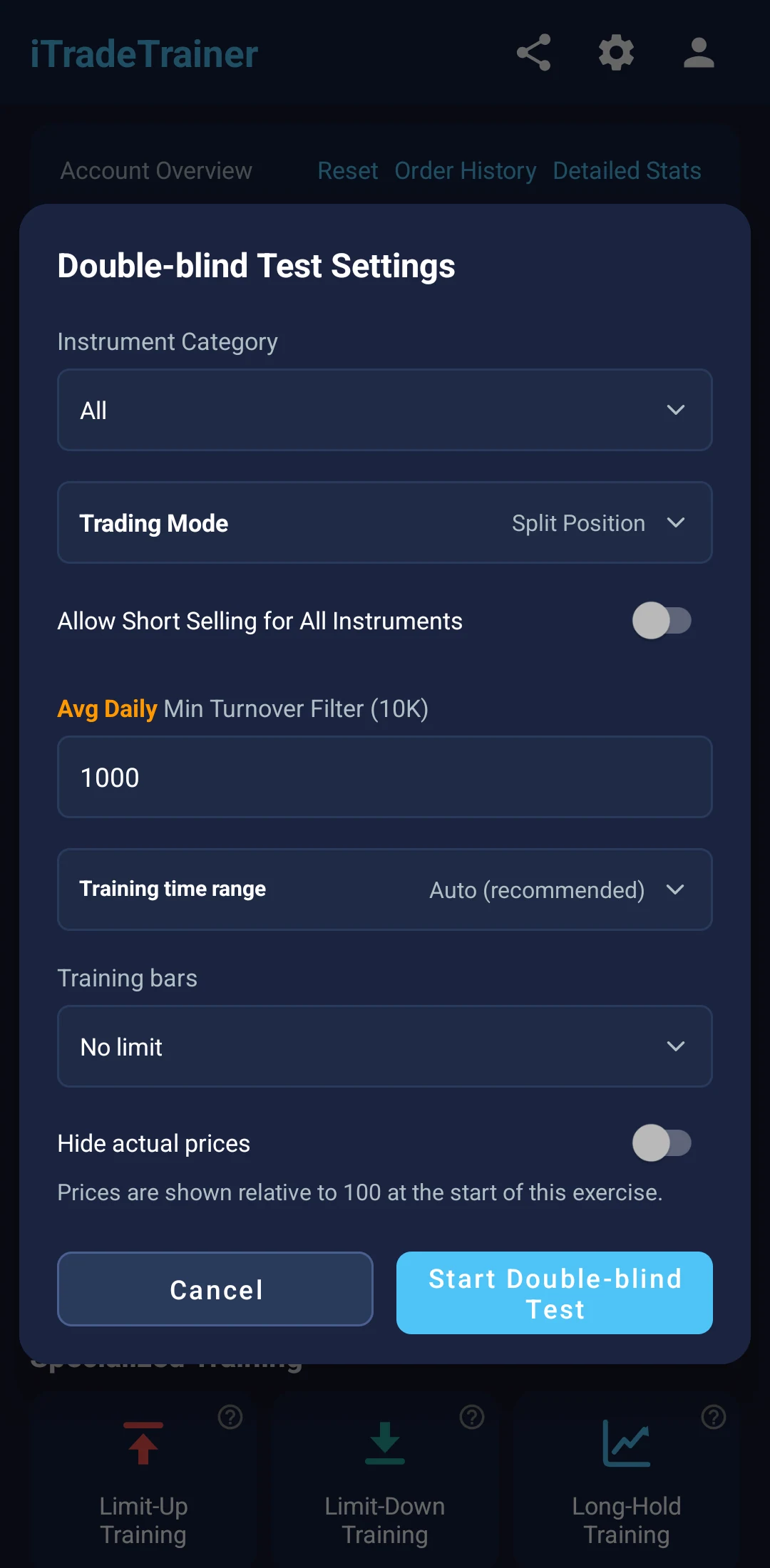
Tap Double-blind Test on Home and set the instrument category, turnover filter, or date range. Tap Start Double-blind Test to open the chart with the instrument identity hidden.
Hide the actual price if desired
Turn on Hide actual prices before starting. The chart scales the starting price to 100 and uses that same baseline for the entire session, even when you switch timeframes.