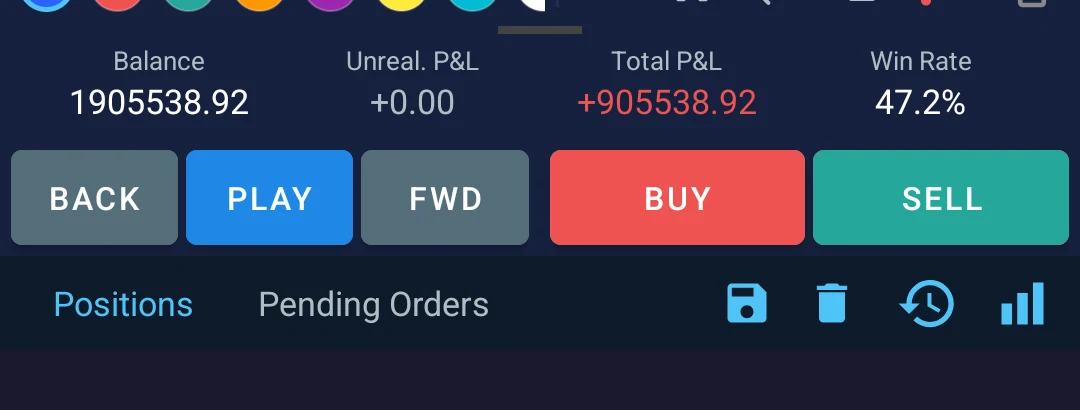
Resume your last replay on mobile
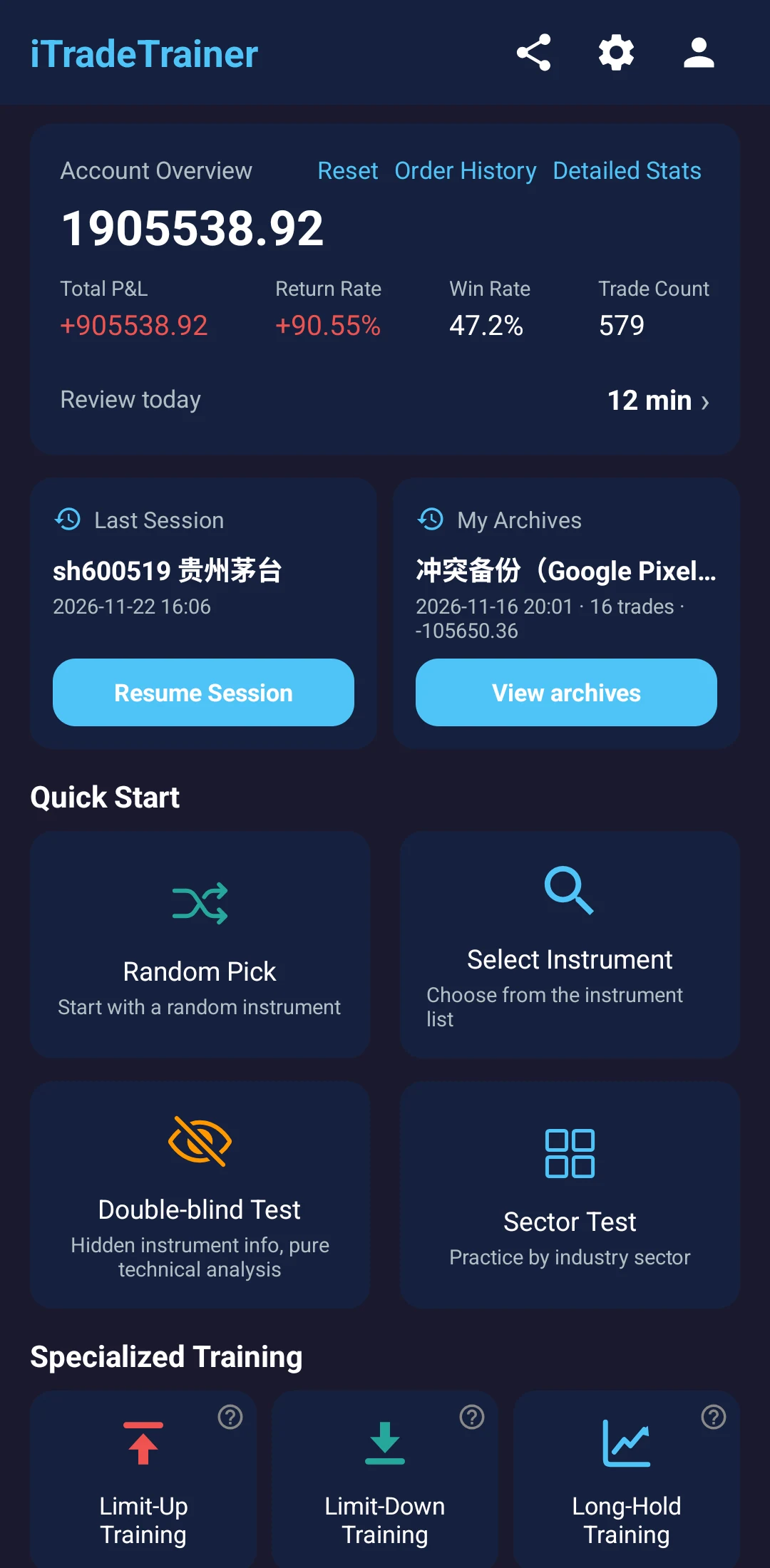
Find the last replay on Home and continue with the same instrument and replay position.
Continue the previous session
On Home, check the instrument and time in Last Session, then tap Resume Session to reopen your session.
Check your position before moving on
Check the chart position and open trades. If you want a different view, select a timeframe above the chart, then tap Fwd to keep replaying.