
Export order details or instrument statistics as CSV
Export all order details or the filtered instrument statistics from the corresponding tab.
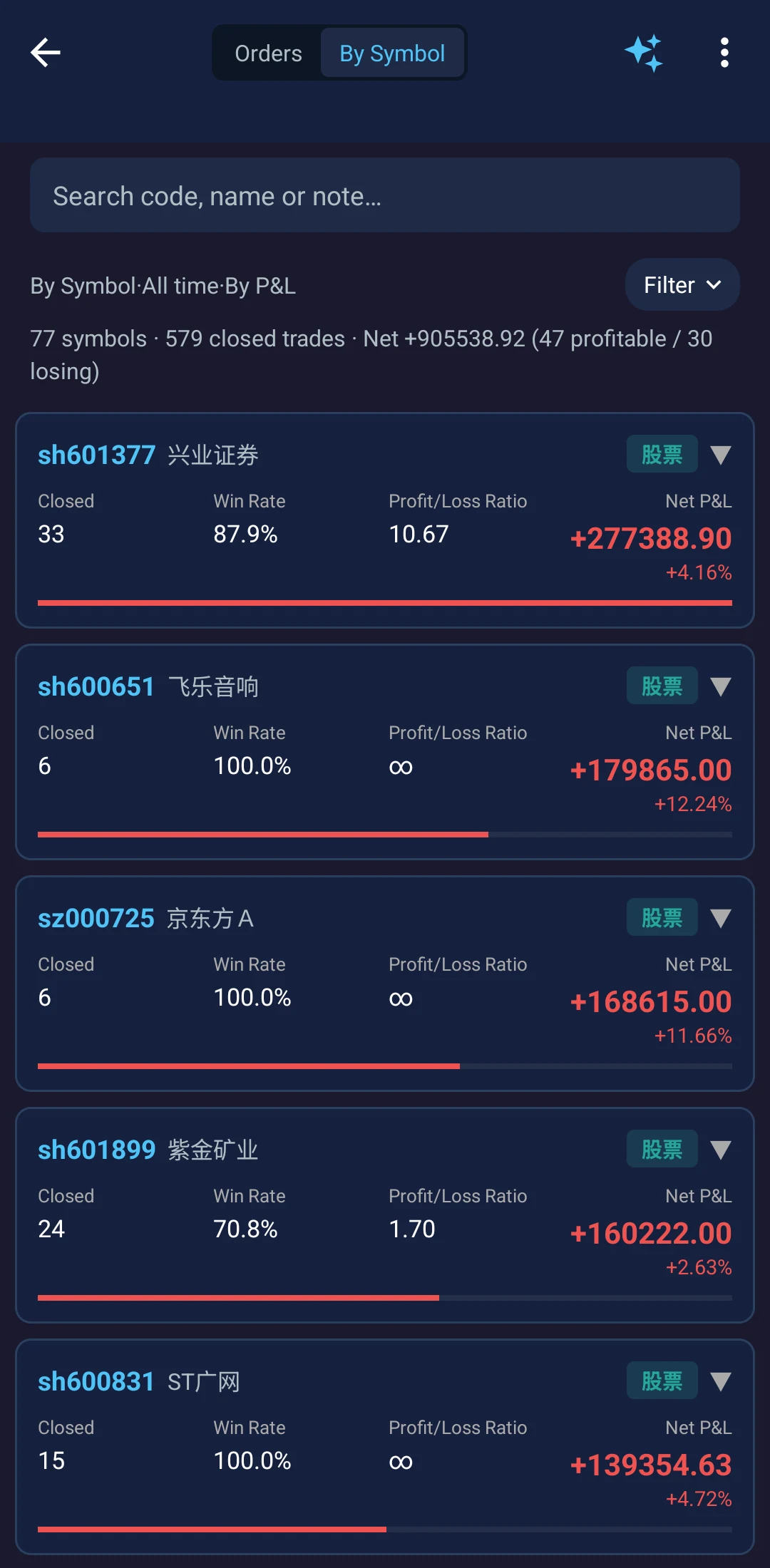
Select what to export
Open Order History. Exporting from Orders includes the full order history. Exporting from By Symbol includes the instrument totals for the current filters.
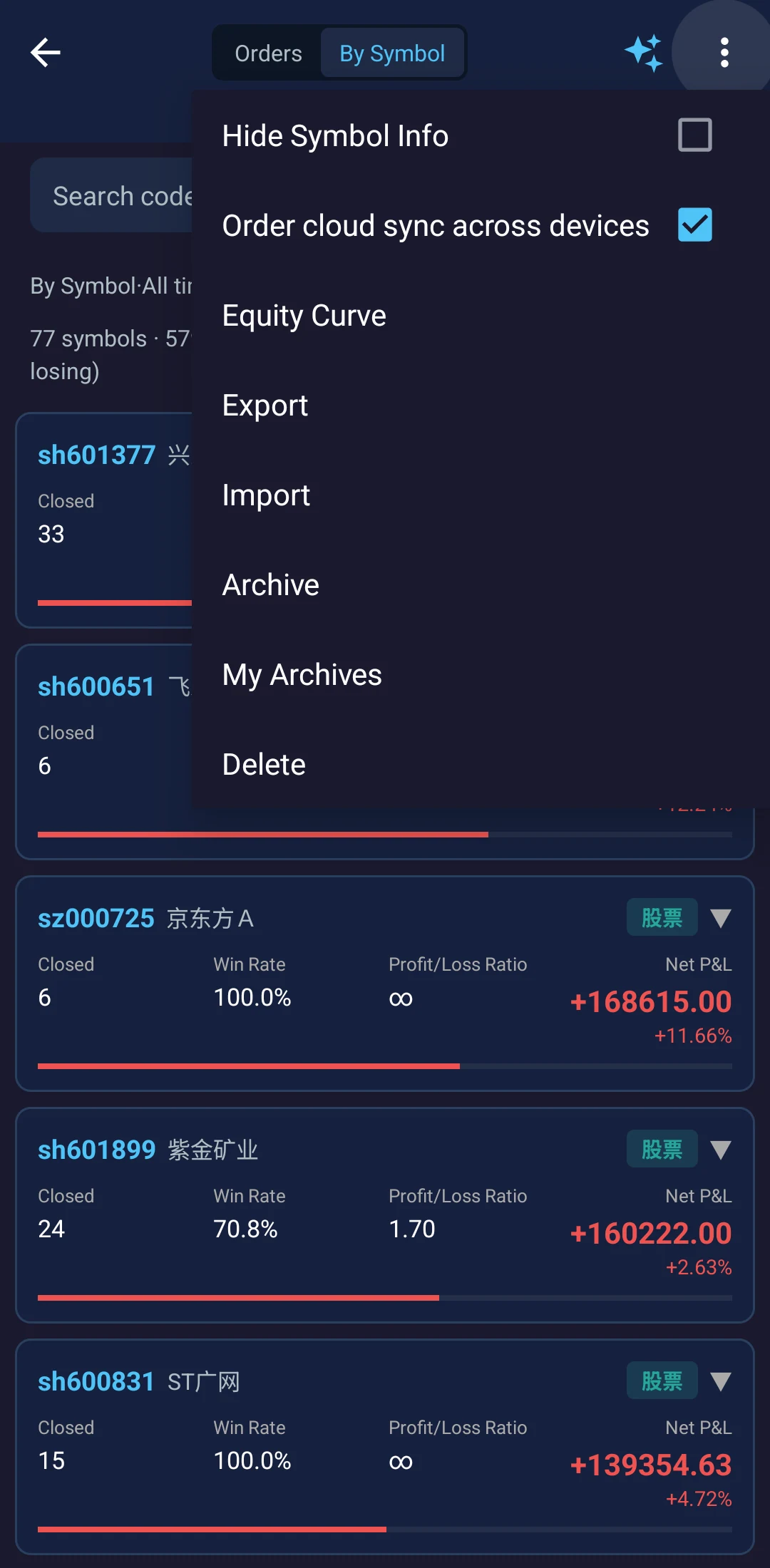
Export and save the CSV
Choose Export from the top-right menu, then use the system share sheet to choose where to save or send the file. If the export option is absent in By Symbol, check whether the current filters return data.
Distinguish replay time from operation time in the file
The order CSV includes candlestick time and the times you opened or closed the trade in the app. Use candlestick time to revisit historical price action and operation time to review your practice session.