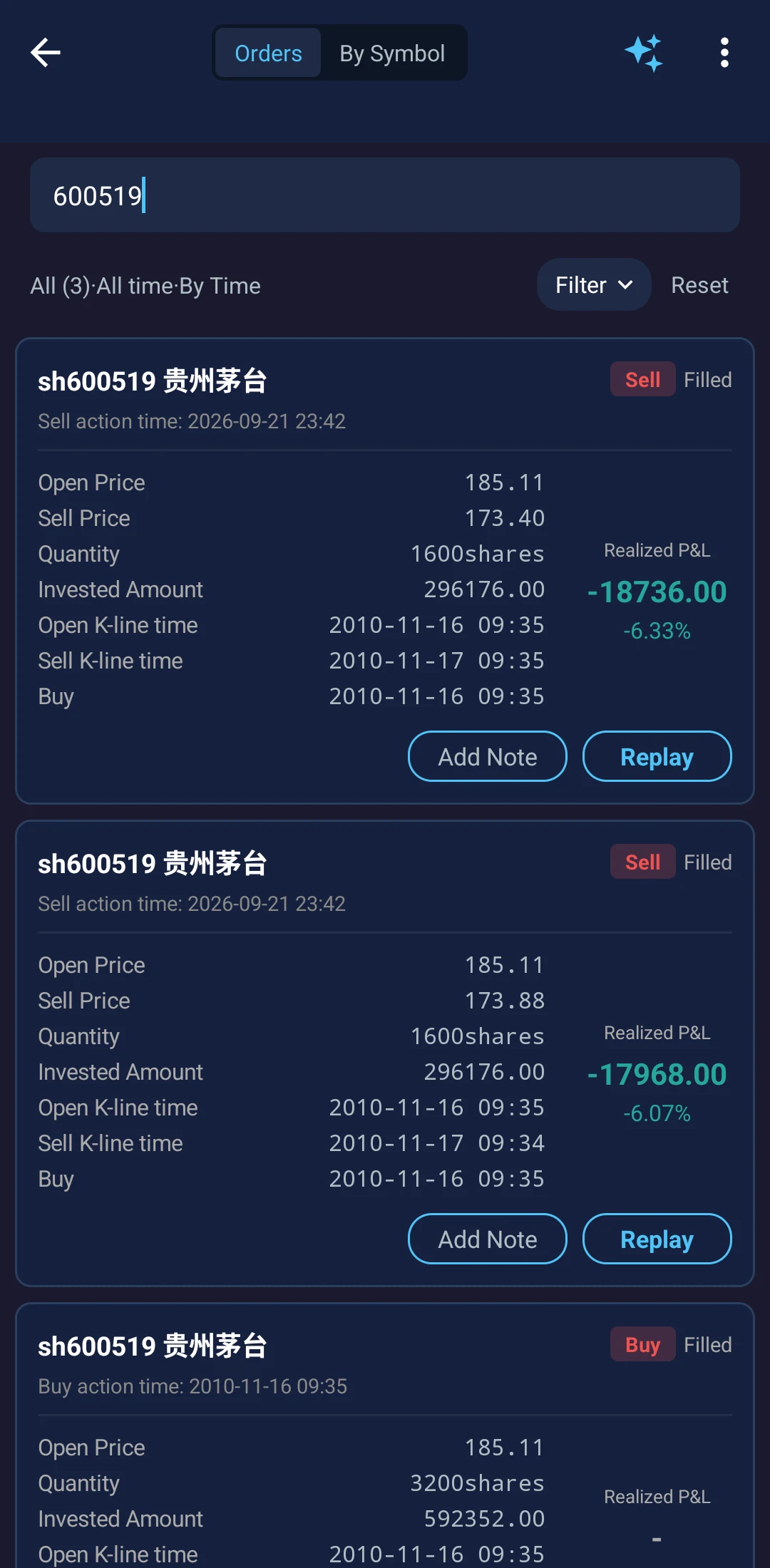
Search, filter, and sort order history
Find orders by ticker, name, or note, then narrow by status, outcome, and operation date.
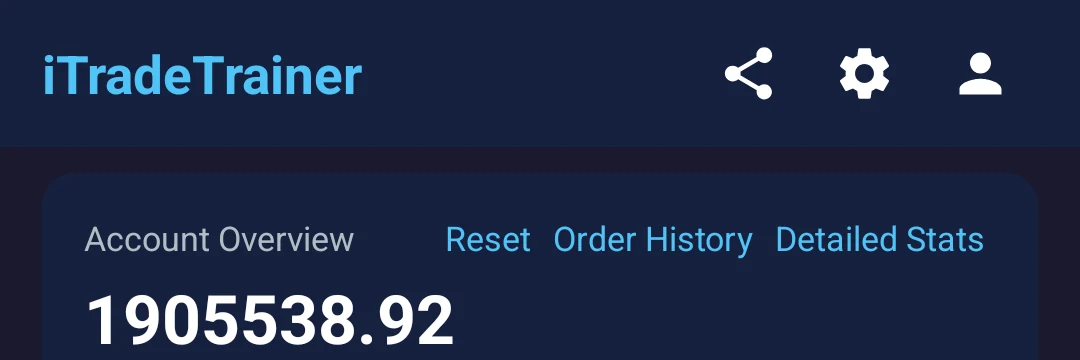
Open Order History from the home screen
Tap Order History in the home screen’s Account Overview, then select Orders at the top.
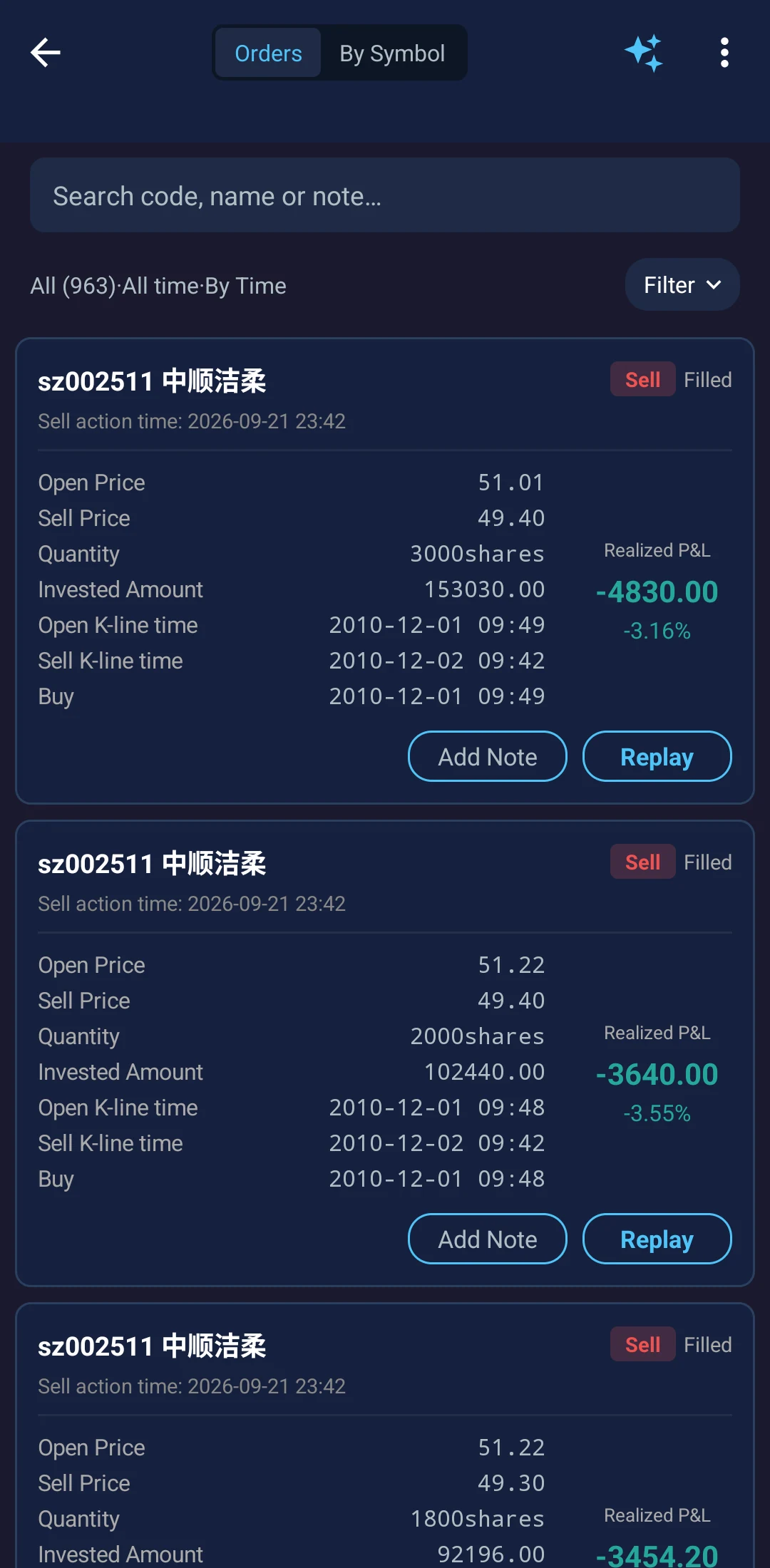
Search by keyword first
Enter the ticker, instrument name, or a word from a trade note. To narrow the results further, tap Filter below the search box on the right.
Combine status, outcome, and date filters
Tap Filter, then choose a combination such as Closed and Loss, plus a preset or custom date range. The date filter uses when you placed or closed the trade in the app, so a trade replayed this week can appear in this week’s history even if its candlestick is older.
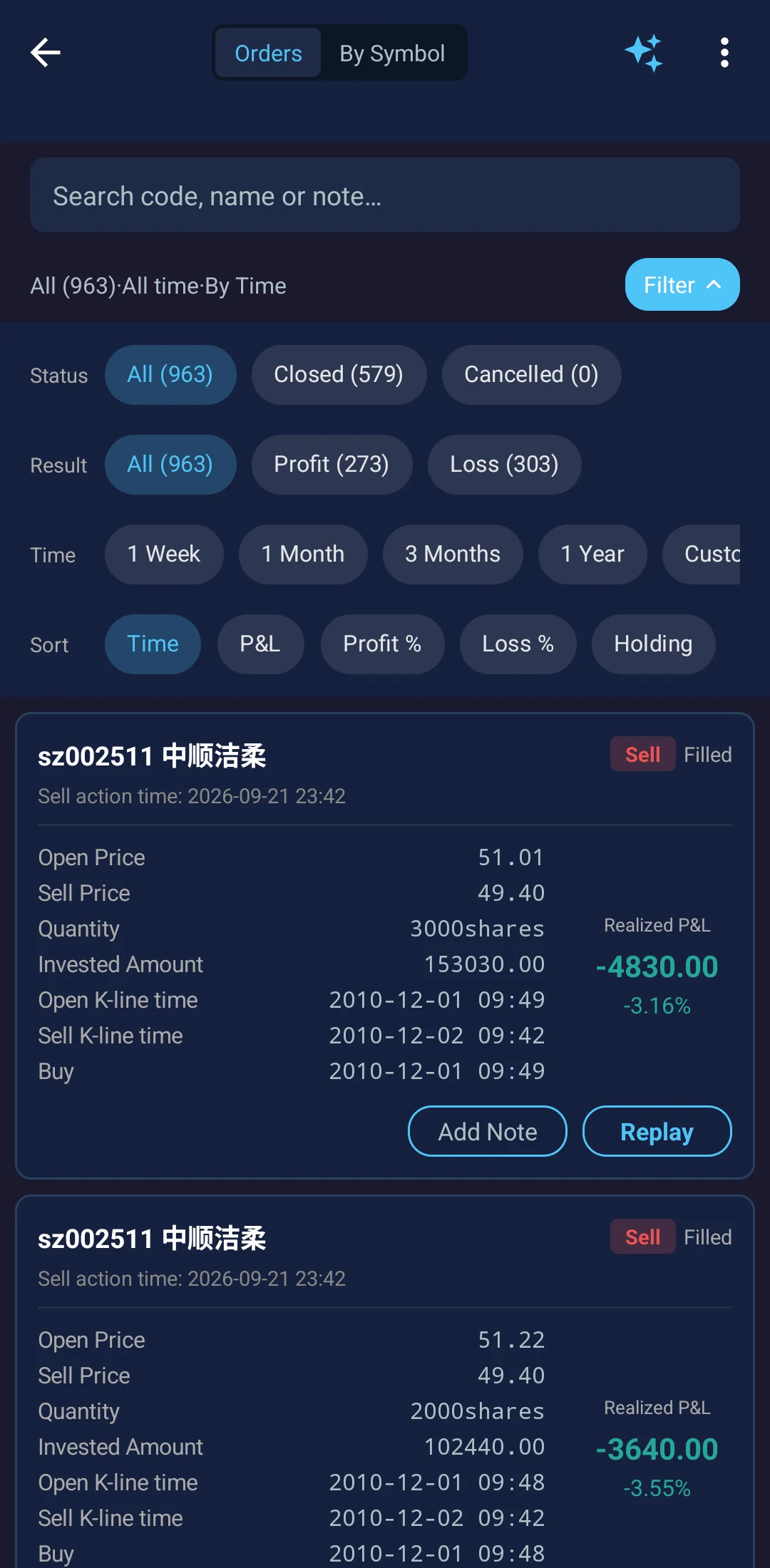
Check the result count or reset the filters
Sort by time, profit or loss, profit rate, loss rate, or holding duration. The summary above the list shows the result count and active filters. Tap Reset next to Filter to clear both the keyword and filters.