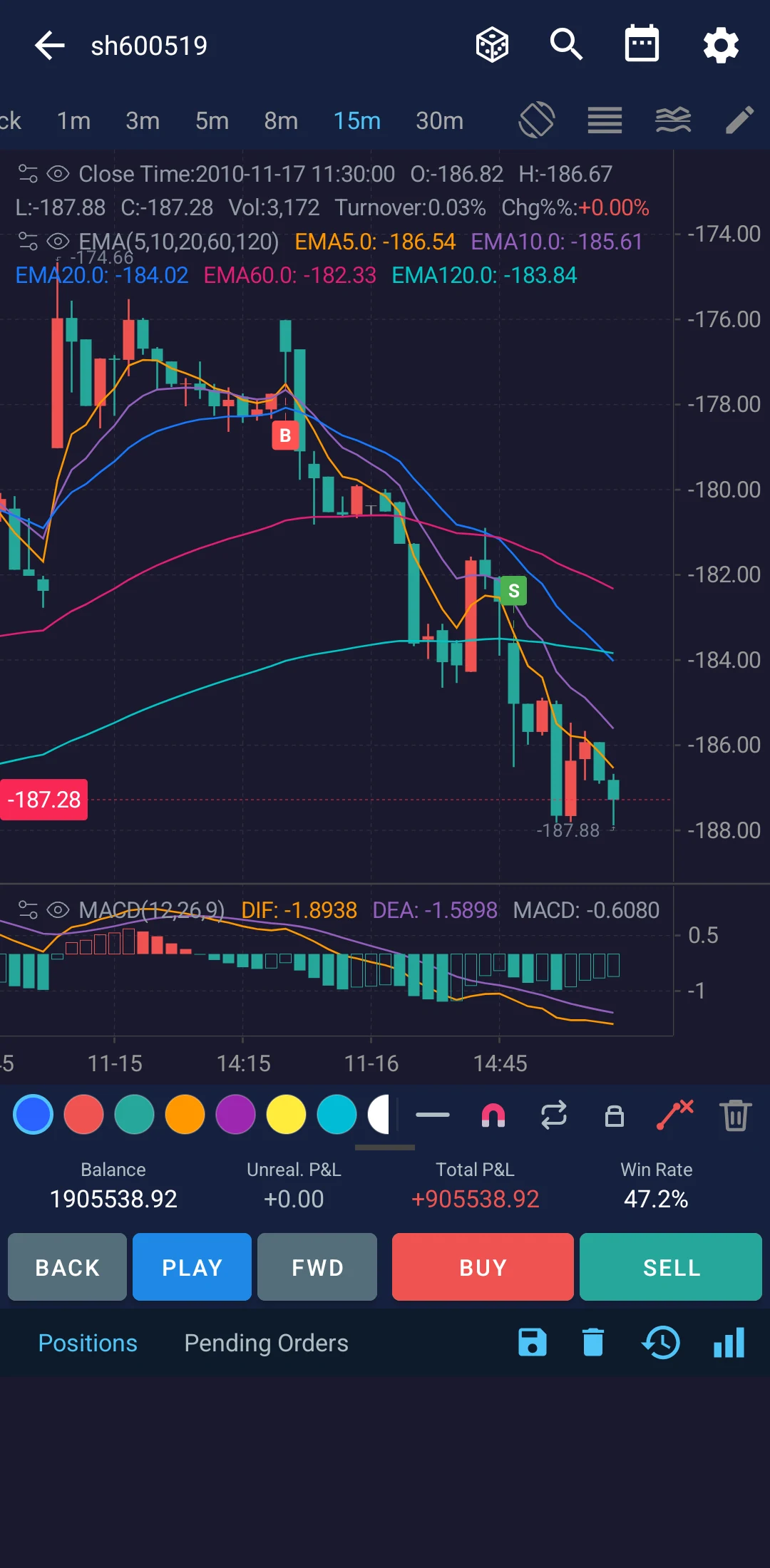
Jump from an order to its execution on the chart
Open the instrument and candlestick associated with an entry or exit in Order History.
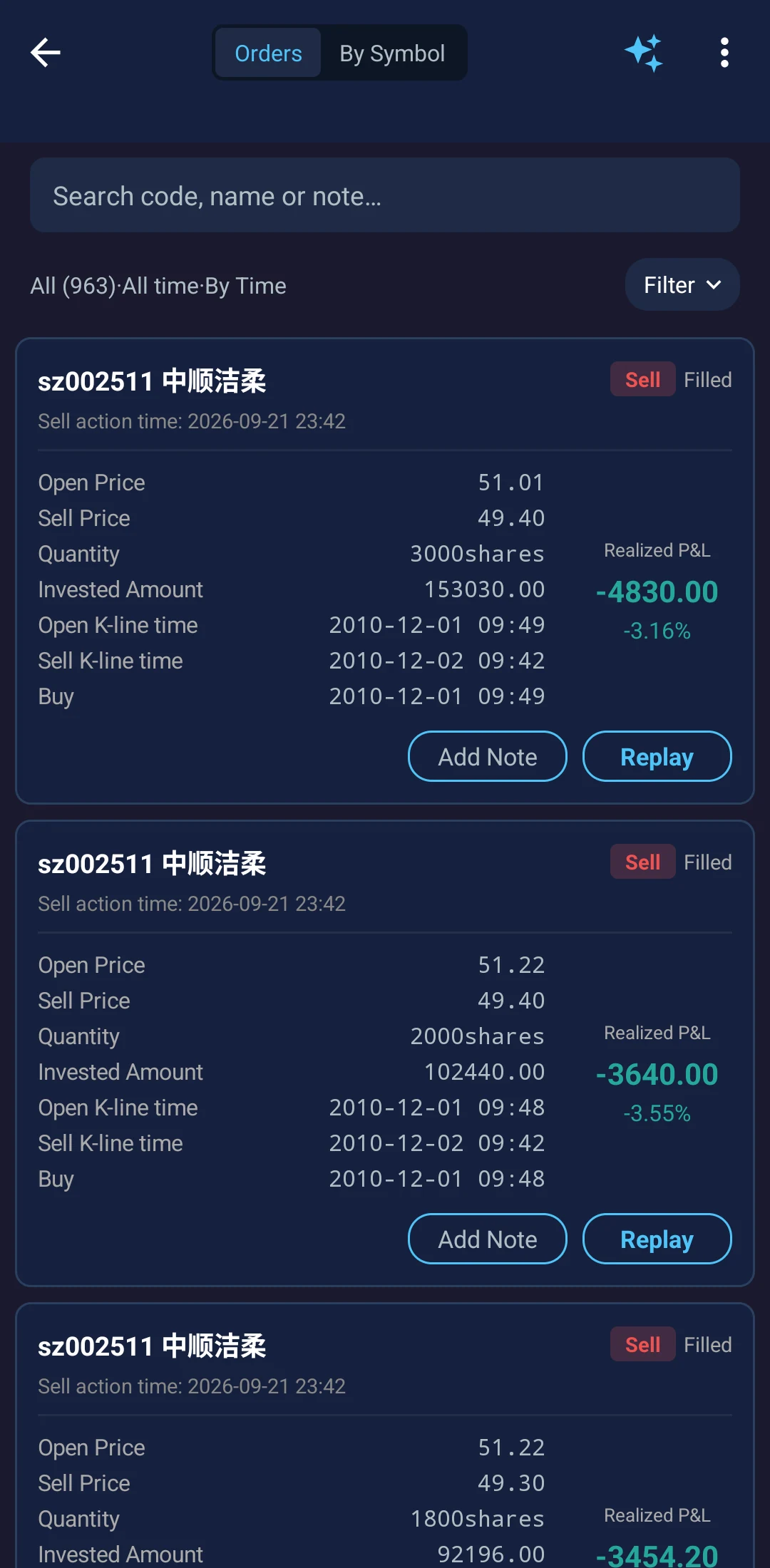
Find a filled entry or exit
On the Orders tab, find a filled entry or exit by searching or filtering by date or instrument. Check the direction and execution timestamp on the card.
Tap Replay to jump to the relevant candle
If the card has a Replay button, tap it to open the instrument’s chart. An entry opens at the entry candle time, and an exit opens at the exit candle time. Imported records without identifiable instrument information may not open on the chart.
Review the bars around the execution
Check the chart timeframe, then use Back or Fwd to review nearby bars. Tap a trade marker to check the execution price or your note.