
Compare an instrument with market indexes on mobile
Add up to three indexes and view their movement and indicators in separate panes.
Open Indicator Settings
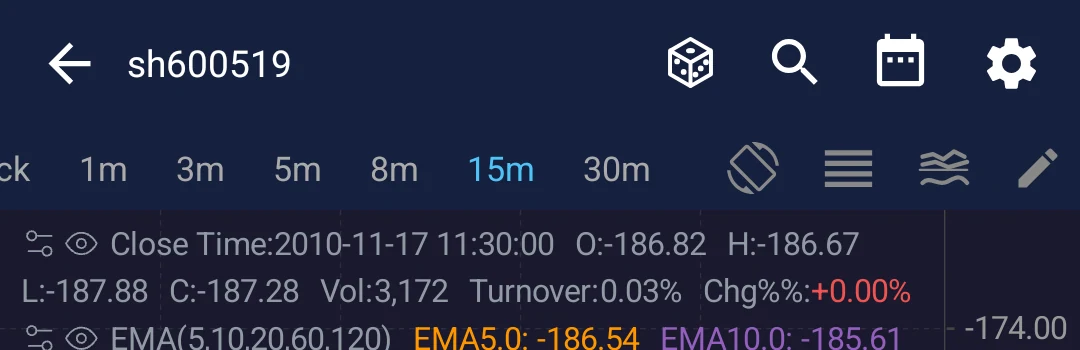
Tap the three wavy lines to the right of the timeframe tabs, between the three horizontal lines and the pencil.
Find market indexes in Indicator Settings
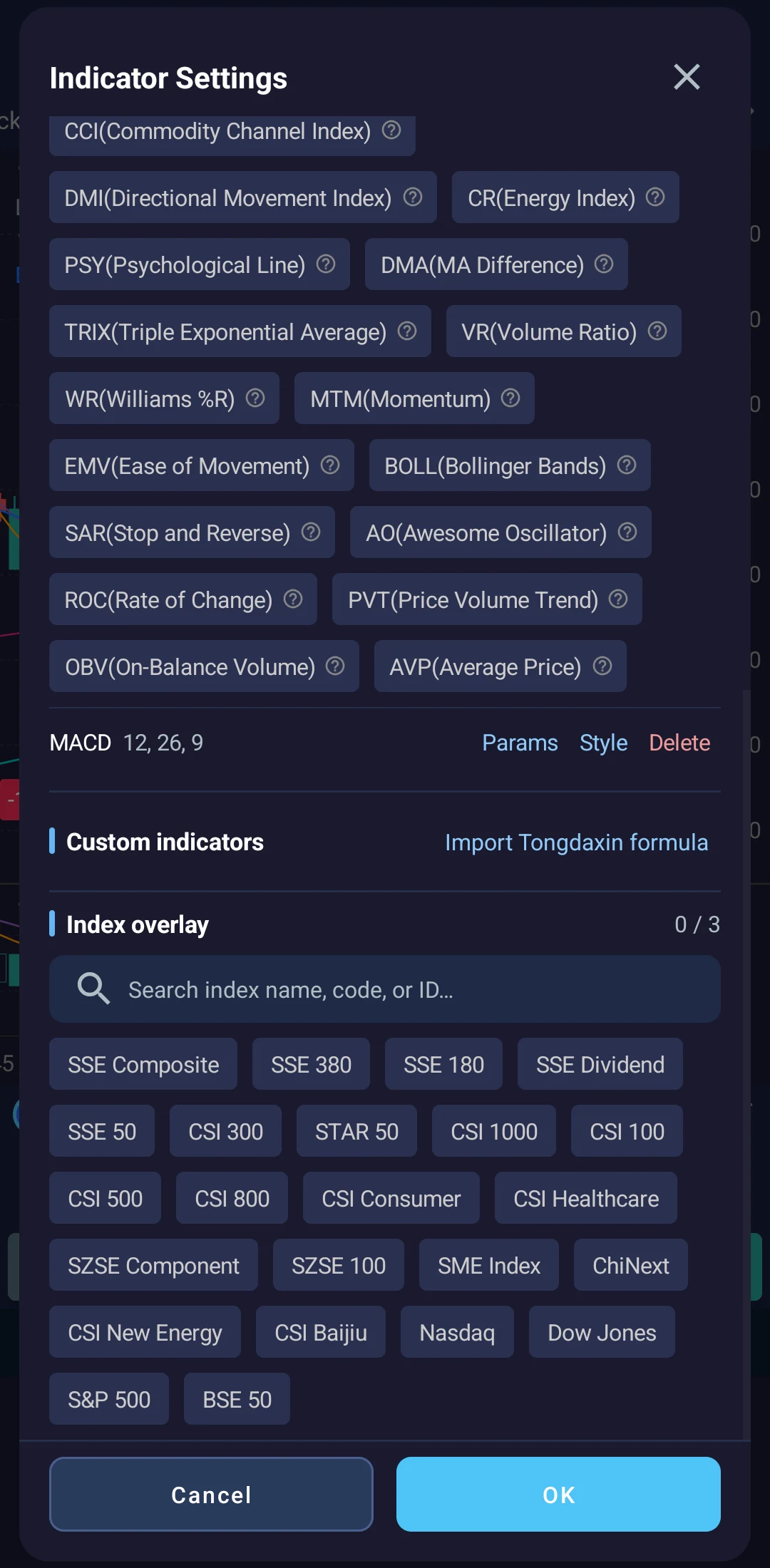
Scroll to Index overlay. Choose a common index below the search box, or search by name or code. Tap OK at the bottom right when you have selected up to three.
Compare the moves on the chart
After applying, use the index pane to compare moves at the same replay time. Its own settings let you switch to candlesticks, manage that index’s indicators, or remove the index.