
Check your daily replay time on mobile
Open the home screen summary to see replay time for today, this week, the last 30 days, and individual dates.
Open the replay time summary
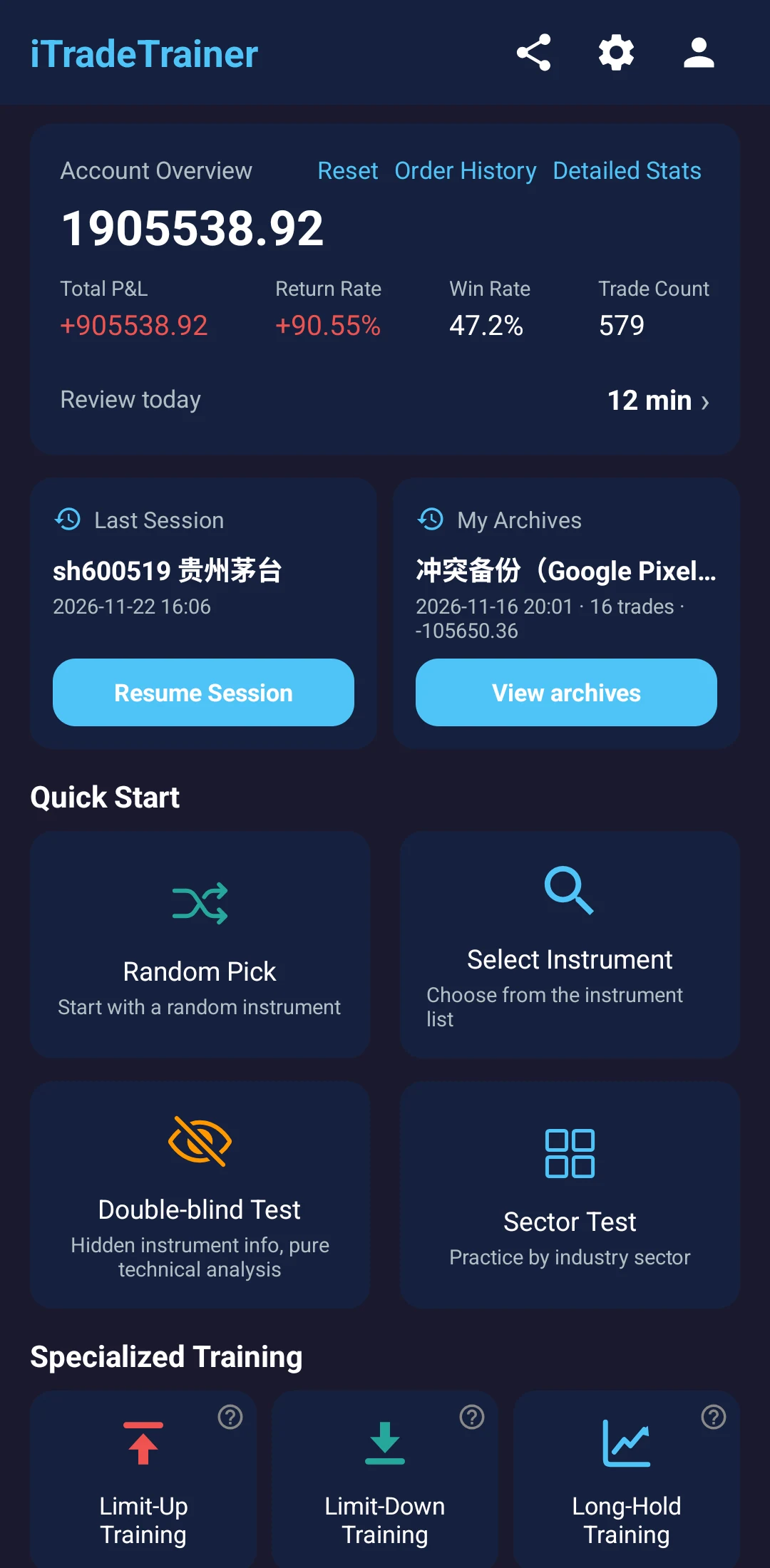
In Account Overview on the home screen, tap Review today. The number on the home screen is your accumulated replay time for today.
Check totals and the daily breakdown
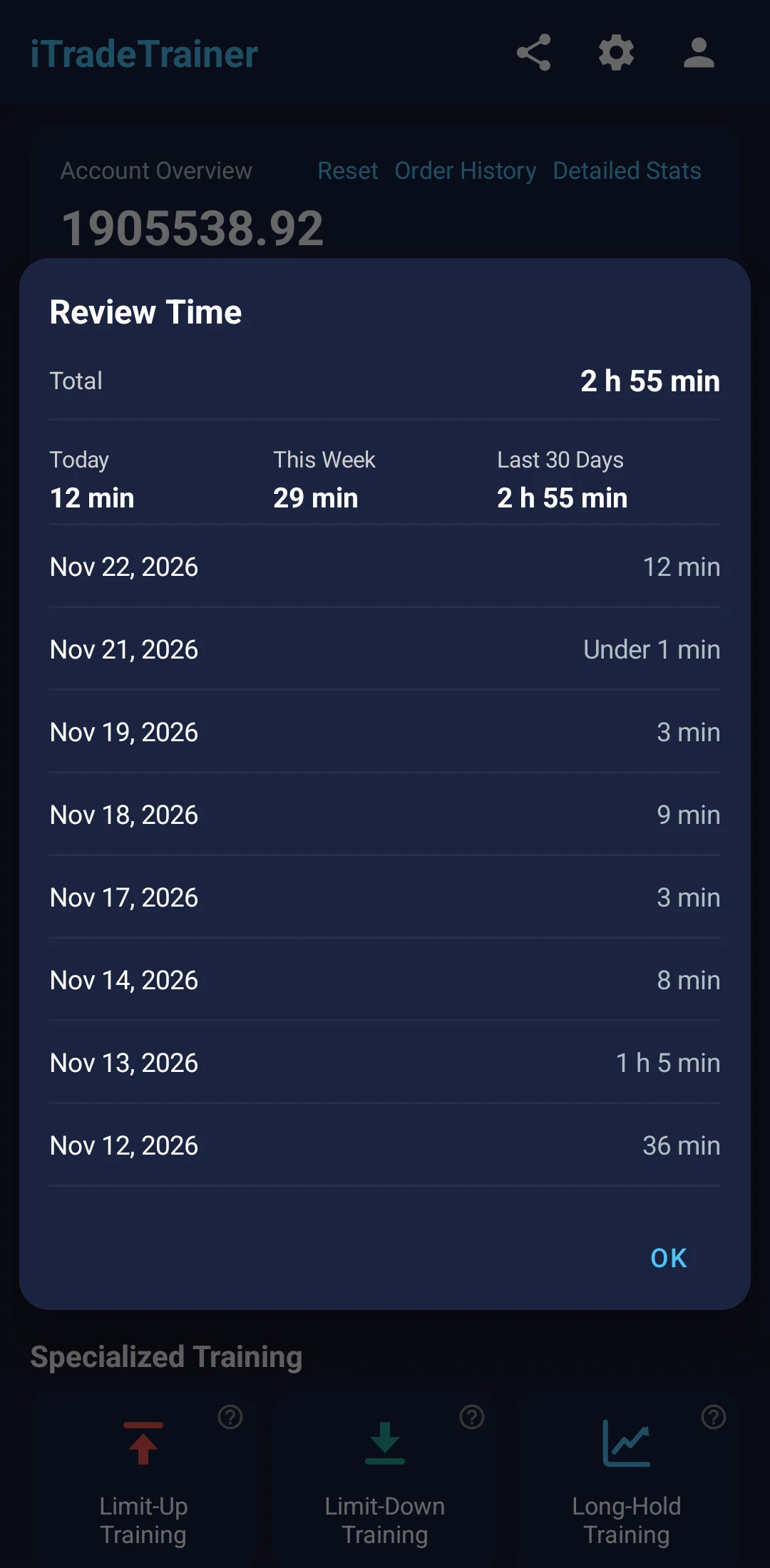
The dialog shows your total replay time and subtotals for today, this week, and the last 30 days. Scroll the daily list below to see earlier dates.
Use the time log to review practice frequency
Replay time tracks active use of the trading screen. Timing pauses when you leave the screen or remain idle. Use the daily log to see how regularly you practiced.