Find mobile settings and manage cloud sync
Search chart and trading preferences, and manage order and archive sync independently.
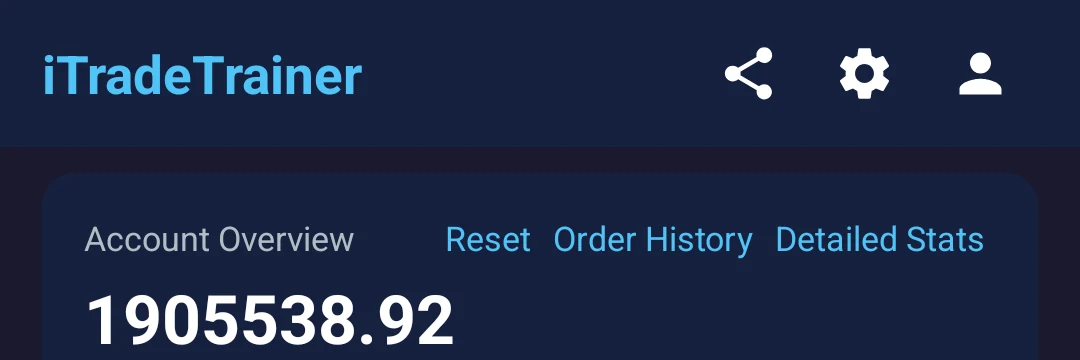
Open Settings from the home screen
Tap the gear at the top right, between the share icon and the person icon. On the trading screen, the gear is the rightmost button on the top row.
Find a setting by keyword
Tap Search settings just below the title and enter a word such as price adjustment, playback, or stop loss. Tap a result to jump to that setting.
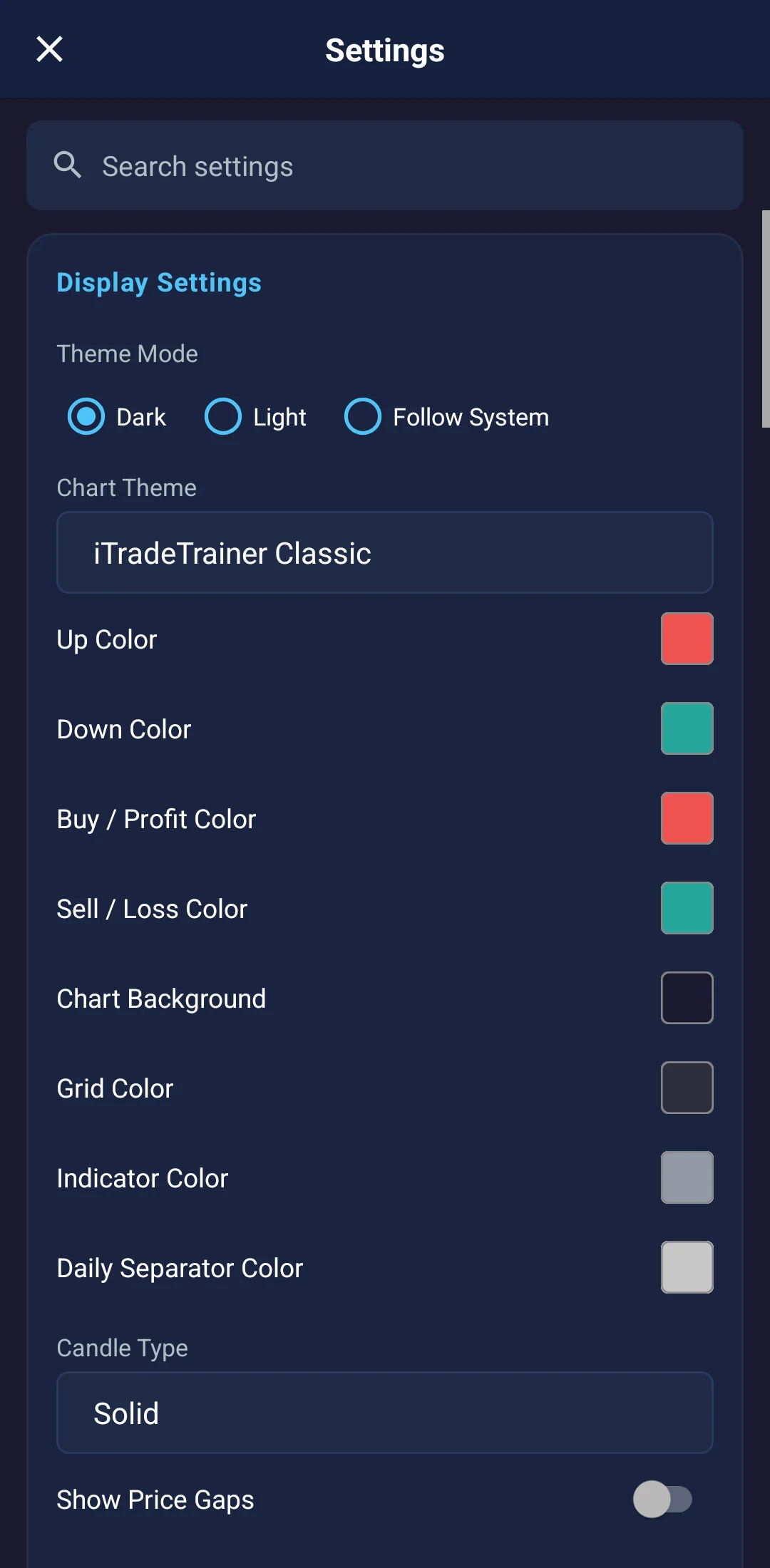
Adjust the chart display
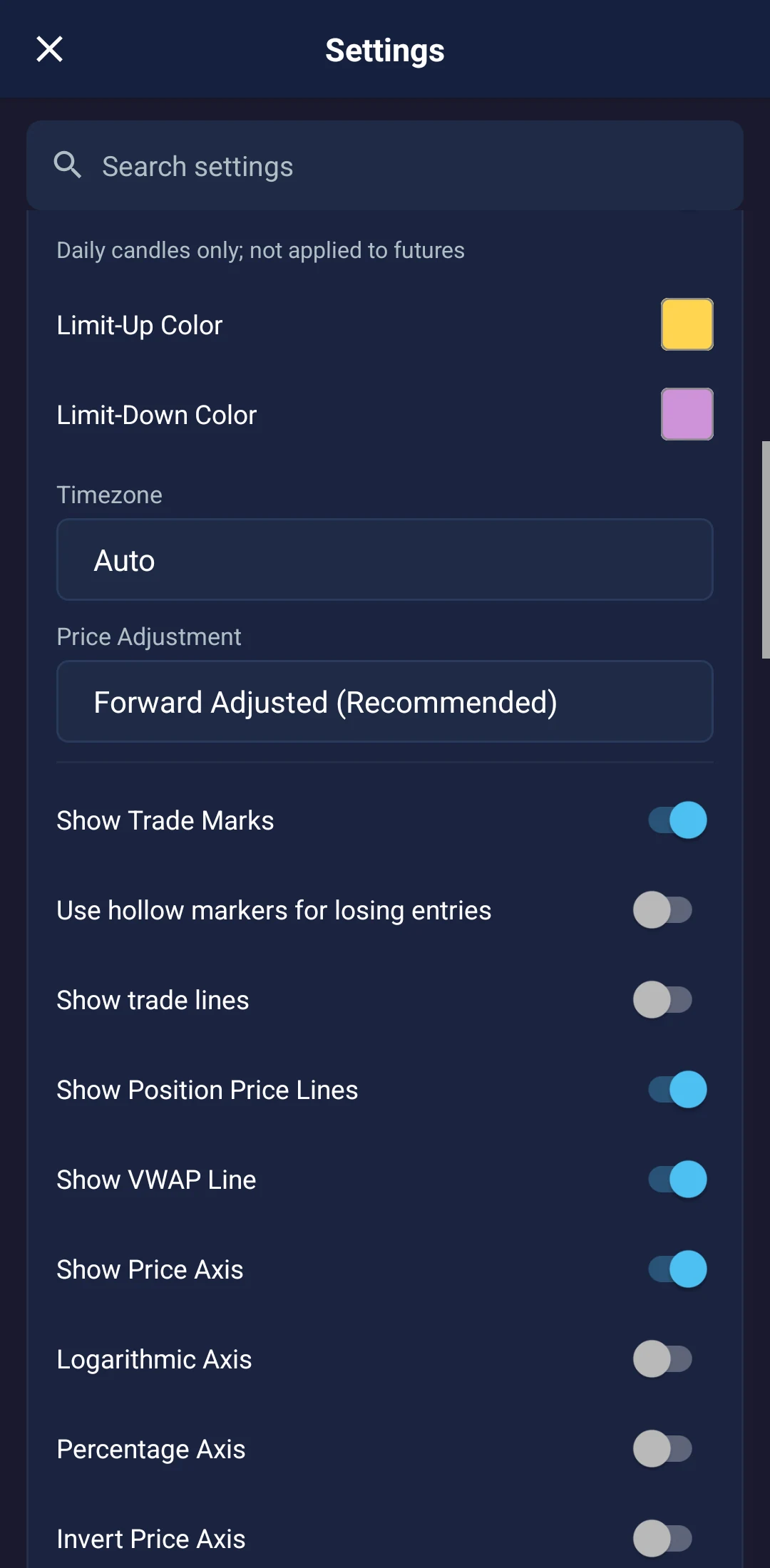
In Display Settings, choose a Price Adjustment mode. Turn on Show Trade Marks and Show trade lines to review executions on the chart.
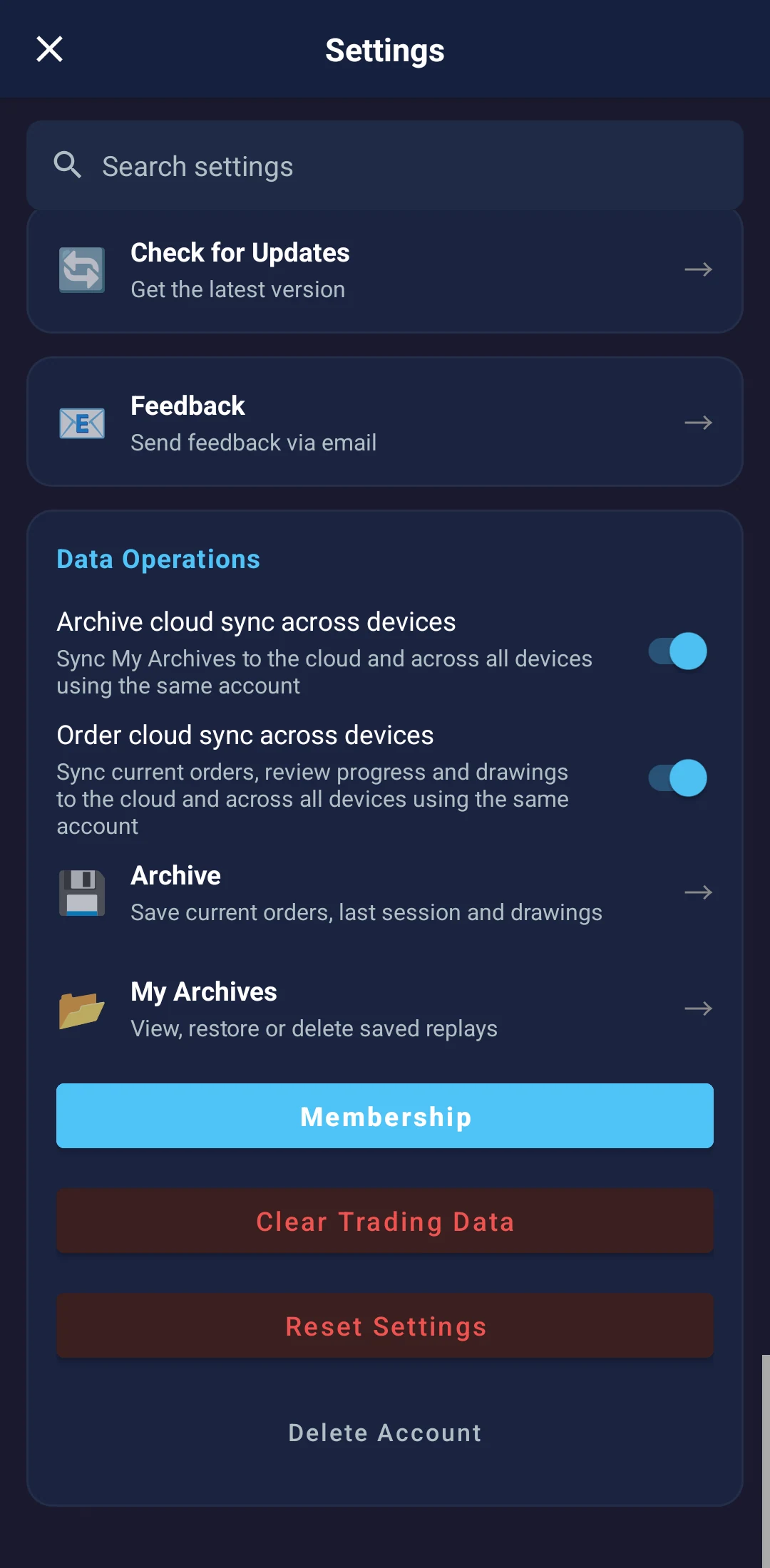
Manage order and archive sync separately
Sign in to the same account on the devices you want to sync. In Data Operations near the bottom of Settings, use the separate Archive cloud sync across devices and Order cloud sync across devices switches.