
Start a blind test and hide real prices
Practice with the instrument identity hidden and optionally normalize the starting price to 100.
Open Blind Test
In Quick Start, click the lower-left Blind Test card with the crossed-out eye.

Set the range and start the blind test
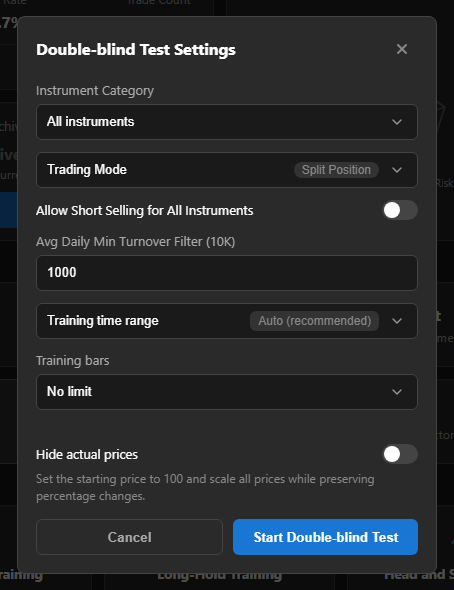
Check the instrument, dates and bar count. To use 100 as the starting close, turn on Hide actual prices at the bottom, then click Start Double-blind Test.
Practice using the displayed quotes
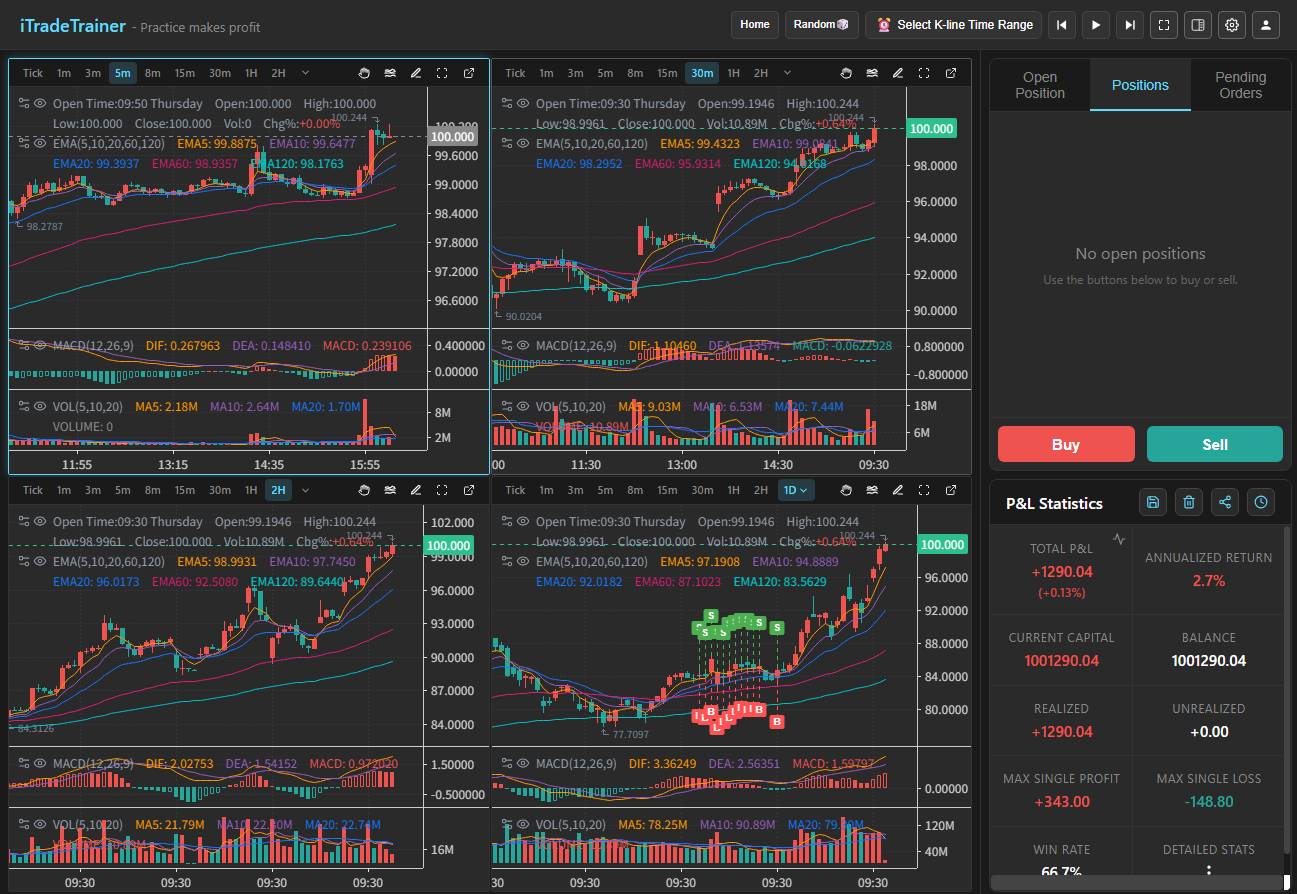
Check that the symbol is hidden and use the displayed prices for any order conditions.
Check the reveal at the boundary
Review the symbol and range results. Check the reveal prompt before exporting actual prices to CSV.