
Reset a forgotten password using a verification code
Open password recovery from Sign In and use your new password on your usual devices.
Open the sign-in window
Click the person icon in the upper-right corner of Home.

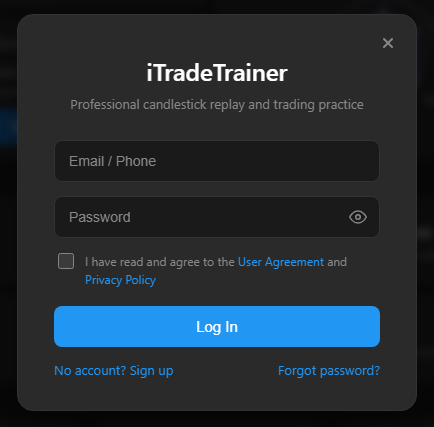
Choose Forgot password?
Click Forgot password? below and to the right of the blue Log In button.
Request a code for the original account
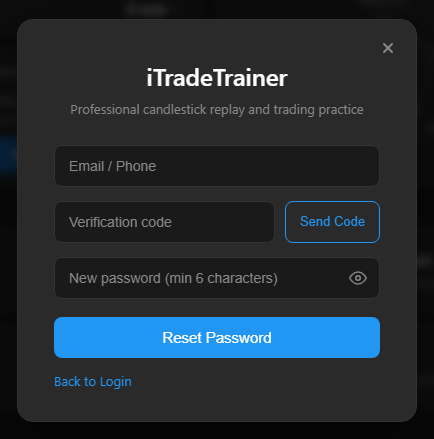
Enter the registered email or phone number and select Send Code.
Submit the new password and sign in
Enter the code and a new password of at least six characters. Sign in again and check the account.