Set a replay date range, fixed start and bar count
Choose separate starting and ending conditions to compare repeat runs or draw random samples.
Open training settings
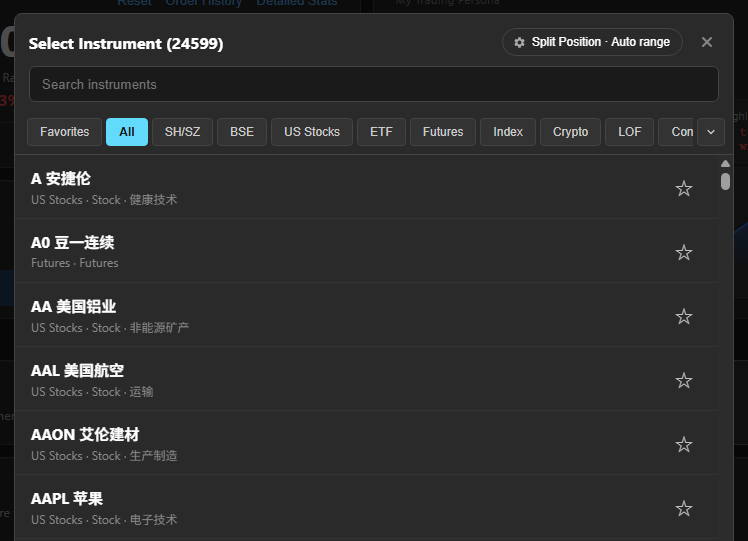
From Home, choose Select Instrument and click the gear summary in the top right of the list.
Set the dates and choose how replay starts
Expand Training time range and enter your dates. Turn Fixed Start Time on for the first usable candle, or off for a random start.
Set the bar count and enter the replay
The bar count is in daily candles. Click Confirm, select an instrument, and check the actual replay date.
Open the date selector from the trading page
Click the clock-marked date-range button to the left of the playback controls.

Reposition the current instrument
Fill in the range and click the green Confirm Selection button. Use Random Time below to draw a starting point.