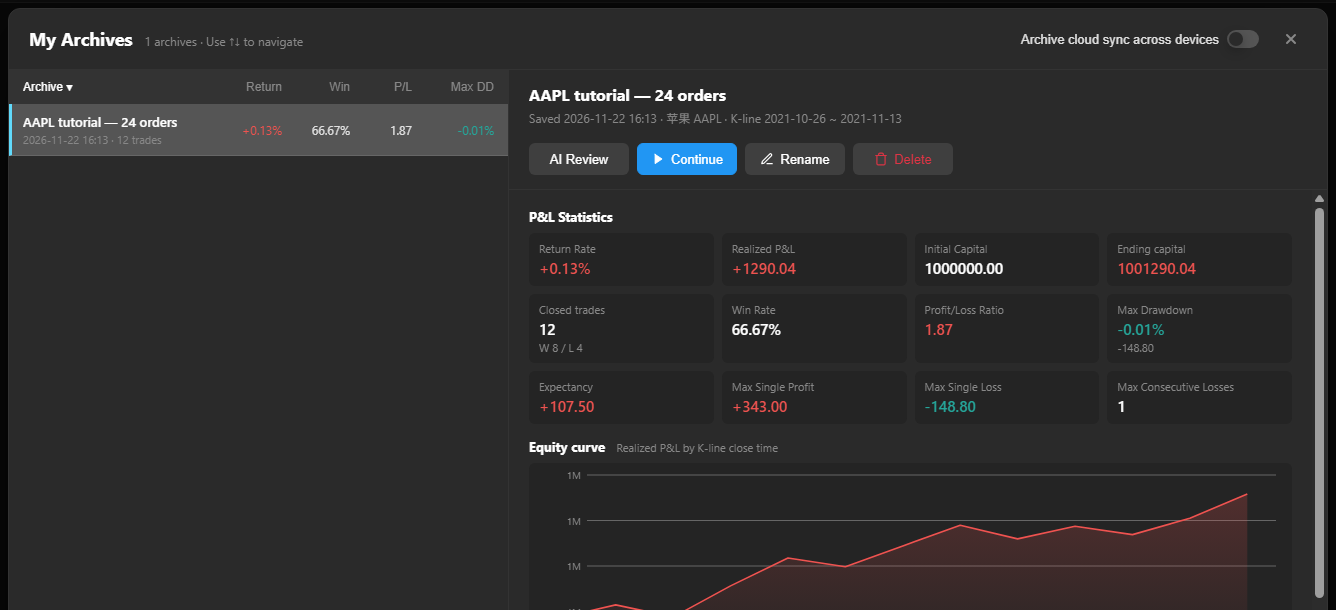
Resume your last replay
Return to the most recent replay position or save separate checkpoints as archives.
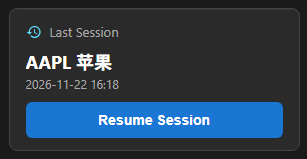
Choose Resume Session from Home
Find Last Session below Account Overview, check the symbol and click the blue button on the card.
Verify the restored position
On the trading page, check the symbol and chart date, then verify positions or pending orders on the right.
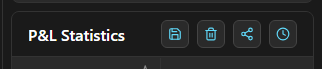
Use the disk icon to keep a checkpoint
Before switching exercises, click the disk icon beside P&L Statistics, then enter a name and save.
Find a saved checkpoint
On Home, click View Archives on the My Archives card. Select a record and save your current work before clicking Continue.