
Sign in, register or redeem an activation code
Find the account panel, sign-in options and membership status.
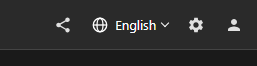
Open the account entry
Launch the desktop app and use the account icon at the top of Home.
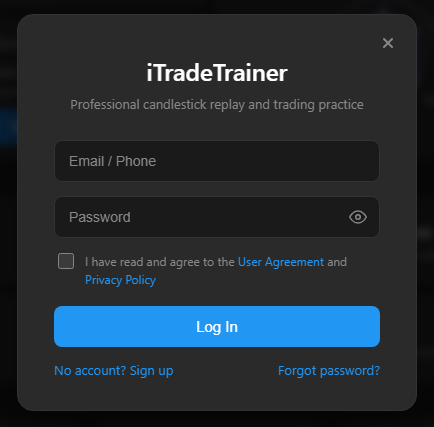
Sign in or create an account
Sign in with your registered email or phone number and confirm the agreement. For a new account, choose the registration link.
Check membership status
Reopen the account panel, redeem an activation or renewal code if applicable, then verify the status or expiry.