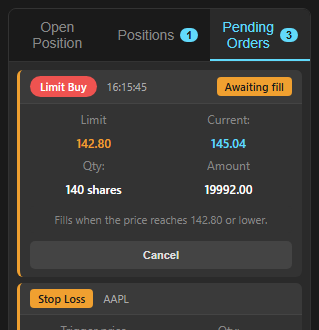
Place and adjust orders directly on the chart
Use the context menu to enter at a price level and drag order lines to change prices.
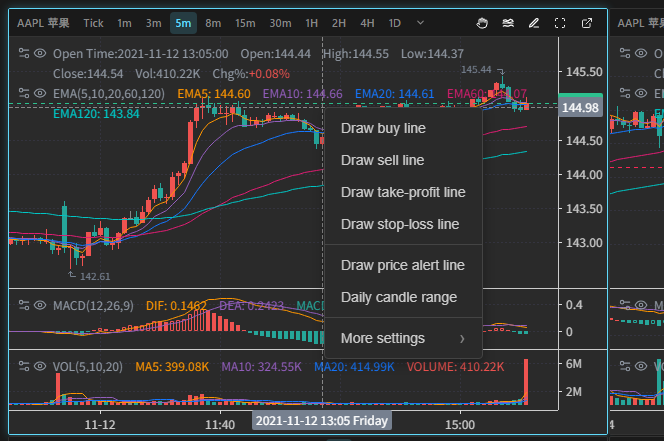
Right-click the chart and choose Draw buy line
Pause and right-click a blank spot in the plot. For a spot instrument, choose Draw buy line at the top.
Place the preview line
Move the line to your target, left-click to confirm and review the quantity when prompted.
Move the pending order line
Drag the line while the order is pending, then verify its new price in Pending Orders.