Choose full position, split position, fixed amount or fixed quantity
Set how the app sizes each simulated entry for your practice session.
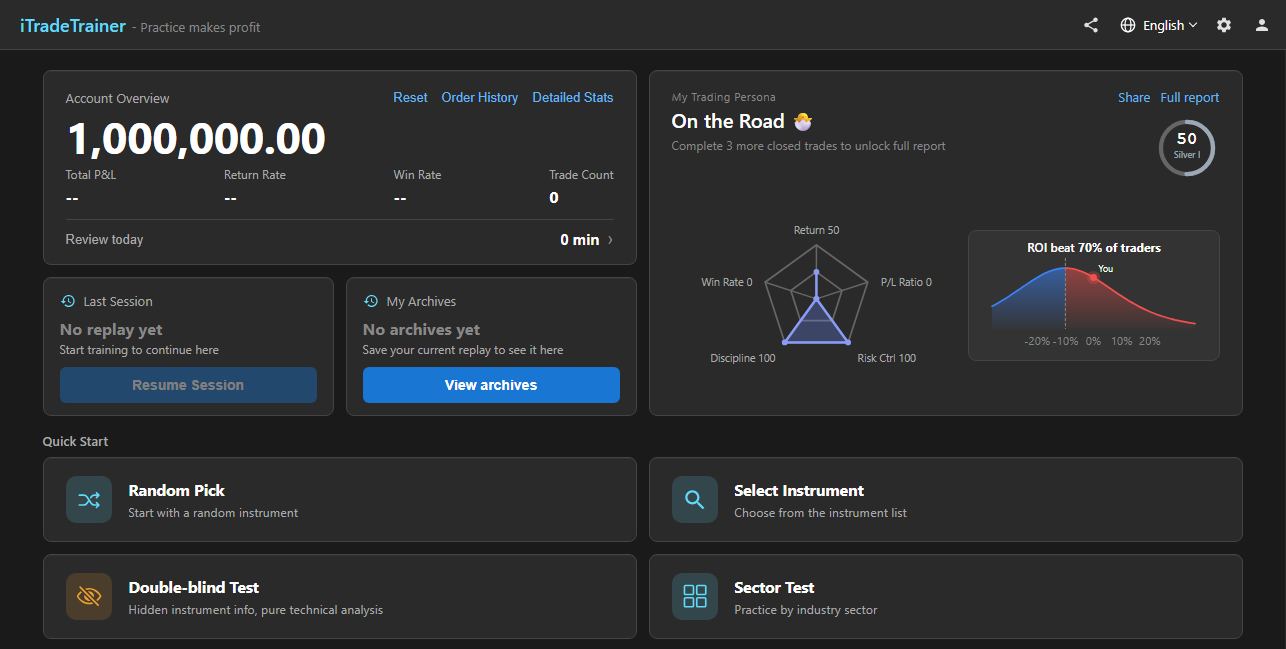
Open the training settings from home
Under Quick Start, click Double-blind Test, the lower-left card with a crossed-out eye.
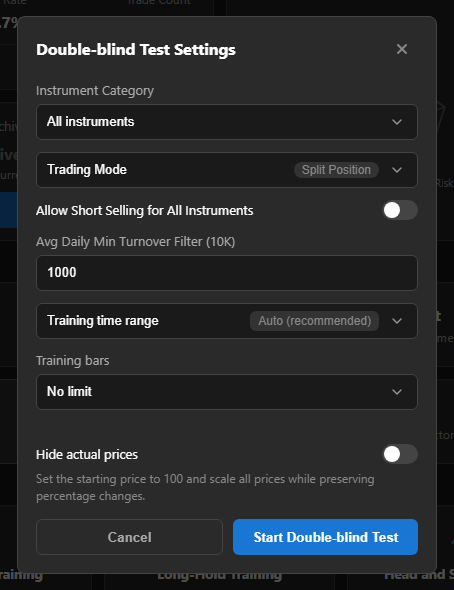
Expand the Trading Mode row
Click the down chevron beside the current trading mode in the launch settings.
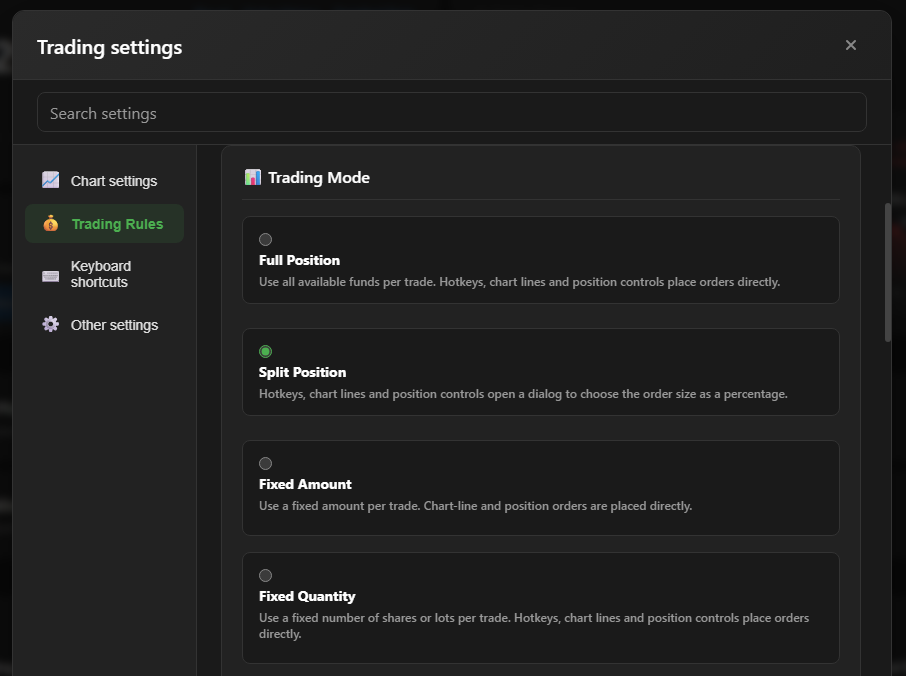
Select the circle beside a mode
Choose Full, Split, Fixed Amount or Fixed Quantity. Enter the value for either fixed mode. The image shows the same choices under Settings → Trading Rules.
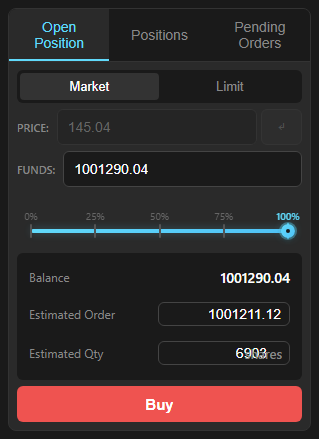
Review the estimate
Check estimated cost and size in the entry panel, accounting for the instrument’s size increment and minimum.