
Place a limit order and manage pending orders
Set a price to open or close a position, then check and cancel pending orders.
Set an entry or exit price
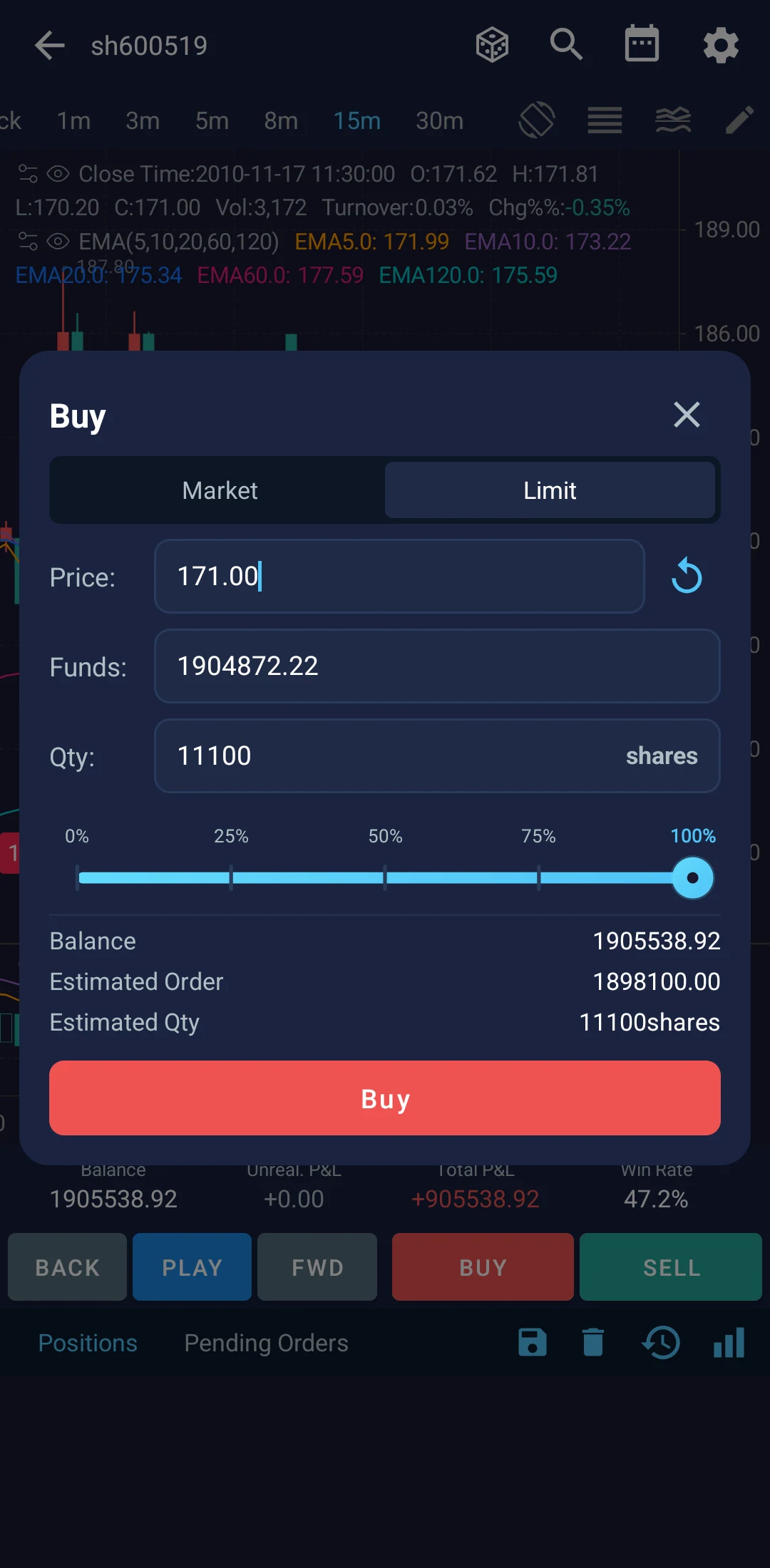
Use Split Position mode to open the order form. For an entry, choose Buy, Long, or Short as appropriate. For an exit, select the position to close. Switch to Limit, enter the price and size, and submit.
Advance the replay and check the order
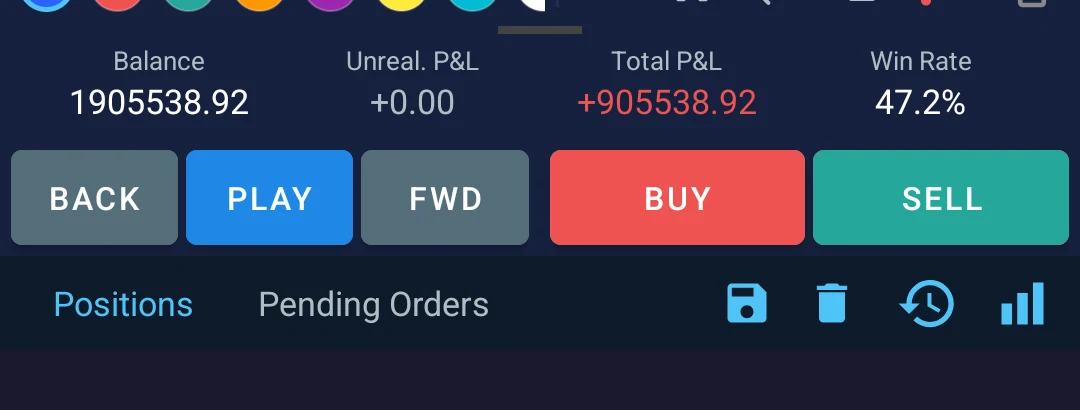
Open Pending Orders below the chart. The trigger direction depends on the limit price relative to the price at placement. For example, if the limit is below that price, the market must move down to the set price during the replay before the order can fill.
Cancel a pending order
Find the pending item under Pending Orders and tap Cancel. To use a different price, cancel the old order and submit a new one.