Practice short selling and work with T+1 limits
Distinguish opening a short from selling a long holding, and see how same-day purchases affect sellable quantity.
Check which actions the instrument allows
On a spot instrument, Sell reduces an existing holding. Instruments that allow shorting show Long, Short, and Close Position. Short opens a short position, which you can close using Close Position.
Enable shorting for other instruments
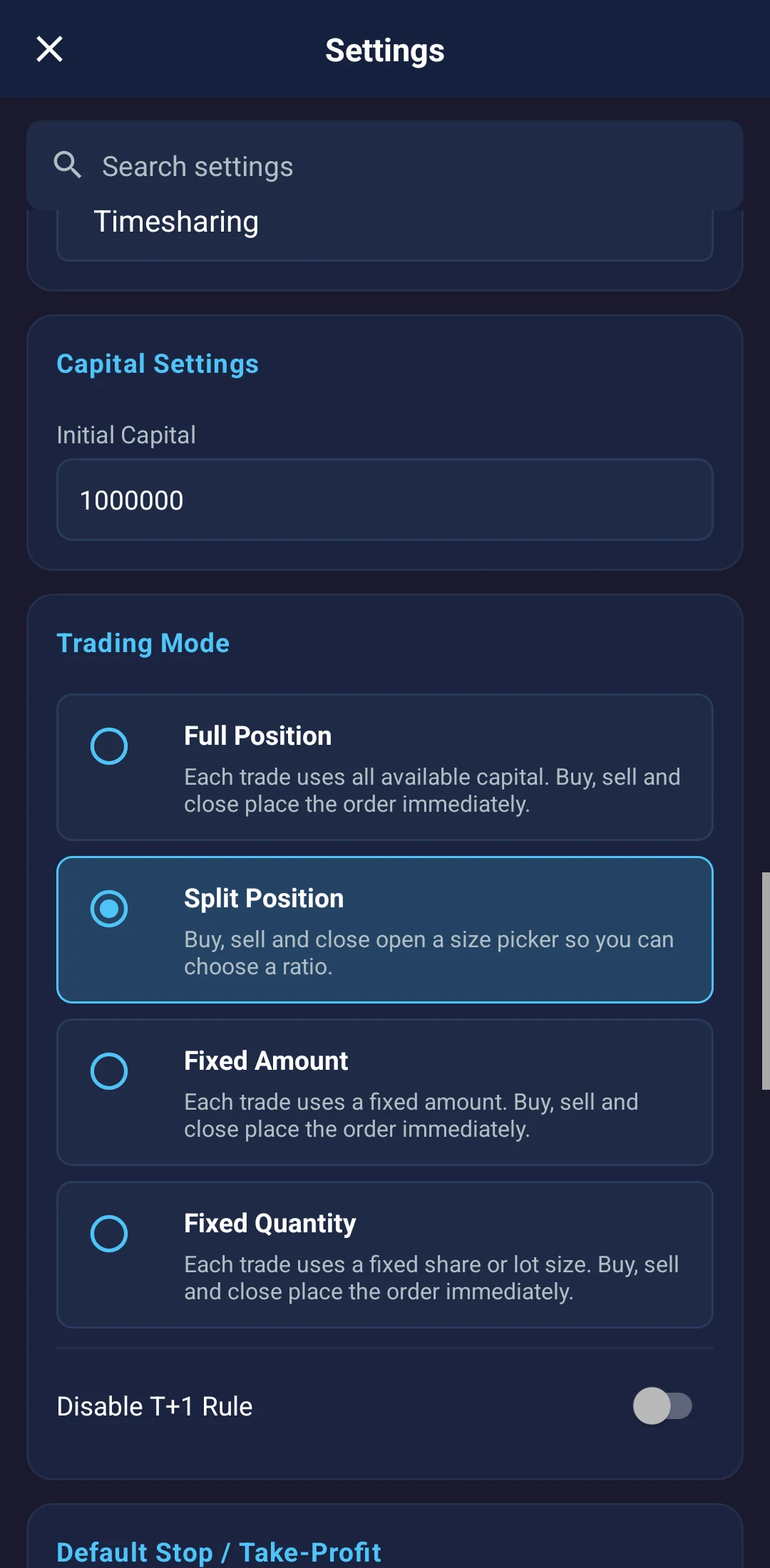
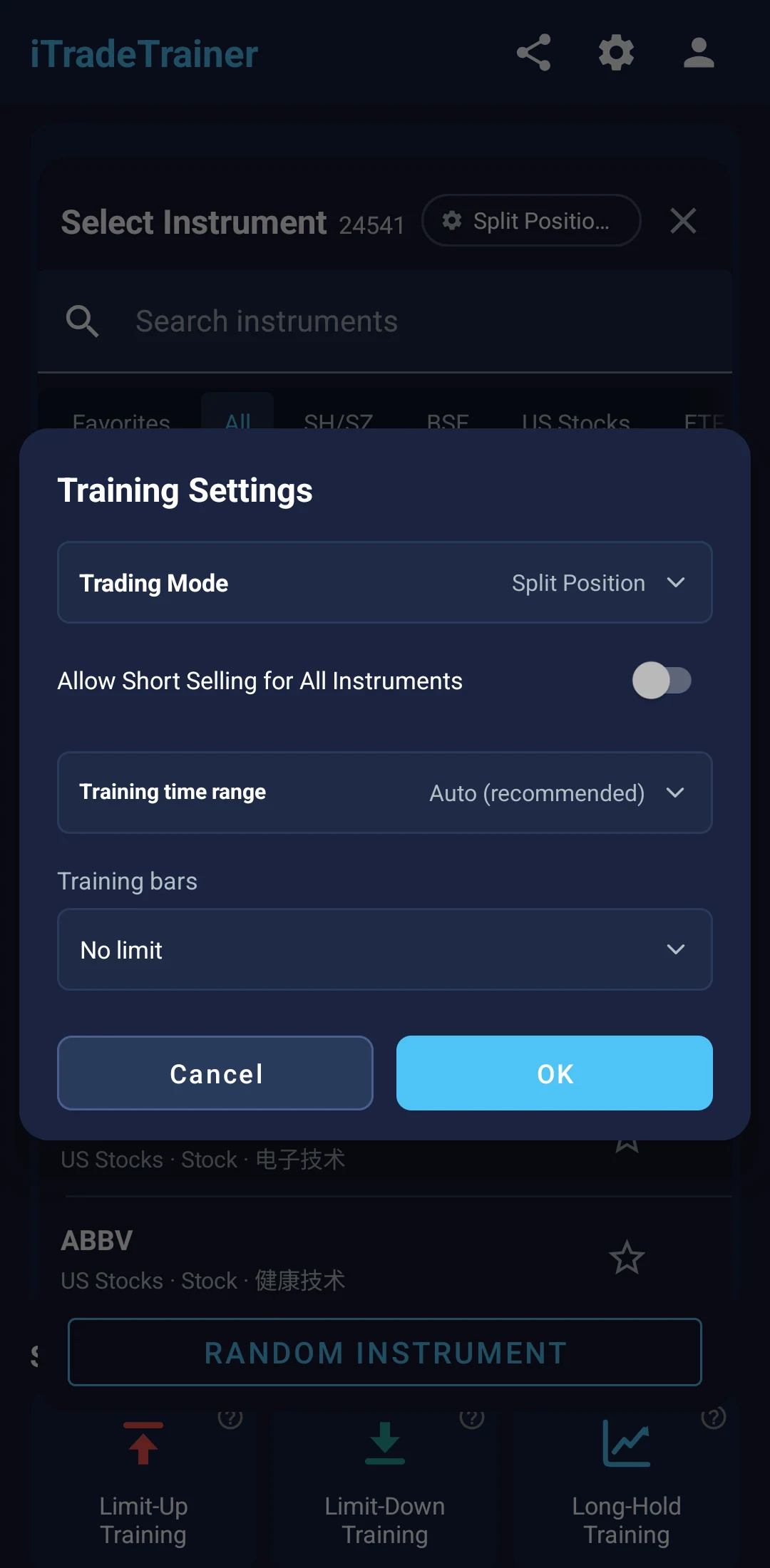
To practice short selling on other instruments, turn on Allow Short Selling for All Instruments in training options or trading settings. The simulator then applies futures-style margin, leverage, and T+0 rules.
Check sellable quantity against the replay date
For a spot instrument subject to T+1, shares bought on the current replay trading day become sellable on the next trading day. An older portion of the same position can still be sold. Search T+1 in Settings if you want to practice with a different rule.