
Open or close a position with a market order
Check order size in the Split Position form, trade at the current replay price, and review your position.
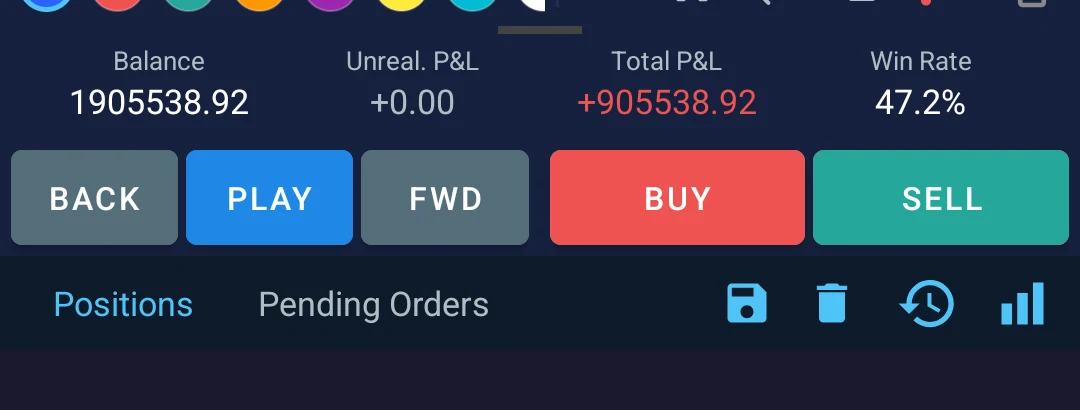
Open the Buy form below the chart
Use the gear on the trading screen to set Trading Mode to Split Position. Return to the chart and tap Buy or Long at the bottom.
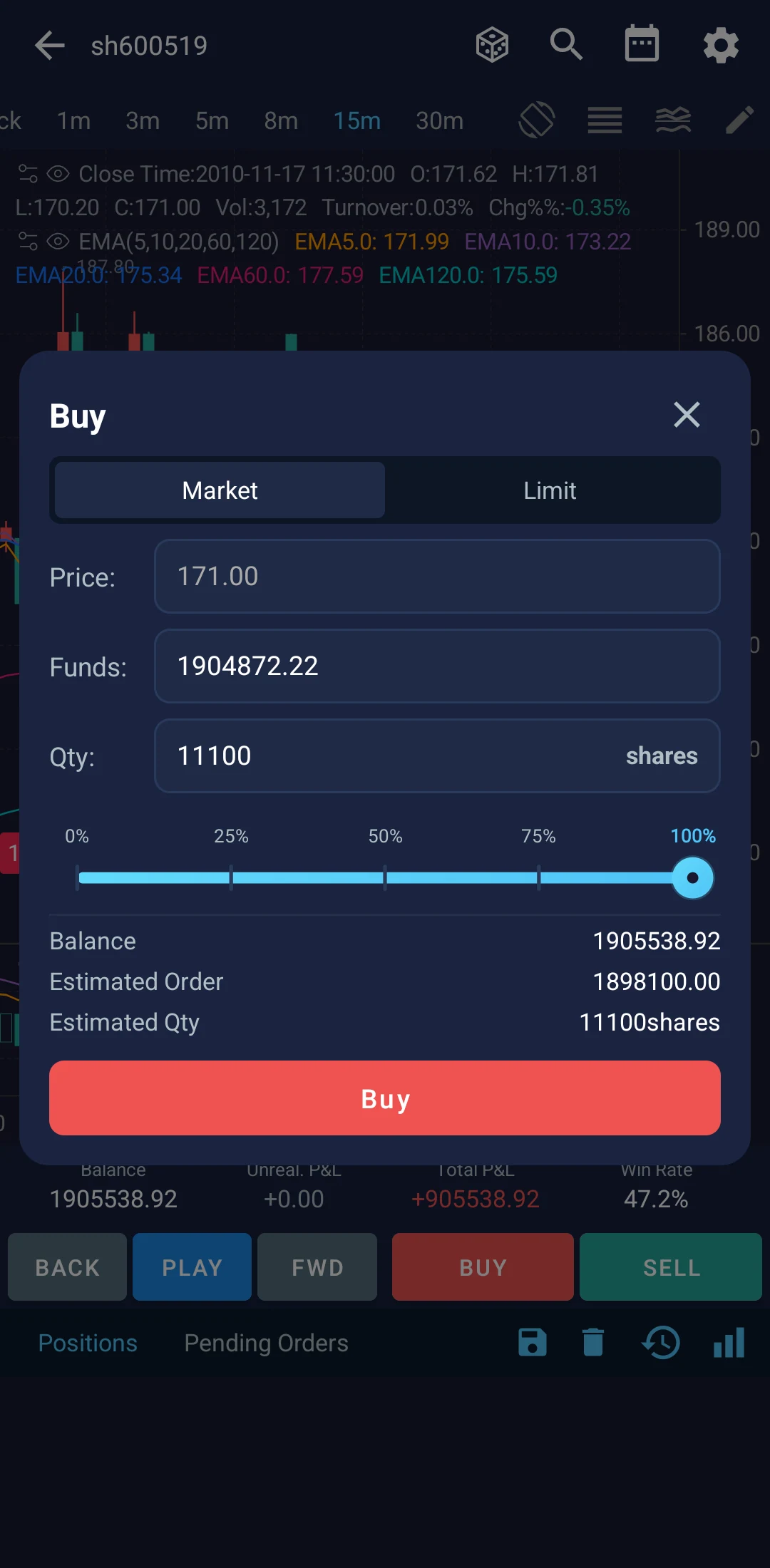
Choose Market and check the order size
Select Market to order at the current replay price. Enter a cash amount, share count, or contract count, or use the percentage slider. Check the estimated quantity and amount before tapping Buy at the bottom.
Check positions and choose how much to close
After the fill, tap Positions at the bottom. To close a position, tap Sell or Close Position. If there are several, choose one first, then select Market and enter the closing quantity.
Walk through a practice sessionAdd a stop loss or take profit to a position