
Reset a forgotten mobile password with a verification code
Request a code using the email address or phone number you registered with, set a new password, and sign in again.
Open the password reset form
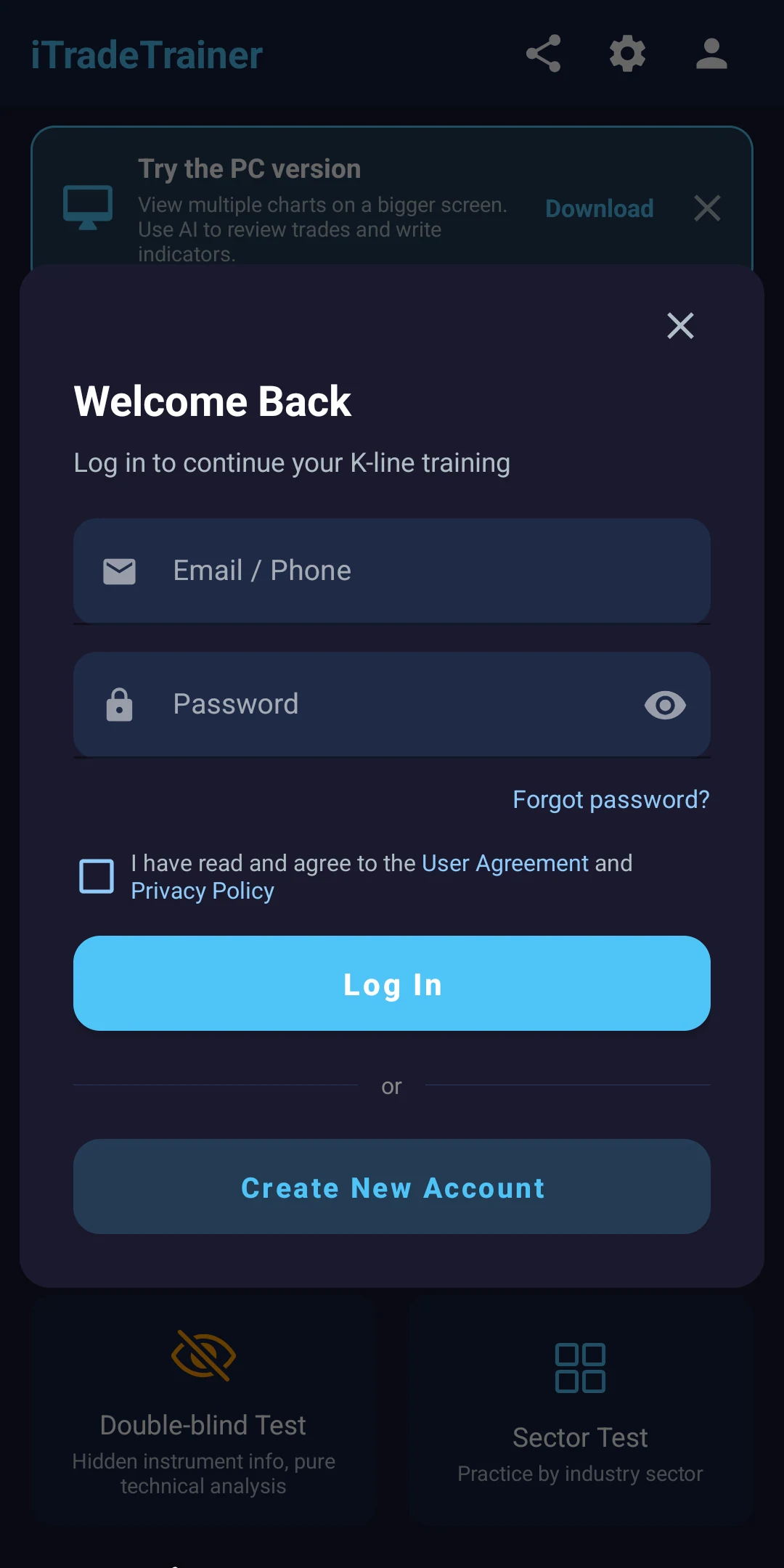
Tap the account icon on the home screen, then tap Forgot password? below the password field.
Request a code and set a new password
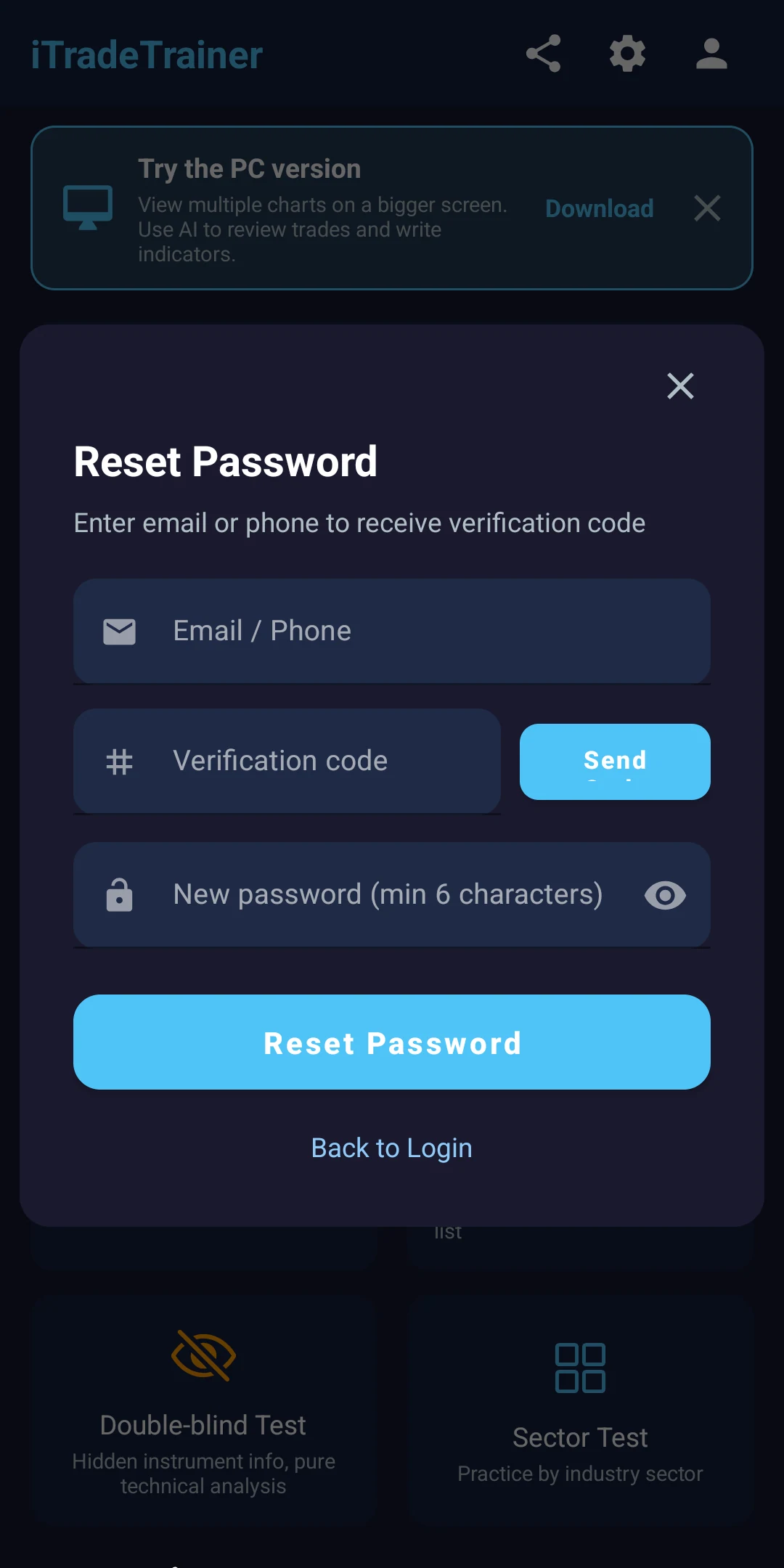
Enter your registered email or phone number and tap Send Code. If the code does not arrive, double-check the account and look in spam or blocked messages. Enter the code and your new password, then tap Reset Password.
Sign in with your new password
After the reset succeeds, return to the sign-in form and use the same account with your new password.