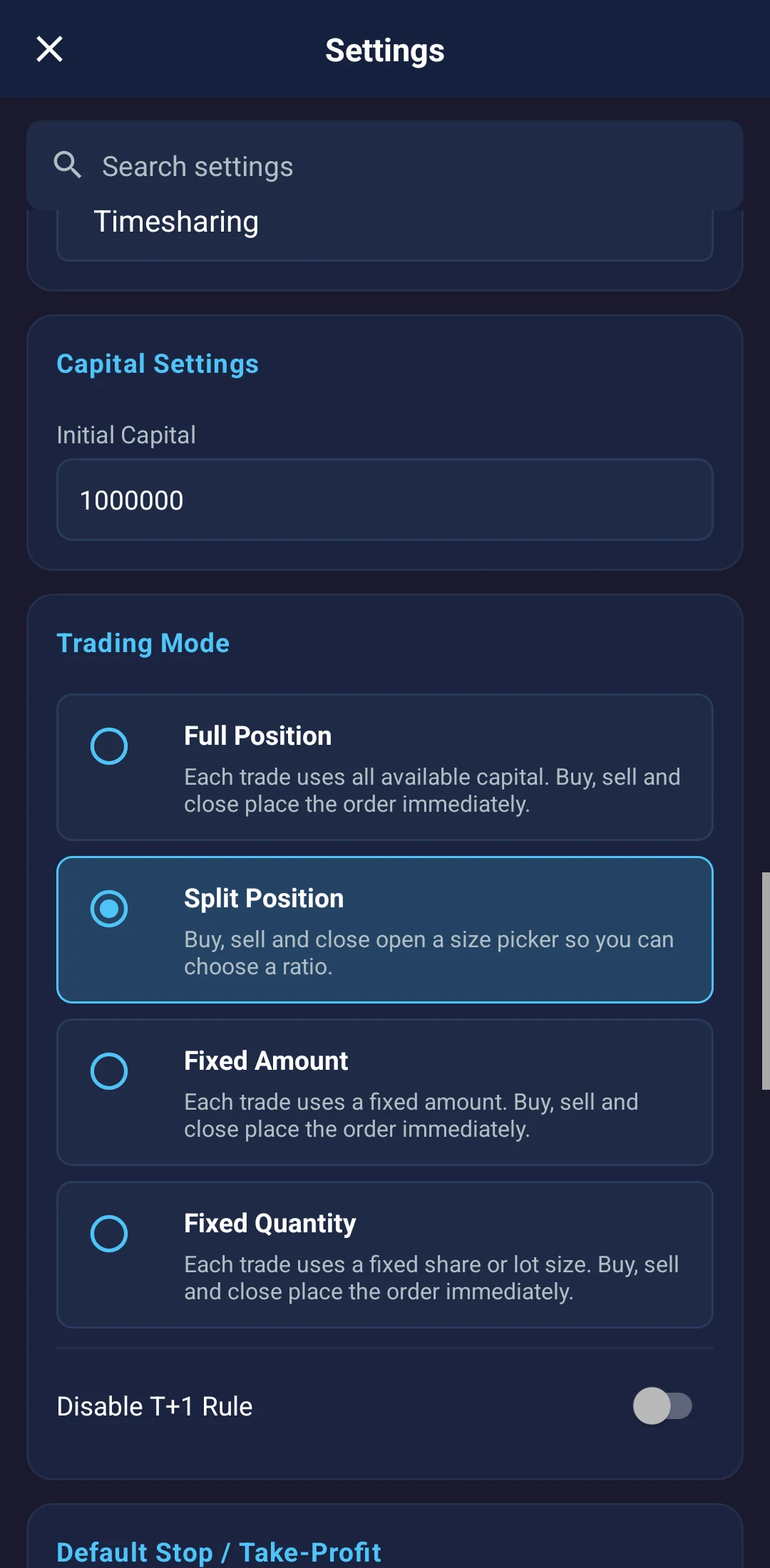
Find mobile settings by keyword
Search chart, playback, and trading settings and jump to the setting you need.
Open Settings
Tap the gear in the upper-right corner of the home screen. The trading screen also has a gear in its top-right corner.

Search for part of a setting name
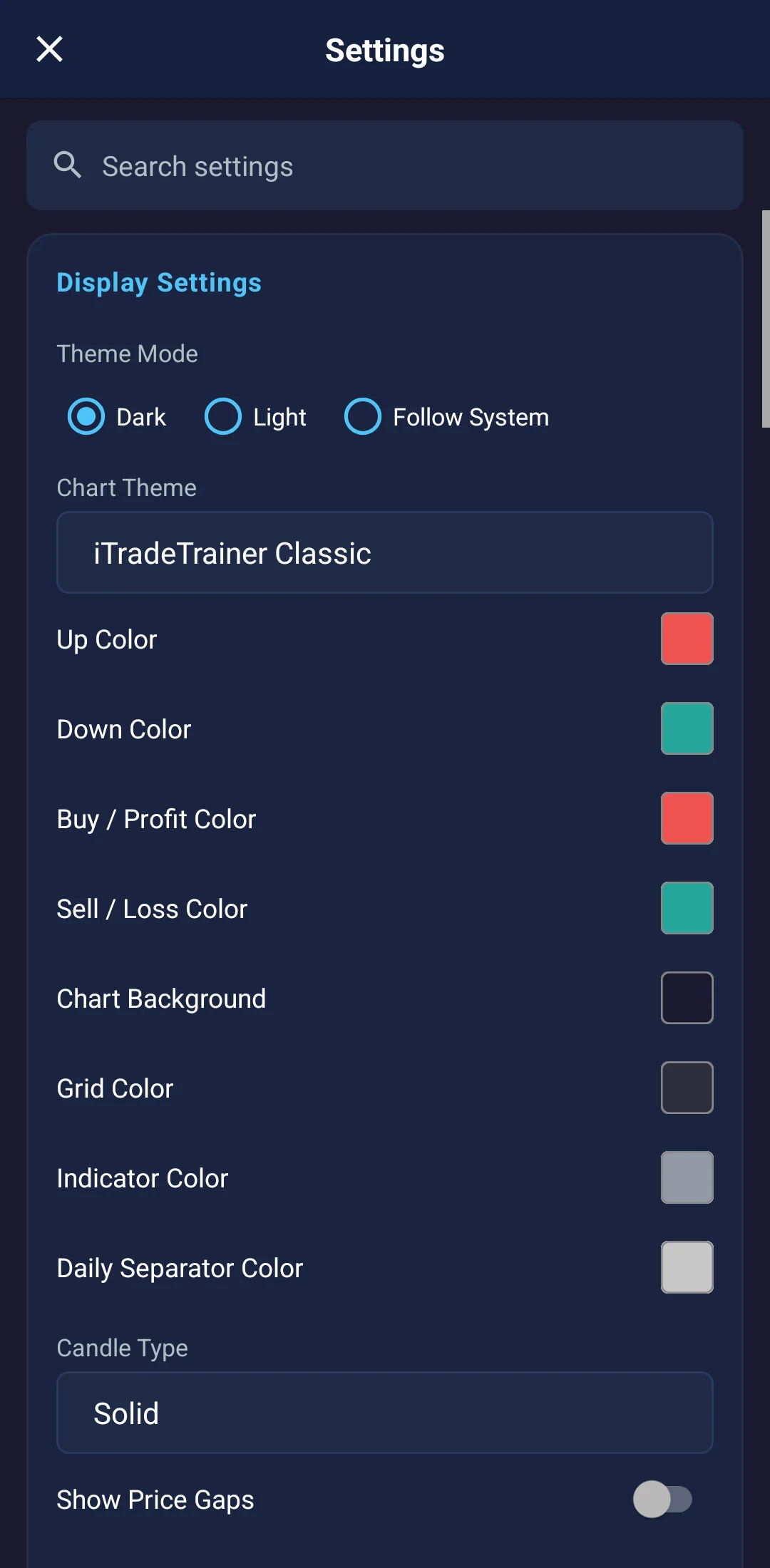
In Search settings, try a word such as stop loss, adjustment, or playback. The results list matching settings and their categories.
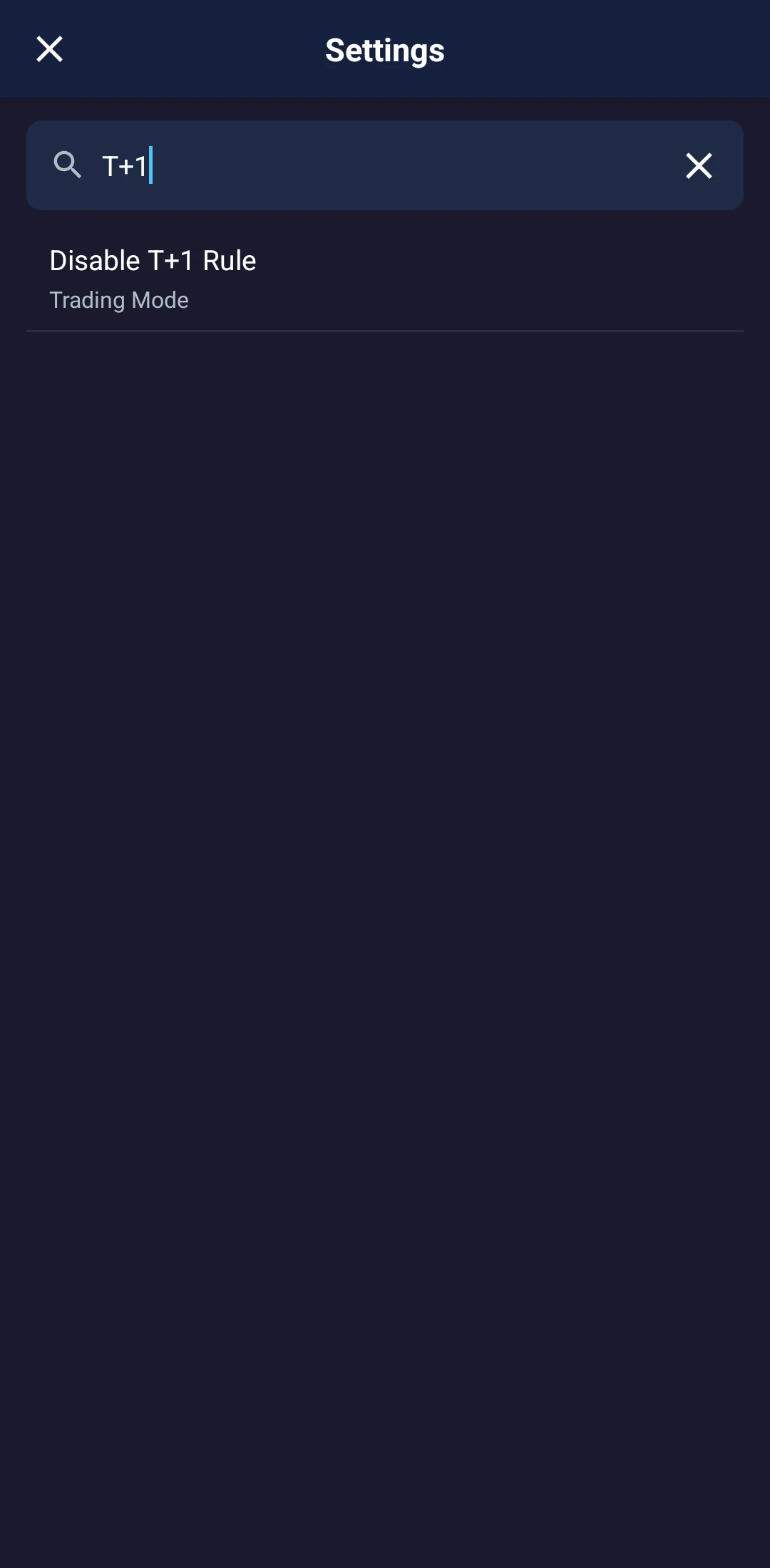
Select a matching result
For example, search for T+1 and tap Disable T+1 Rule. The result lists Trading Mode as the setting’s category.
Find the highlighted switch
After you tap the result, Settings scrolls to the option and briefly highlights it. Adjust the switch there or return to the search field to look for another setting.