
Filter, sort and group your order history
Narrow records by instrument, result, status or date, then compare results across symbols.
Open Order History from Home
Click Order History at the top right of the Account Overview card on the left of Home.
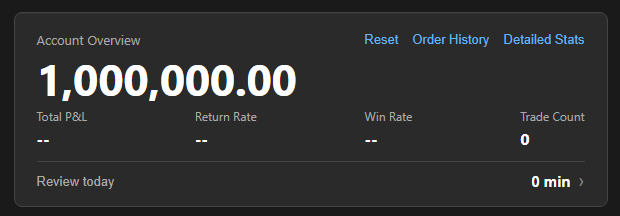
Or open it from the trading screen
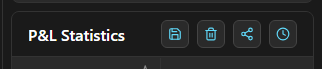
Click the rightmost clock icon in the P&L Statistics header on the right. Its tooltip is View trade history.
Filter closed trades
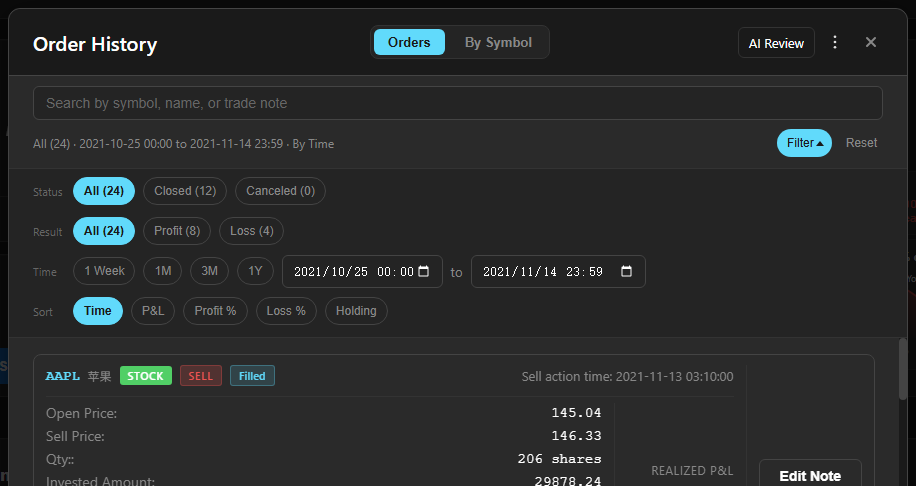
Open Filter at the right below the search field, choose Closed, then narrow by symbol and action date.
Inspect one trade
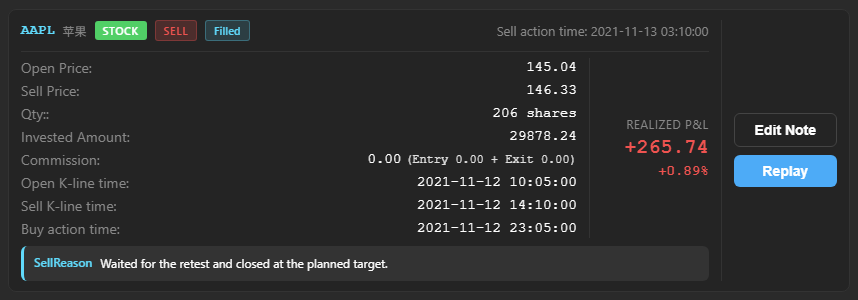
In Orders, sort by time or P&L, then expand a trade to check entry, exit, and fees.
Compare instruments
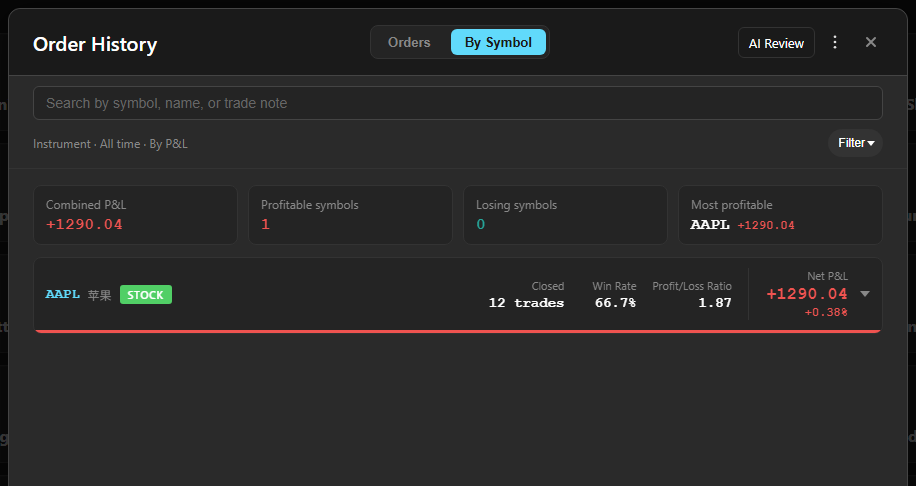
Open By Symbol at the top to compare close counts, win rates, and net P&L for the selected dates and symbols.
Walk through a practice sessionWrite trade notes and inspect chart markers