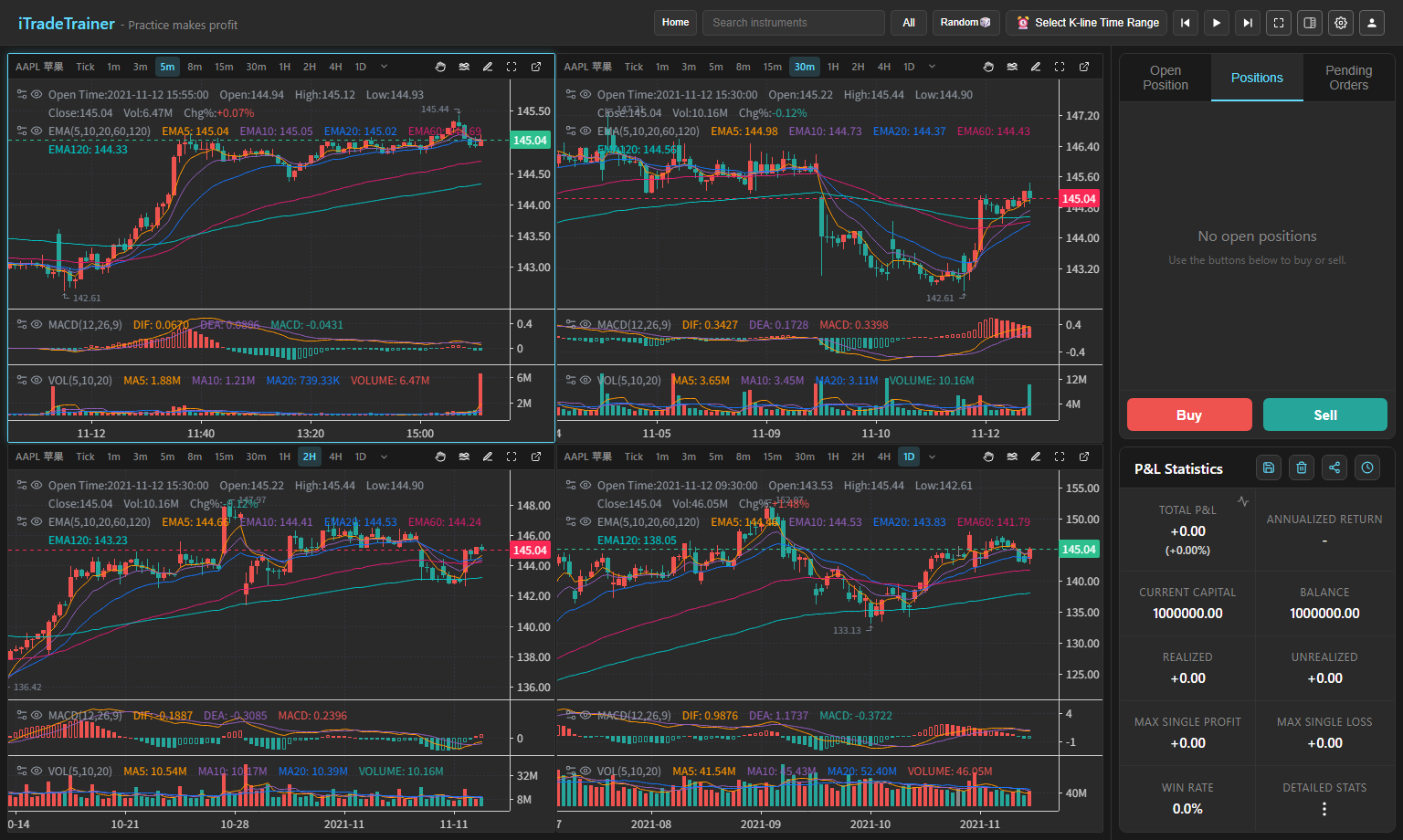
Replay the candle behind an order
Reopen historical market context from a trade and distinguish action time from candle time.
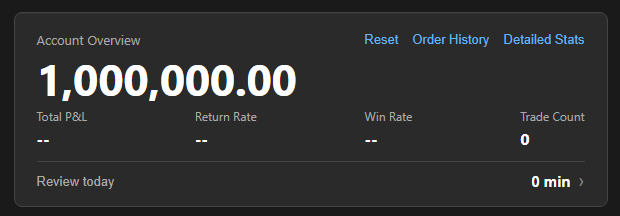
Open Order History from Home
Click Order History at the top right of the Account Overview card on the left of Home.
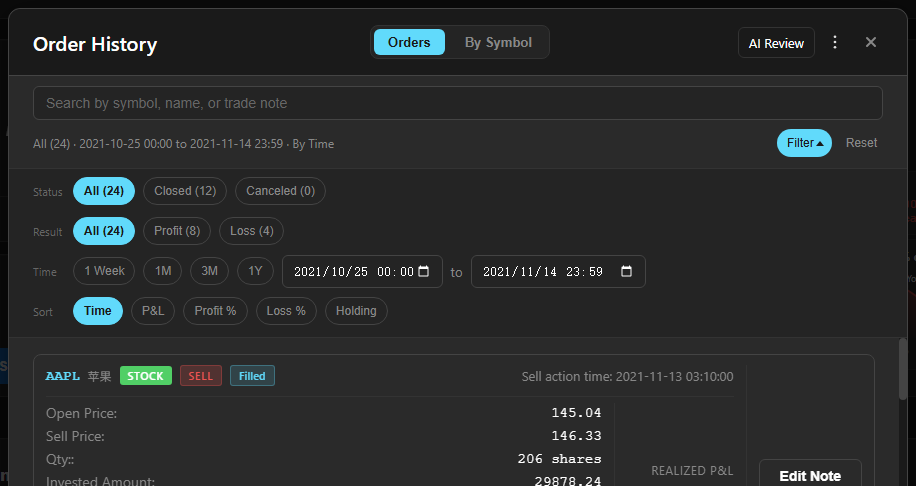
Find the trade
Search for the symbol at the top and use Filter on the right to narrow by action date.
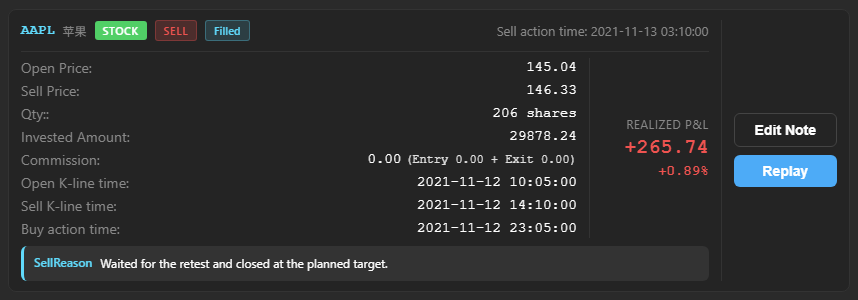
Check the candle time and open Replay
Expand the trade, check its candle time, then click the blue Replay button on the right.
Step through the trade
Confirm the instrument and time, check the trade marker while paused, then step forward.