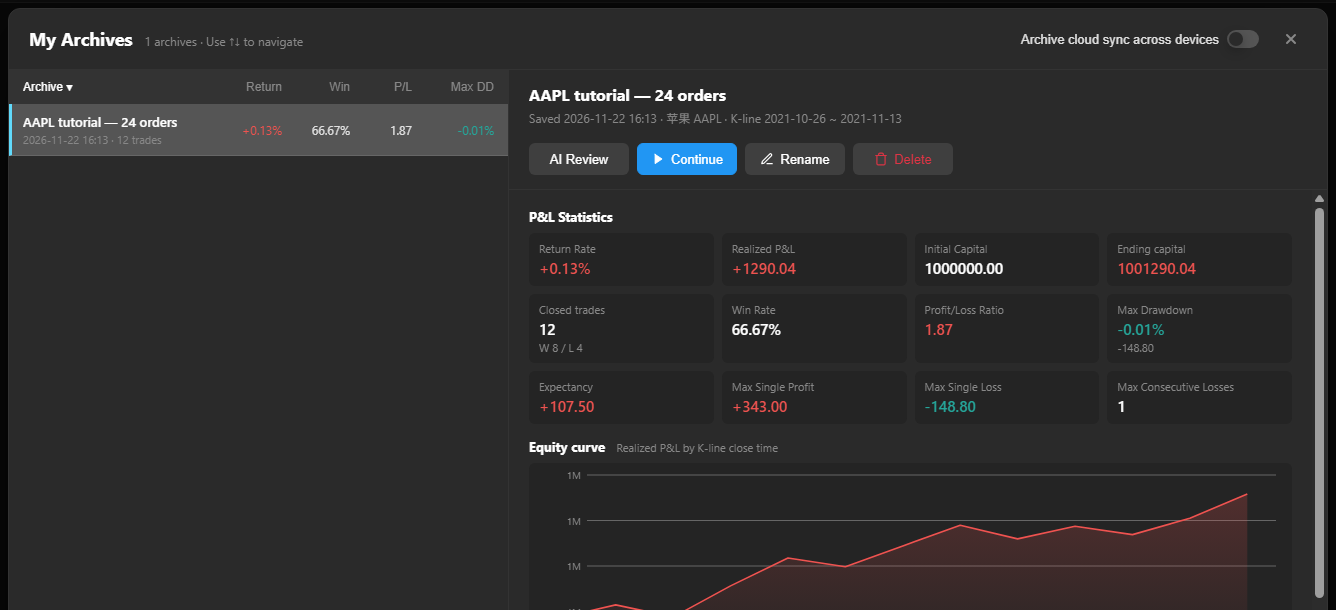
Save, preview and restore a replay archive
Save orders, the replay position and saved drawings, then restore that workspace later.
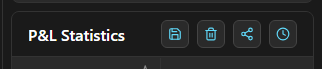
Open Save Archive from trading
Click the floppy-disk icon in the P&L Statistics header on the right. Its tooltip is Archive.
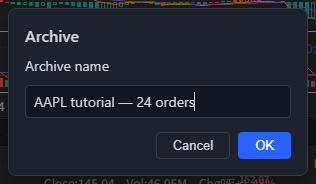
Name this practice session
Enter a recognizable archive name and click the blue confirmation button at the bottom right.
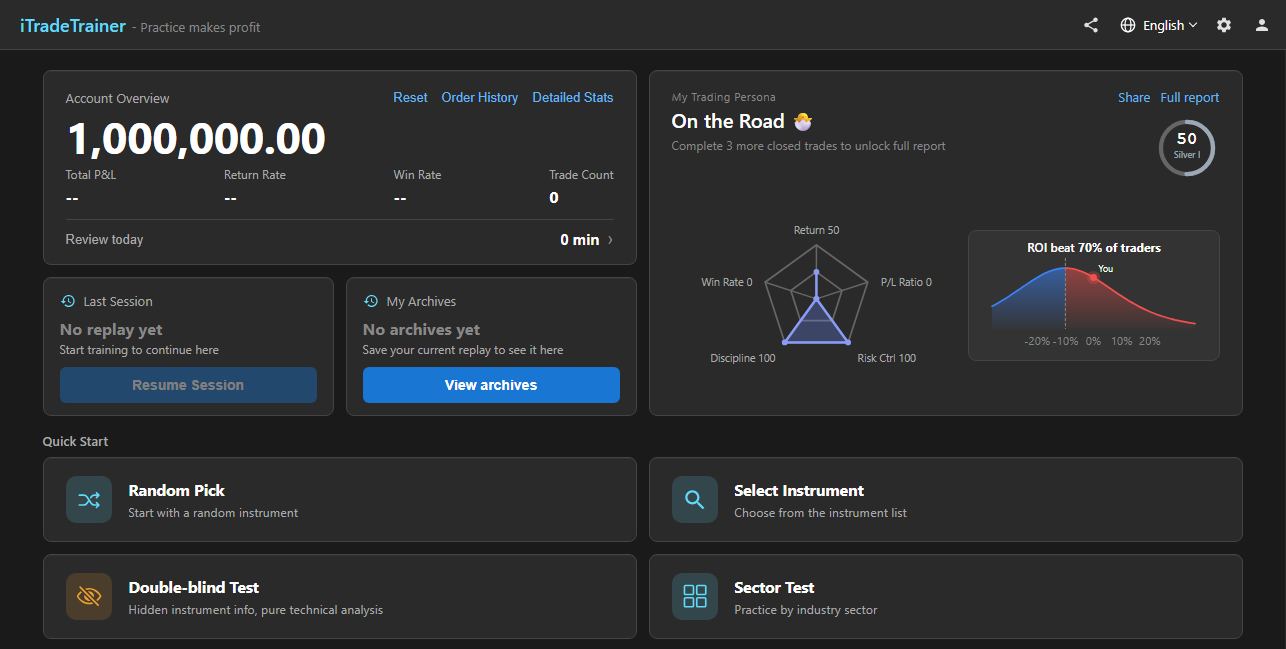
Find the archive on Home
Click the blue View Archive button on the My Archives card and select the saved entry by name.
Preview before continuing
Check the date and totals on the right. Continue replaces the active workspace, so archive any progress you want to keep first.