Ask AI to review filtered orders or an archive
Create a review draft from Order History or an archive and verify the selection before sending.
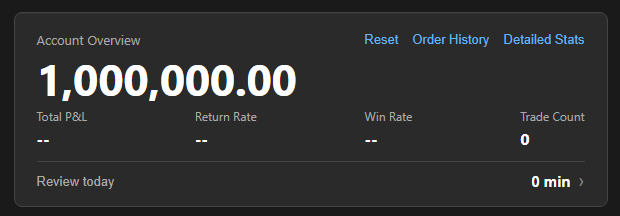
Open Order History from Home
Click Order History at the top right of the Account Overview card on the left of Home.
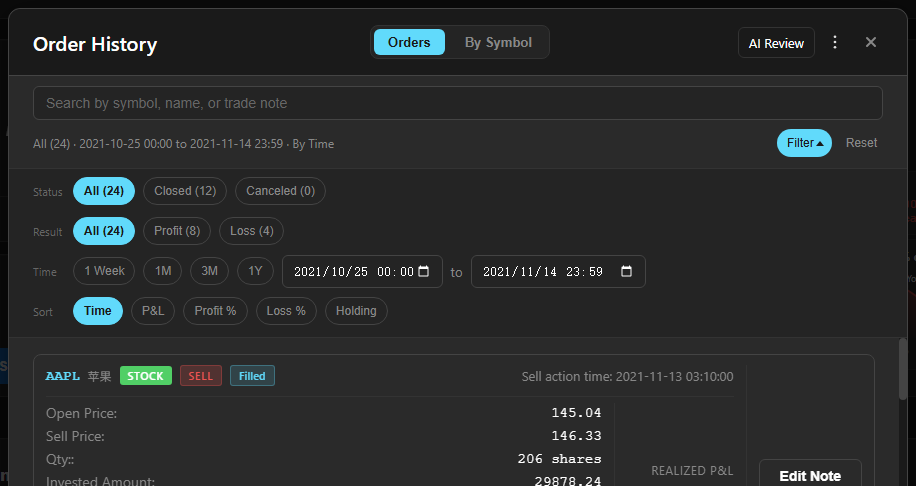
Select orders and click AI Review
Filter by symbol and date, then click AI Review to the left of the three-dot menu. Reveal blind-test prices first.
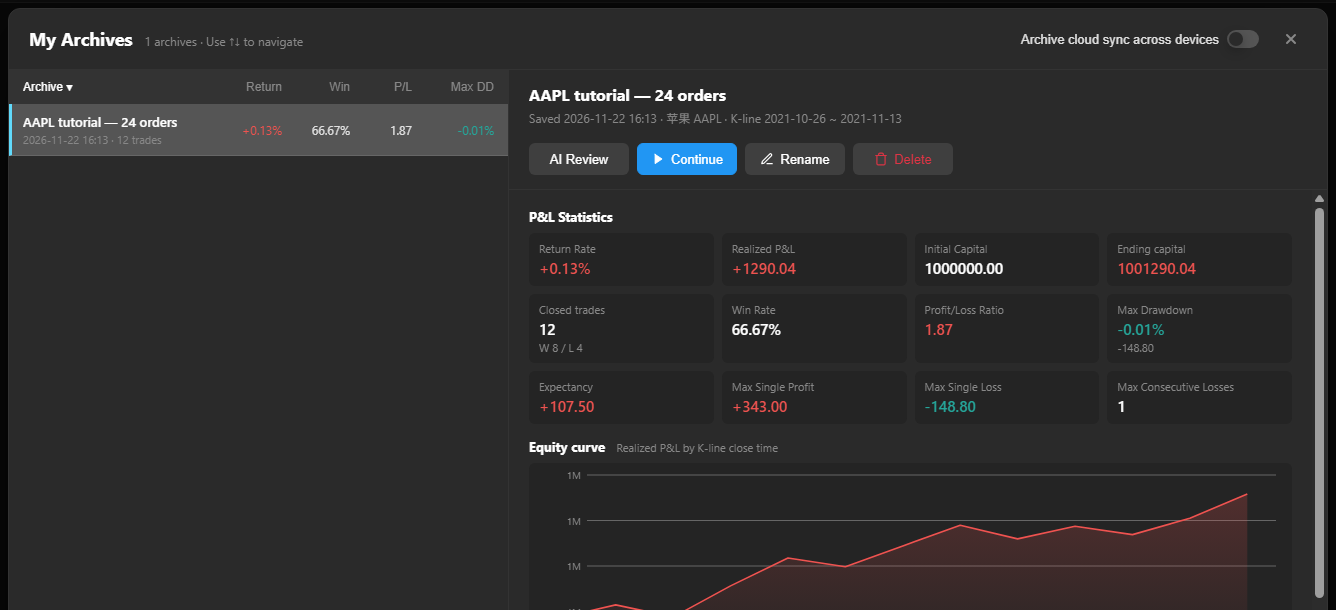
Or start from an archive preview
Open My Archives on Home, select an archive on the left, and choose AI Review at the top of its preview.
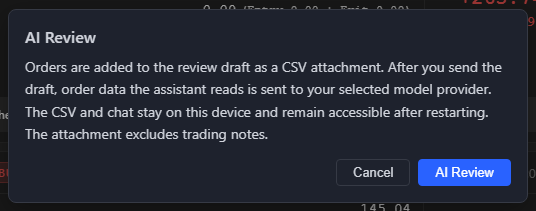
Read the AI Review confirmation
Check how the CSV will be used and what stays on the device, then open the draft.
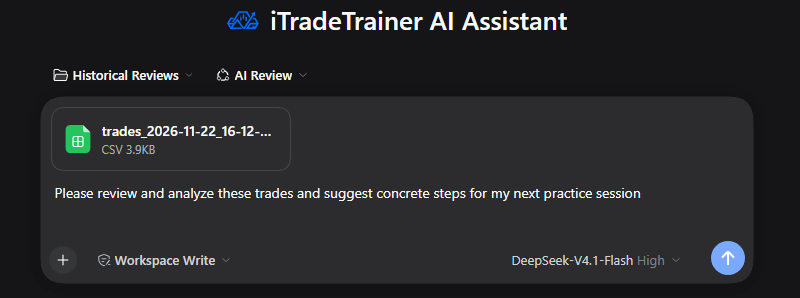
Check the draft before sending
Check the attachment and model, then click the blue up-arrow at the bottom right when ready to share the order data.