
Find a desktop setting with search
Open Settings from the gear, enter a keyword and jump to the matching control.
Open trading settings
Click the gear to the left of the profile icon at the top right of Home.
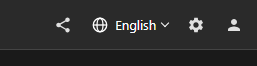
Or open settings from trading
Click the gear near the right end of the trading toolbar.

Search and open the right result
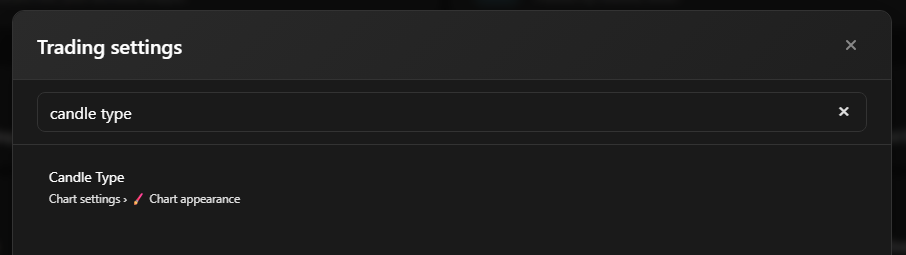
Search for candle type and choose the matching result under Chart Style.
Save and verify the change
Apply the change at the highlighted control and reopen Settings to confirm it.