Set starting funds, fees and futures leverage
Configure the simulated account, then check quantity and margin before placing an order.
Open trading settings
Click the gear to the left of the profile icon at the top right of Home.

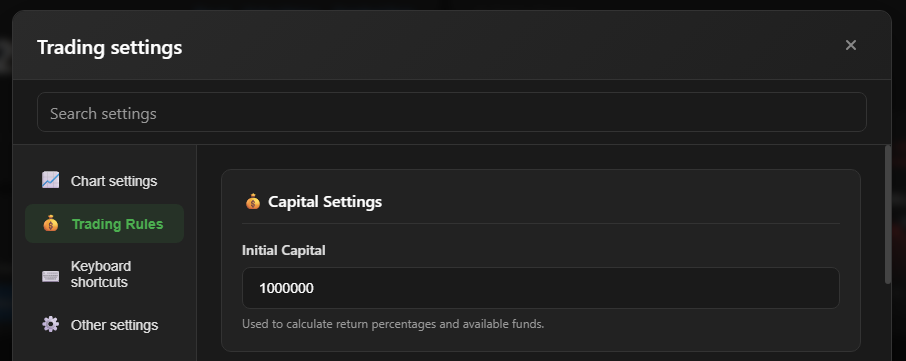
Set capital and fees
Enter initial capital in Trading Rules, then search for commission to set rates and minimum fees.
Check the futures margin estimate
With no positions or pending entries, set leverage and check the contract quantity and estimated margin.
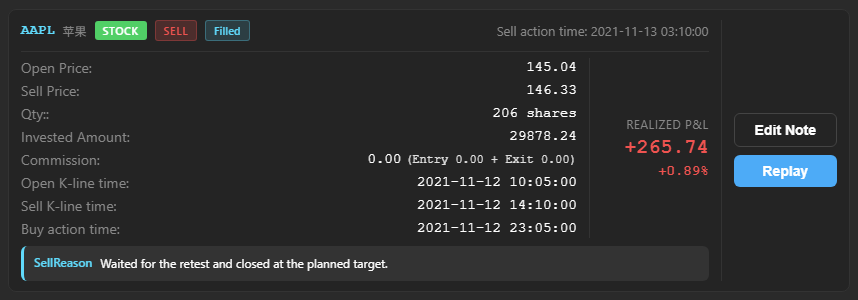
Verify the fees after a fill
Open the trade in Order History and check fees against the execution value, rates, and minimums.