
Automatically add stops and targets to new entries
Set default percentages and verify the fixed-price, fixed-quantity orders created after a fill.
Open trading settings
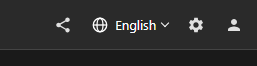
Click the gear to the left of the profile icon at the top right of Home.
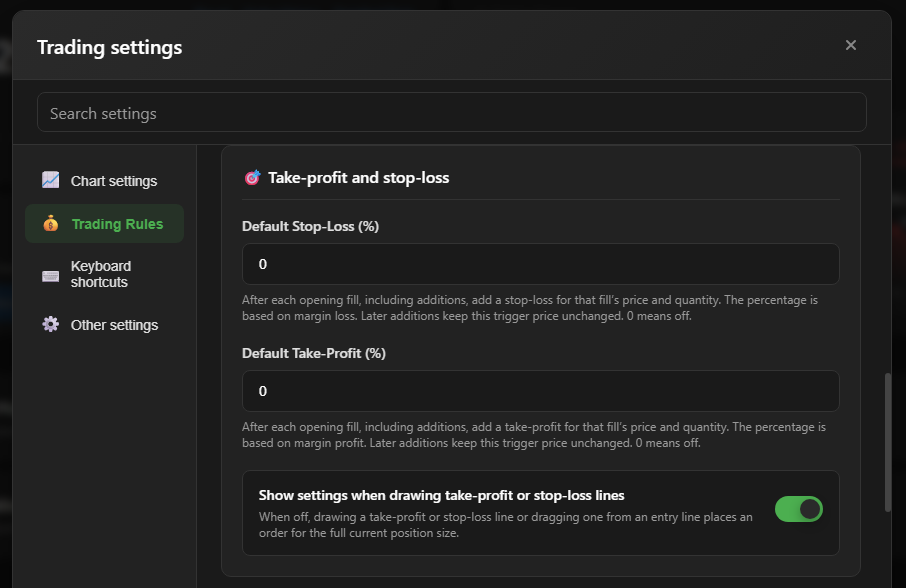
Set the default stop and target
In Trading Rules, scroll to Stop Loss and Take Profit and enter percentages. A zero value disables that rule.
Wait for a new entry to fill
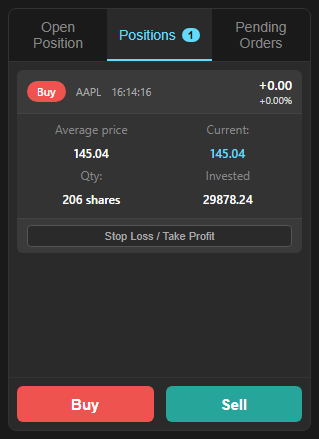
After a market or limit entry fills, check its price and size in Positions.
Verify the protective orders
Check the new size and trigger prices in Pending Orders. Triggers use the fill price and leverage.