
Sync orders and archives and resolve a conflict
Control workspace and archive sync independently and check progress before switching devices.
Open trading settings
Click the gear to the left of the profile icon at the top right of Home.

Choose what to sync
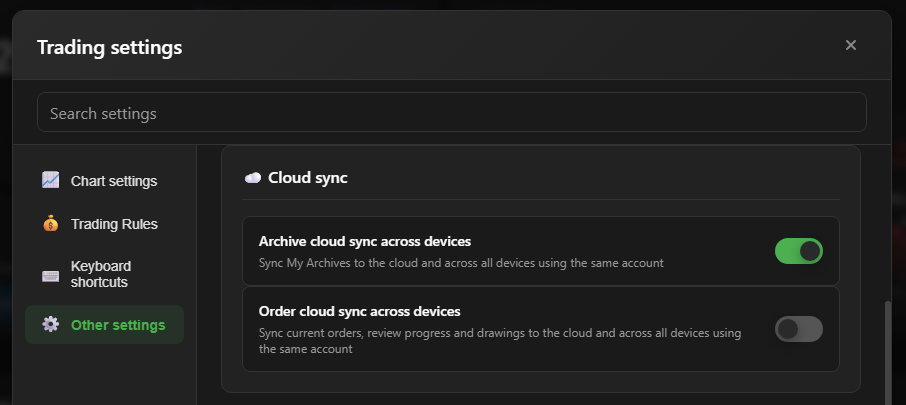
Use the same account on both devices. Enable order or archive sync under Cloud Sync in Other Settings.
Verify it on the second device
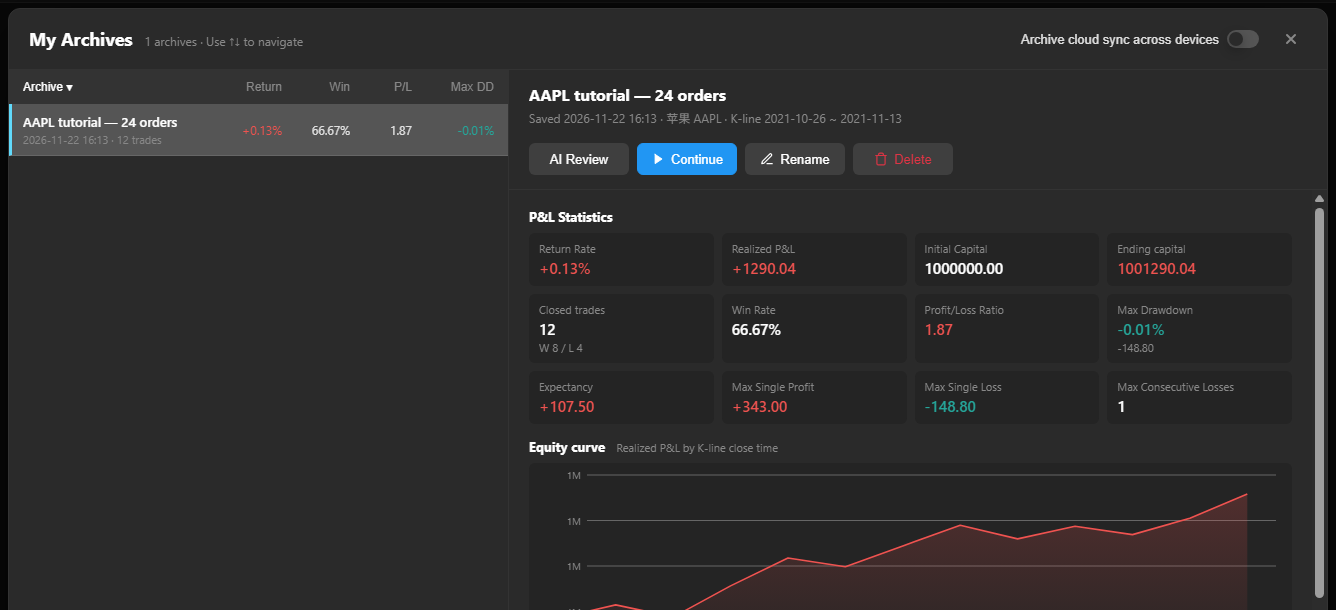
After sync completes, look for a known trade in Order History or a named entry in My Archives.
Compare both versions if there is a conflict
Check the local and cloud records before choosing a version, and defer the decision if you are unsure.