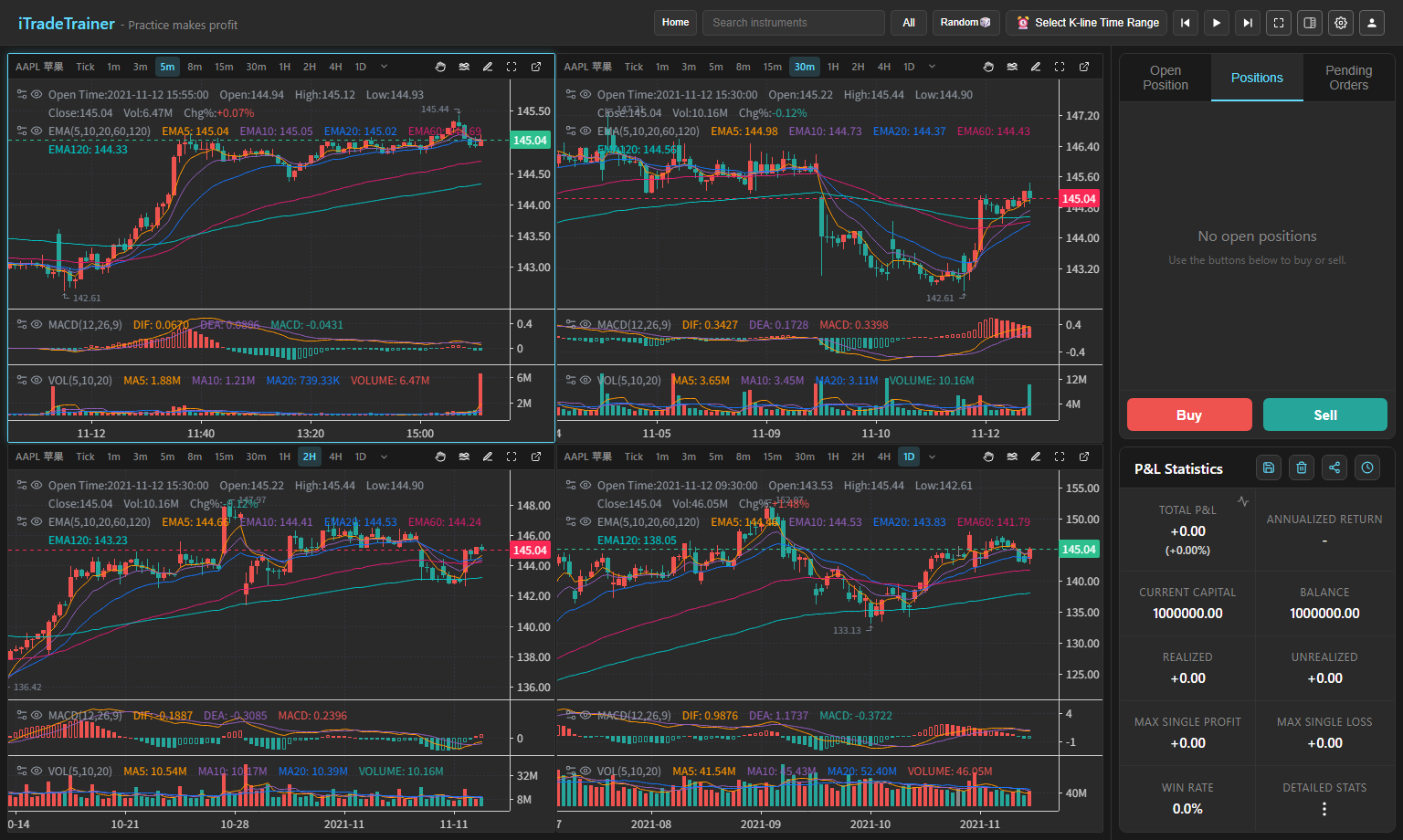
Change the theme, candle style and price adjustment
Set chart appearance and the historical price basis used for replay.
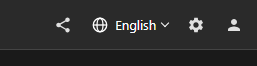
Open trading settings
Click the gear to the left of the profile icon at the top right of Home.
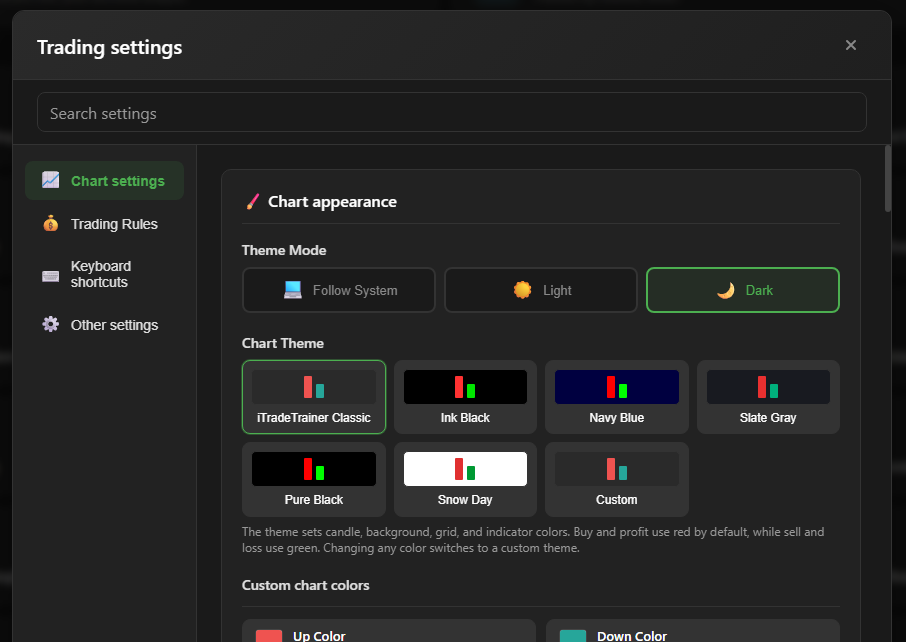
Pick a theme and candle style
Set the theme and rise and fall colors, then search for candle type to change its style.
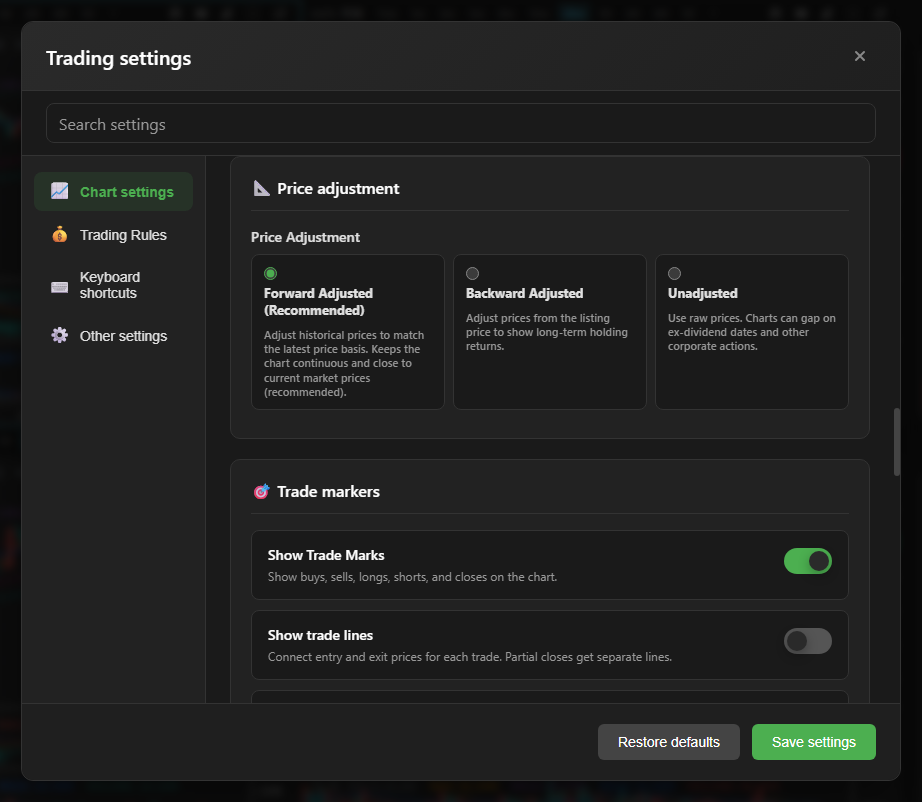
Choose a price adjustment
Search Settings for adjustment and select forward, backward, or unadjusted prices.
Check the same candle again
Verify the chart on the same instrument and timeframe, and use the same adjustment mode when comparing replays.