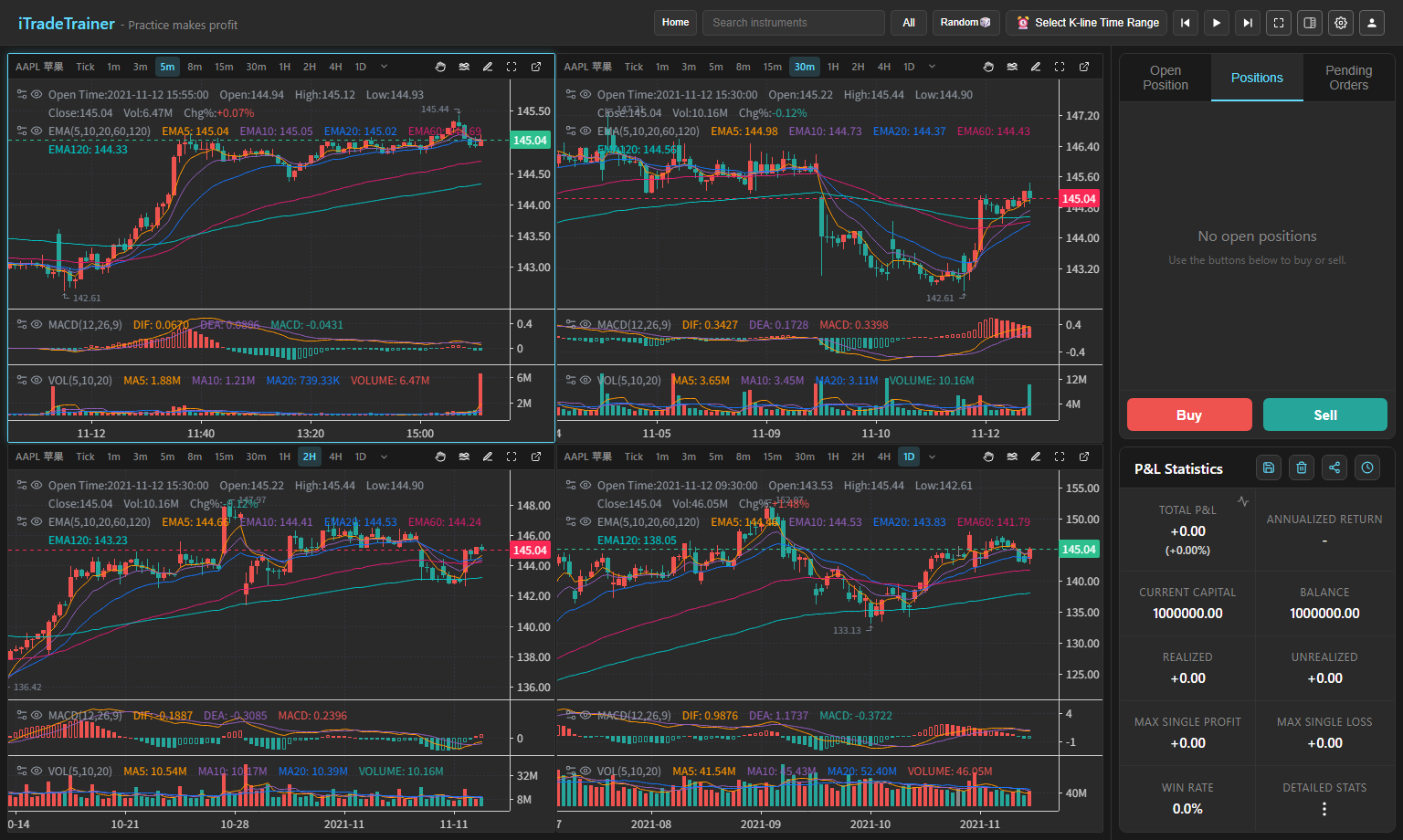
View or change keyboard shortcuts
Check playback, trading, chart and privacy bindings and adapt them to your workflow.
Open trading settings
Click the gear to the left of the profile icon at the top right of Home.
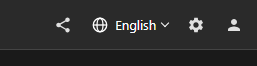
Find the action
Click the keyboard icon for Keyboard Shortcuts in the left pane, then find the action to change.
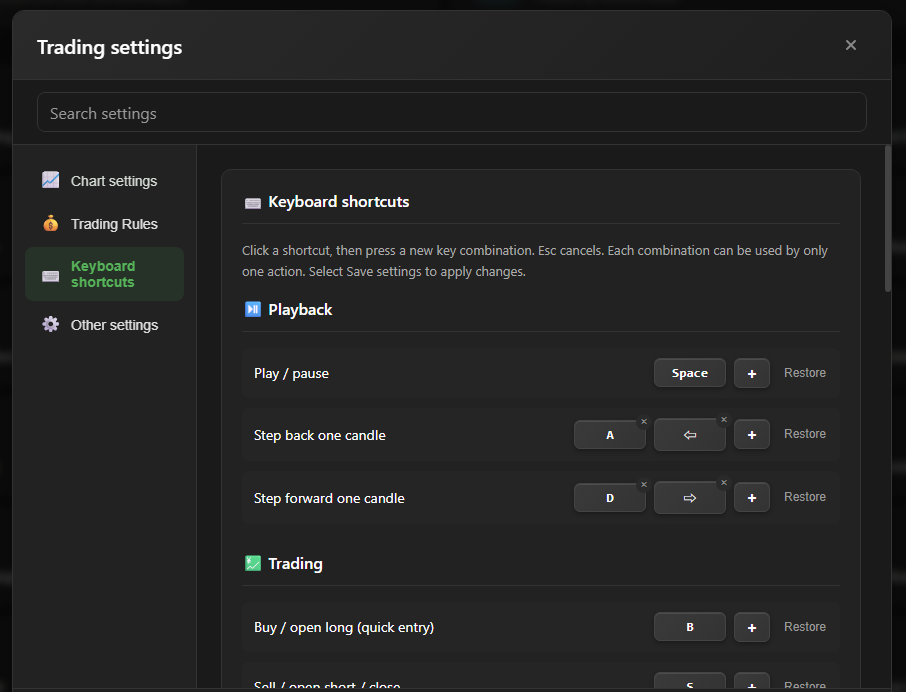
Record a binding
Select an existing binding or add one, then press the combination and check any conflict.
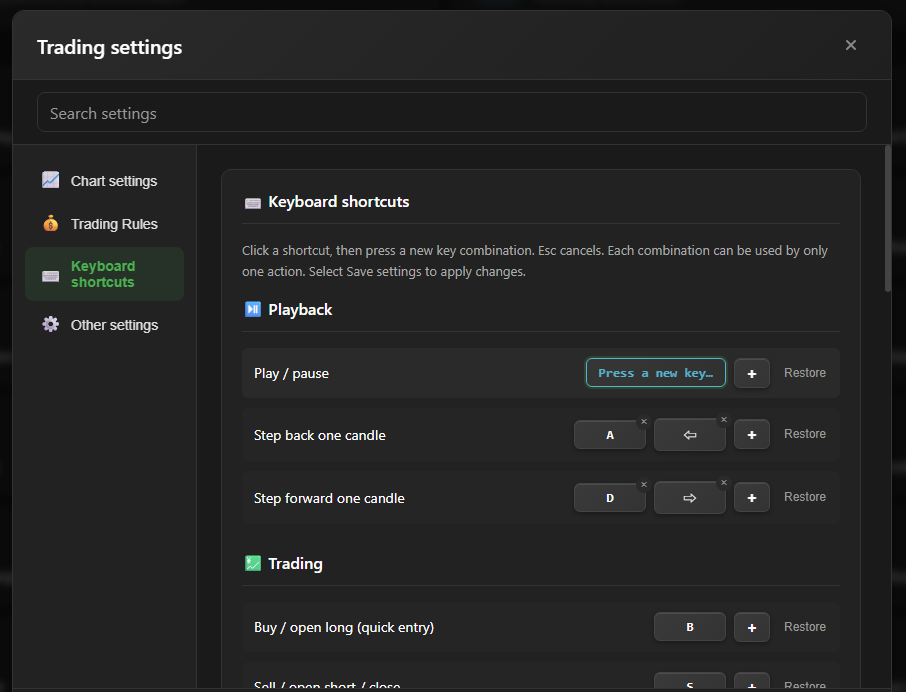
Test it in a paused replay
Apply the changes, focus the chart, and try the new binding.