
Export CSV, delete history or reset practice data
Export order or instrument records and preserve any workspace you want to resume.
Open Order History from Home
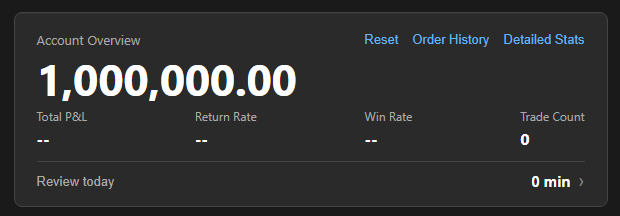
Click Order History at the top right of the Account Overview card on the left of Home.
Export the full order history
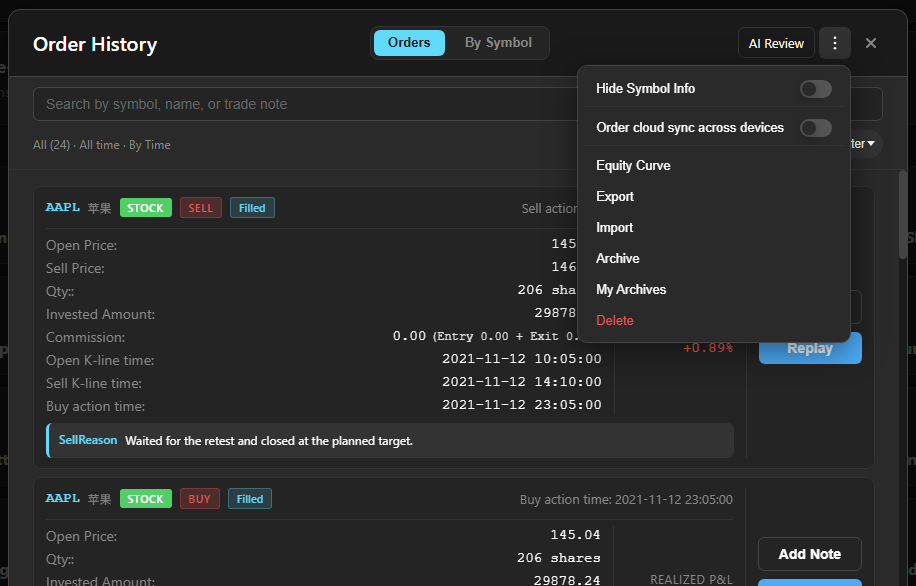
Choose Export from the three-dot menu on Order Details. The CSV includes the entire history, even rows outside the current filters.
Export a filtered summary
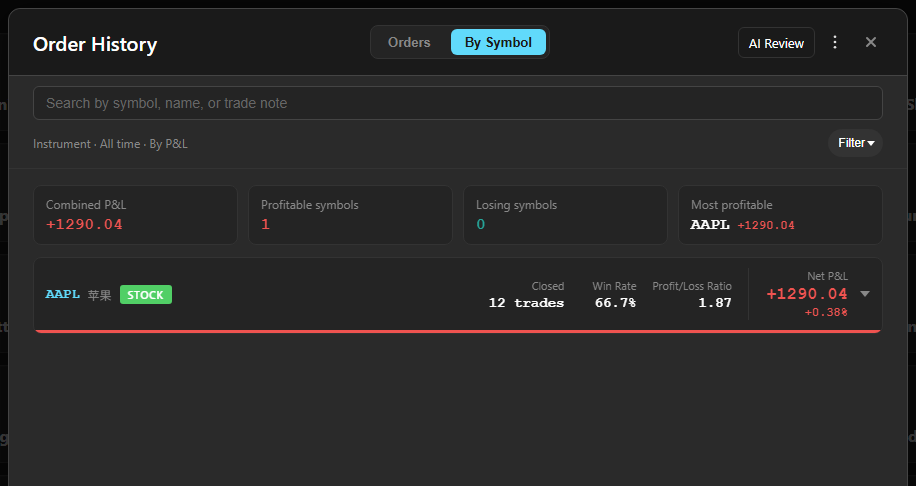
Switch to Instrument Statistics, filter by symbol and date, and export the resulting summary.
Save progress before clearing data
Save an archive, then read the confirmation before deleting history or clearing trading data in Settings.