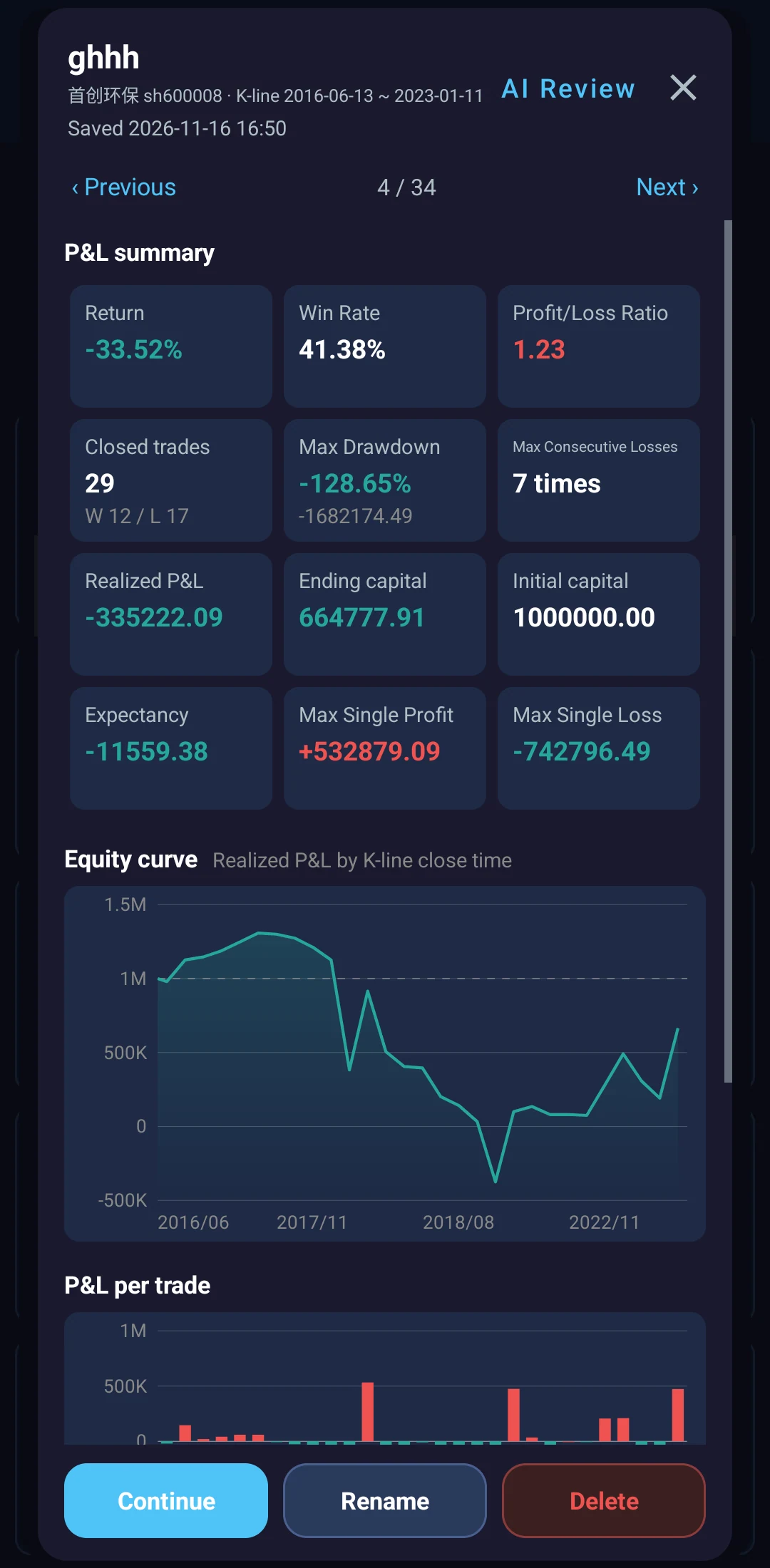
Sync My Archives and resume a session on another device
Enable archive sync for the same account on each device, then open a saved session when syncing finishes.
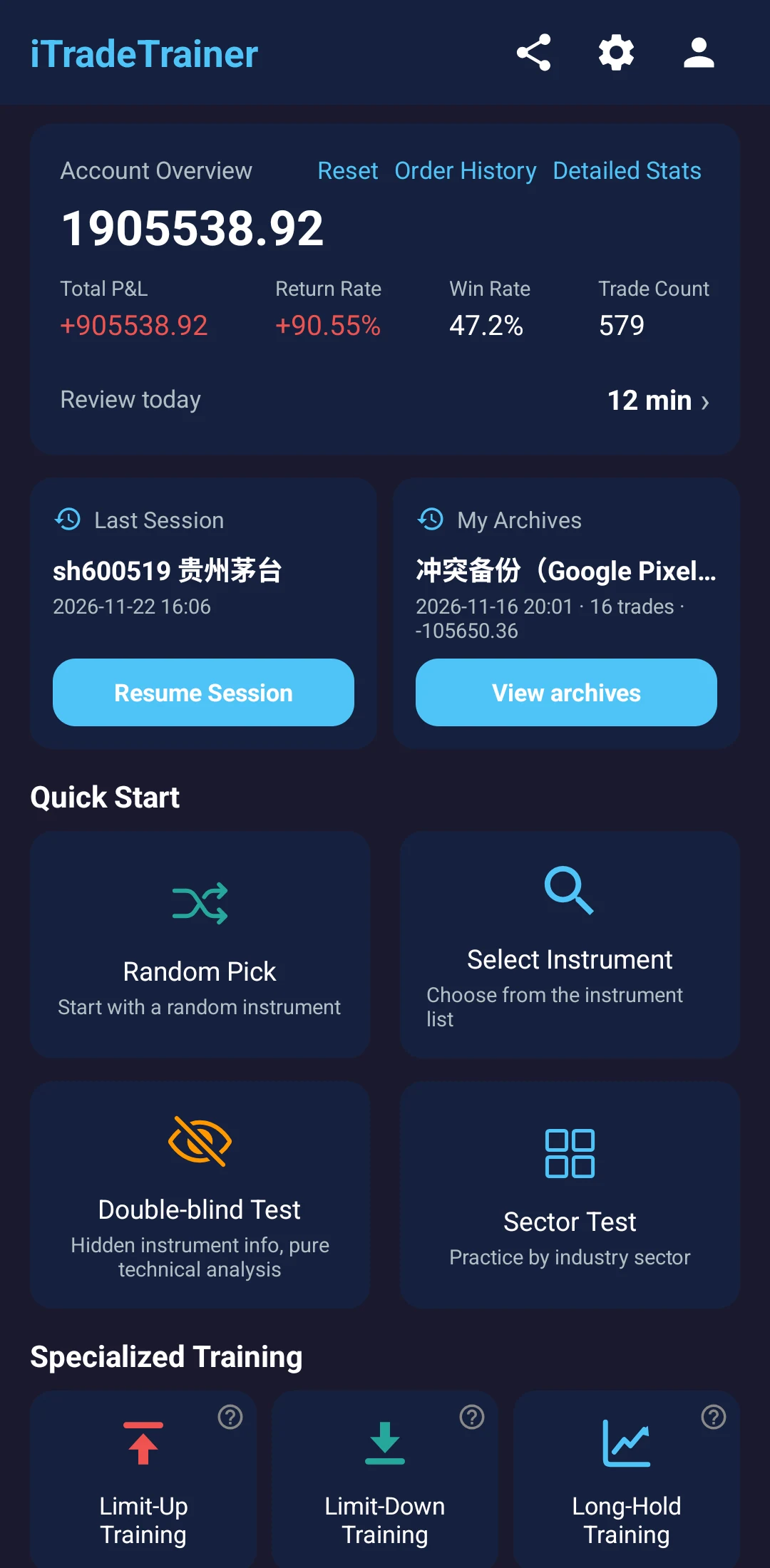
Open My Archives from Home
After signing in, look for the My Archives card on the home screen and tap View archives.
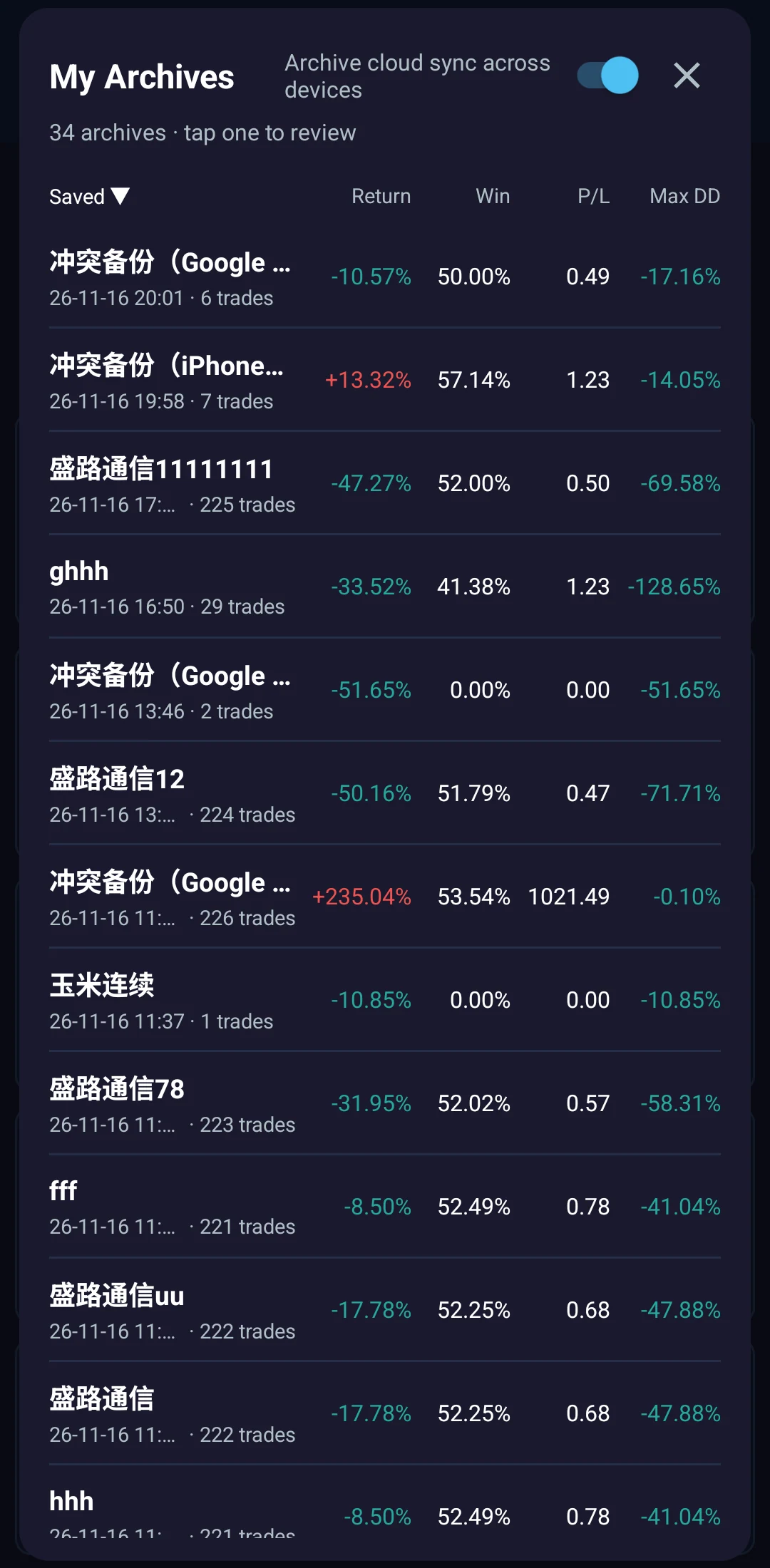
Enable sync in My Archives
Turn on Archive cloud sync across devices at the top, or find the switch through Settings search. This switch controls saved archives. Order sync has its own switch.
Check the archive on the other device
Sign in to the same account and enable archive sync on the other device. When syncing finishes, check the archive name and date in My Archives and open the details to confirm the session.
Resume from the archive
Save an archive of the current session on the other device if you want to keep it. Then open the archive you want to restore, tap Continue, and confirm.