Sign in and redeem a membership activation code on mobile
Sign in to your account, check your membership status, and redeem a code you already have.
Open the account entry point
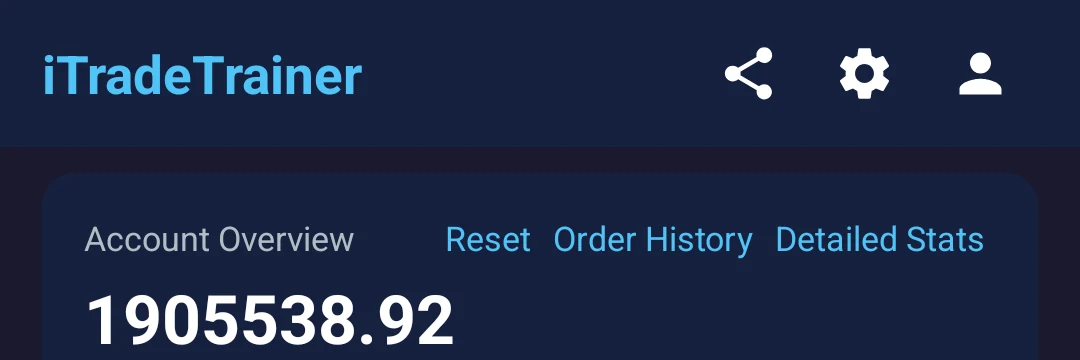
Tap the person icon in the upper-right corner of the home screen. If you are signed out, this opens the sign-in form.
Sign in to your account
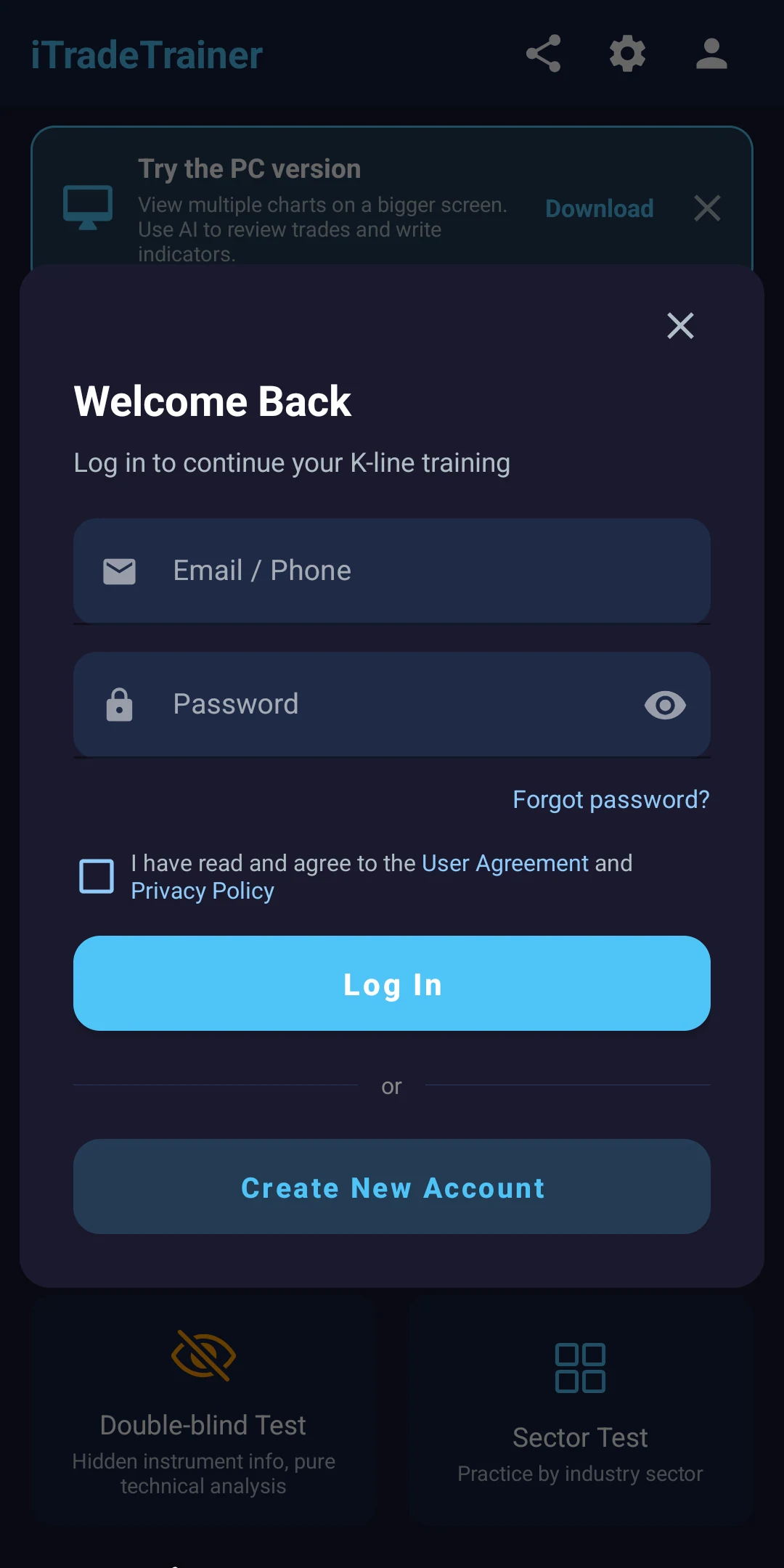
Enter your registered email address or phone number and password, review and accept the terms, then tap Log In.
Open membership activation or extension
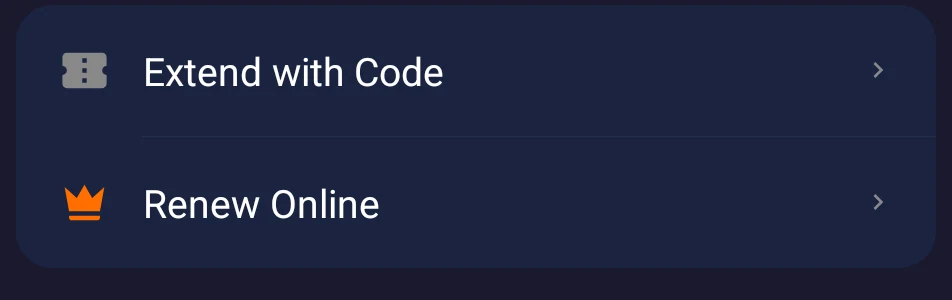
After signing in, tap the account icon again to check your membership status and expiration date. Choose Activate Membership to redeem a code for a new membership, or Extend with Code to extend an active membership.
Redeem the code and check the expiration date
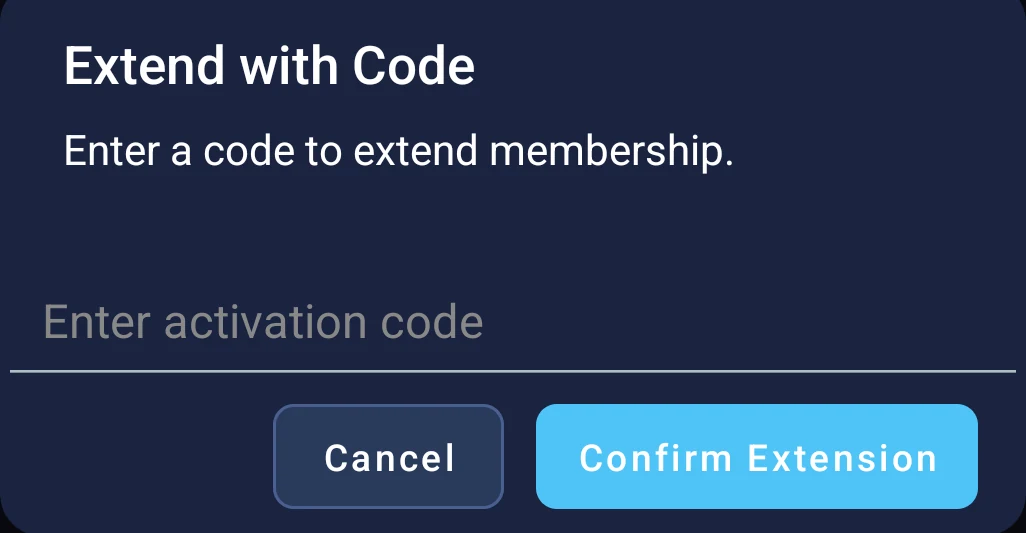
Enter the code you already have in the dialog, verify it, and confirm. For an extension, tap Confirm Extension as shown. Return to the account menu to check your membership status and expiration date.