
Set starting funds, commissions, and futures leverage on mobile
Set the starting balance, commission rates, minimum fees, and the leverage used for simulated futures trades.
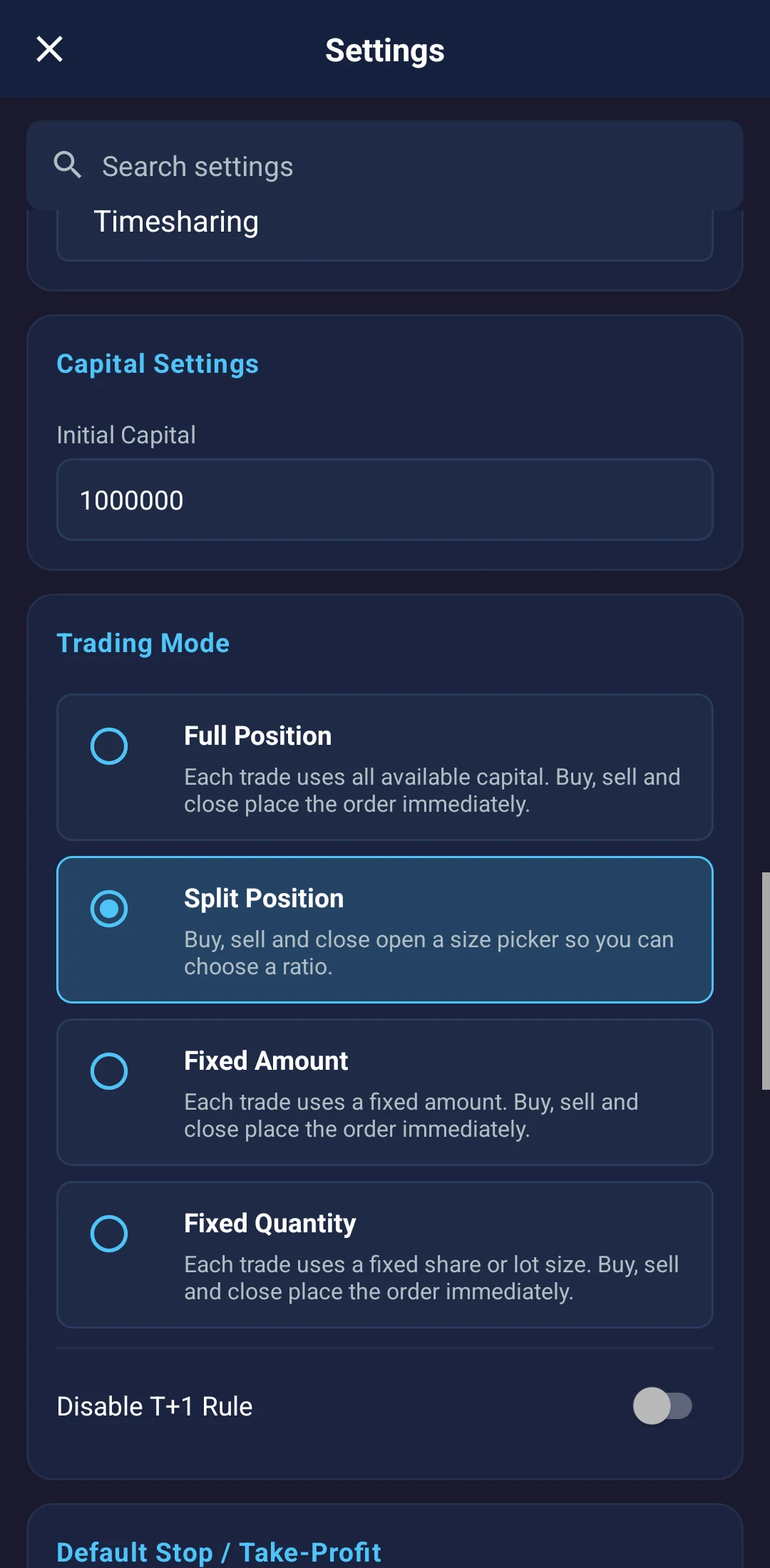
Enter starting funds
Open Settings from the home screen and search for Initial Capital. Enter the starting balance for the practice session.
Set buy and sell commissions separately
Under Fee Settings, enter the Buy Fee Rate and Sell Fee Rate as percentages. For example, enter 0.035 for 0.035%. You can also set the Min Buy Fee and Min Sell Fee separately.
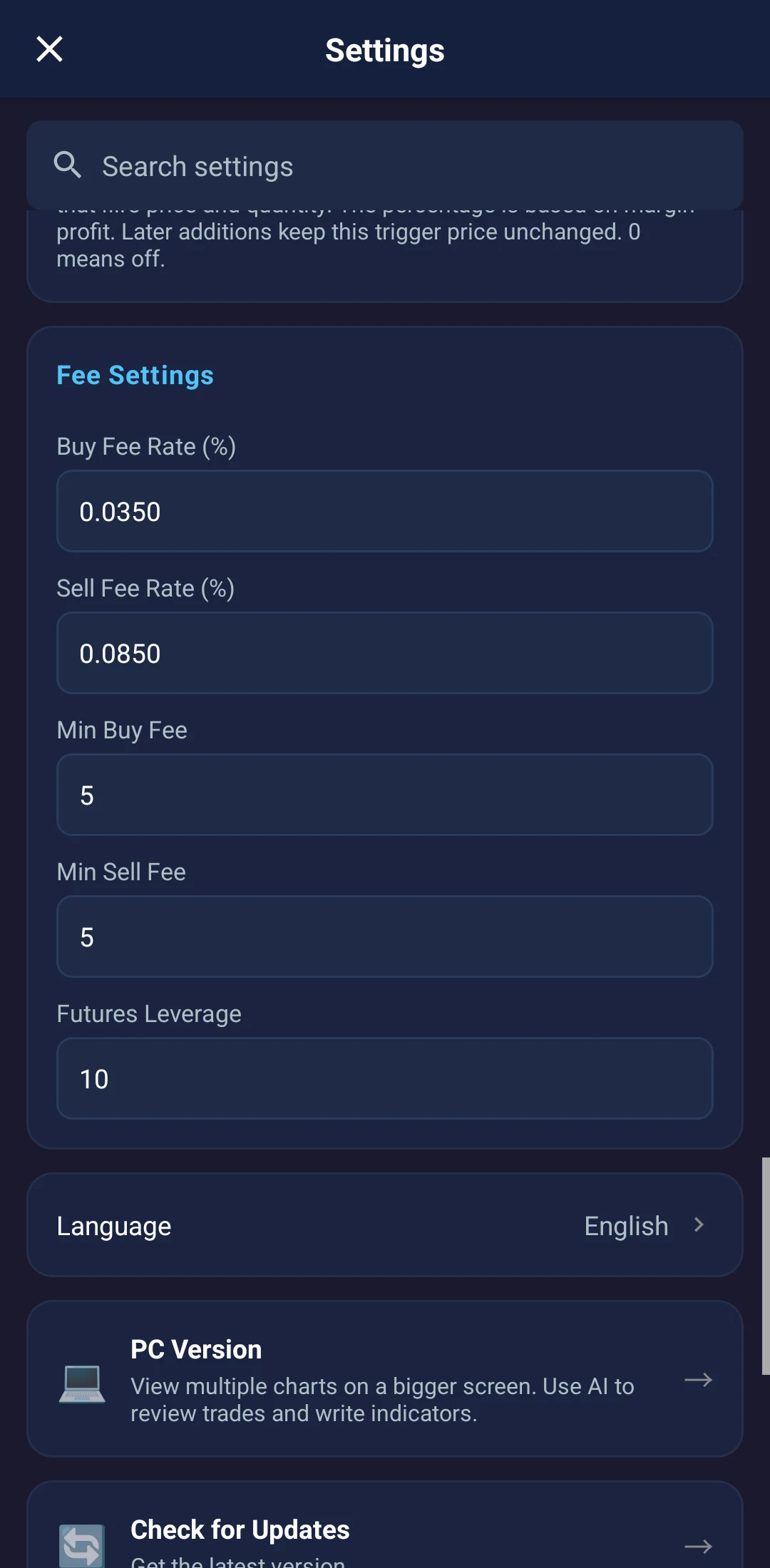
Check futures leverage and order size
Search for Futures Leverage and set the multiplier. To change a locked setting, first close existing positions and cancel unfilled entry orders. Check leverage and the estimated order amount on the futures order ticket.