Change mobile themes, candle styles, and price adjustment
Change the app and chart appearance and choose the historical price adjustment used in replay.
Choose app and chart themes
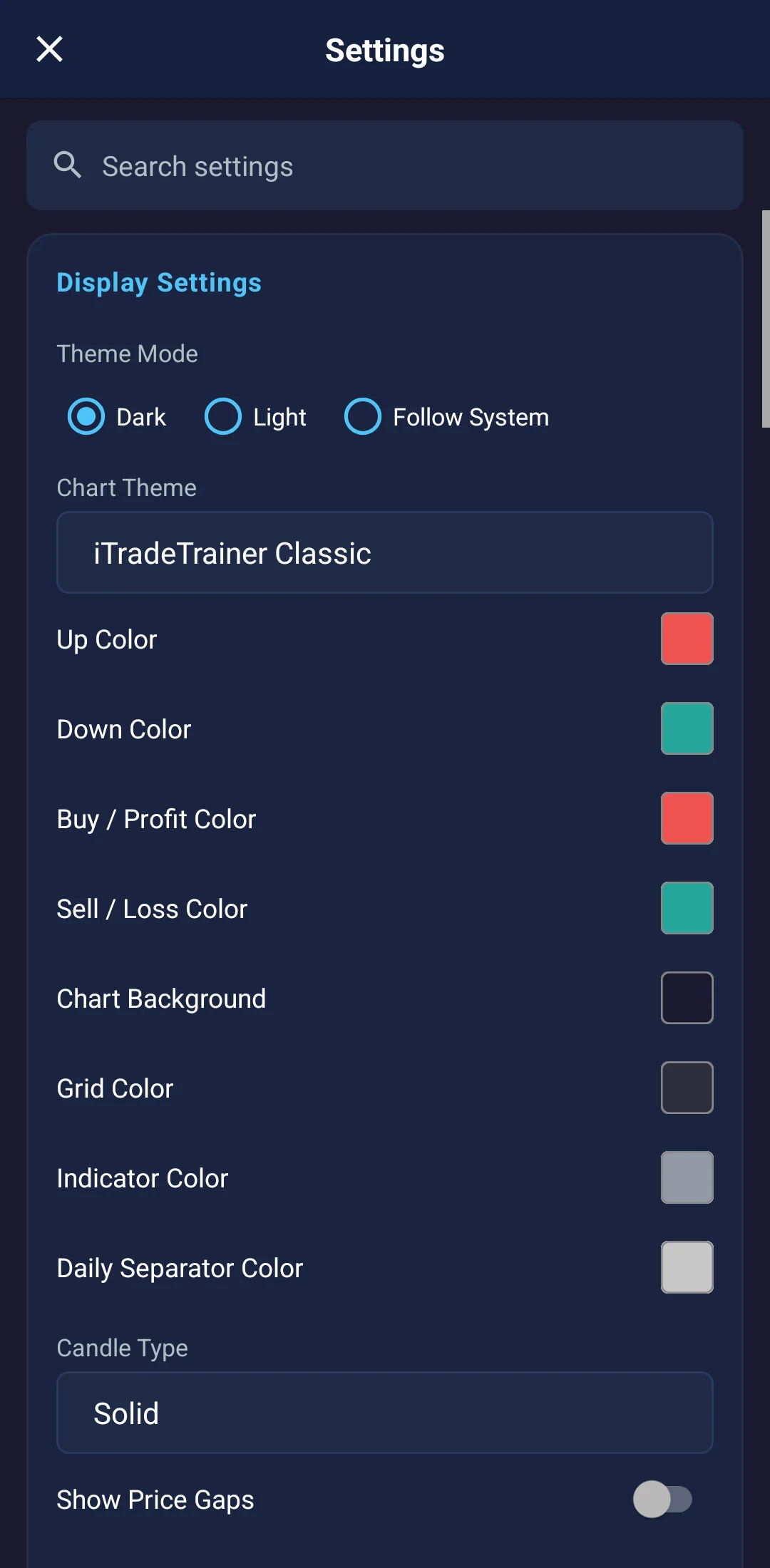
In Display Settings, select Dark, Light, or Follow System for the app. Use Chart Theme to adjust the chart background, up/down colors, and grid. Scroll farther down in the same section to find Candle Type.
Switch the candlestick style
In Display Settings, open the candle type or style option and choose a style such as solid, hollow, or area. Return to the trading screen to see the change.
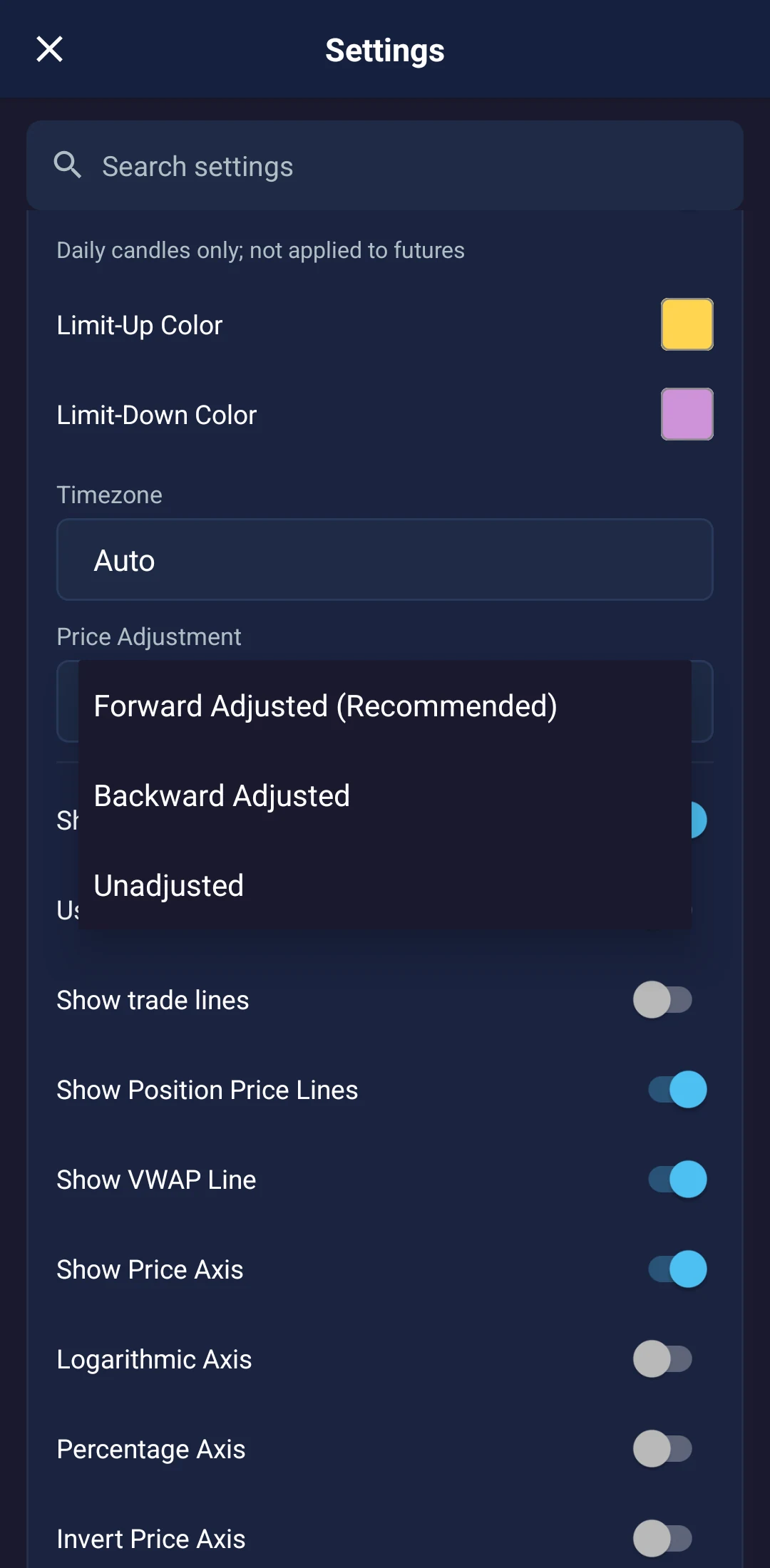
Open the price adjustment menu
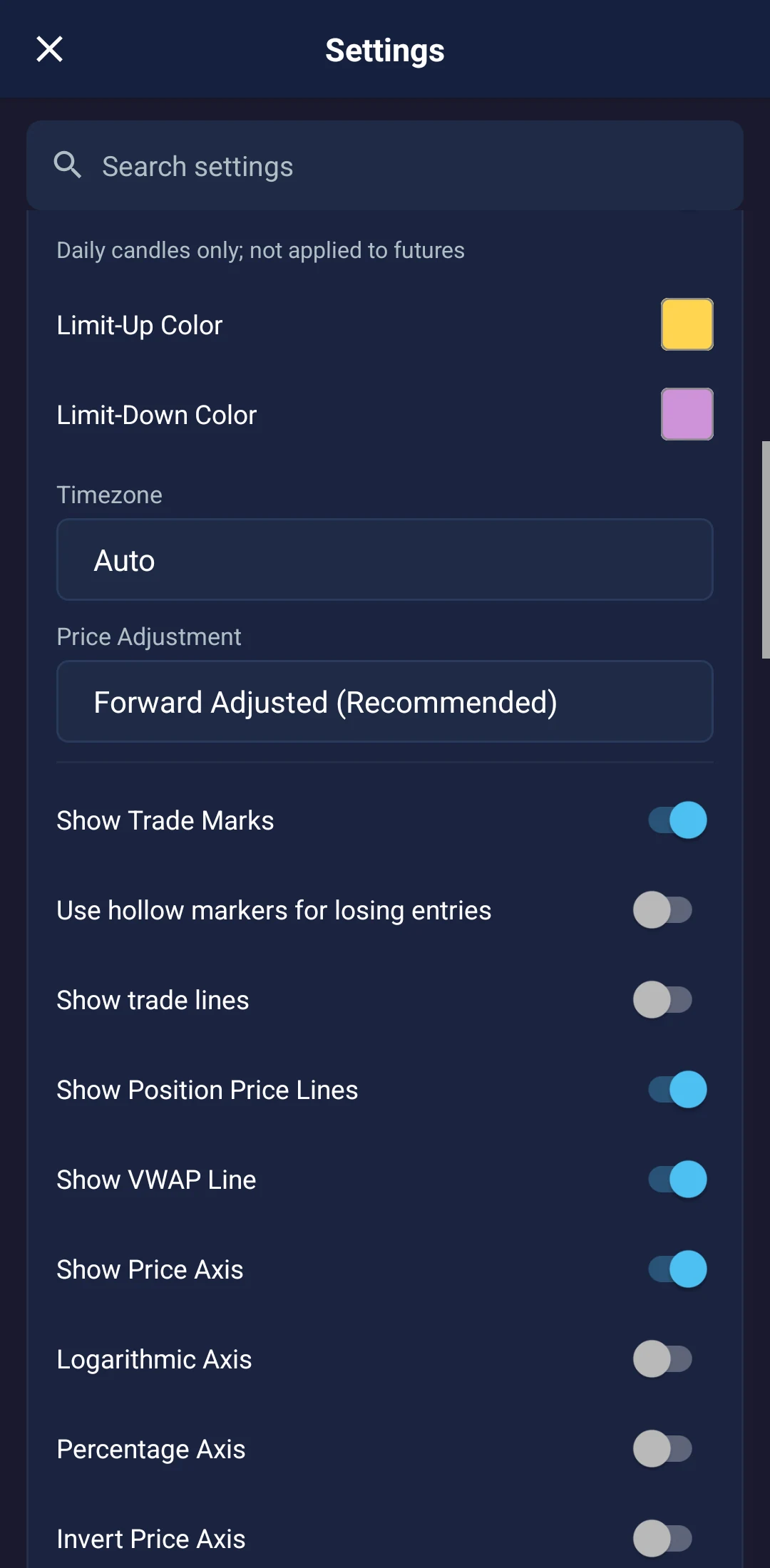
Find Price Adjustment in Display Settings and tap the current option to open the menu.
Choose the historical price basis
Forward Adjusted uses recent prices as the reference, Backward Adjusted uses an earlier reference, and Unadjusted uses raw prices. After choosing an option, return to the chart and check its price scale.