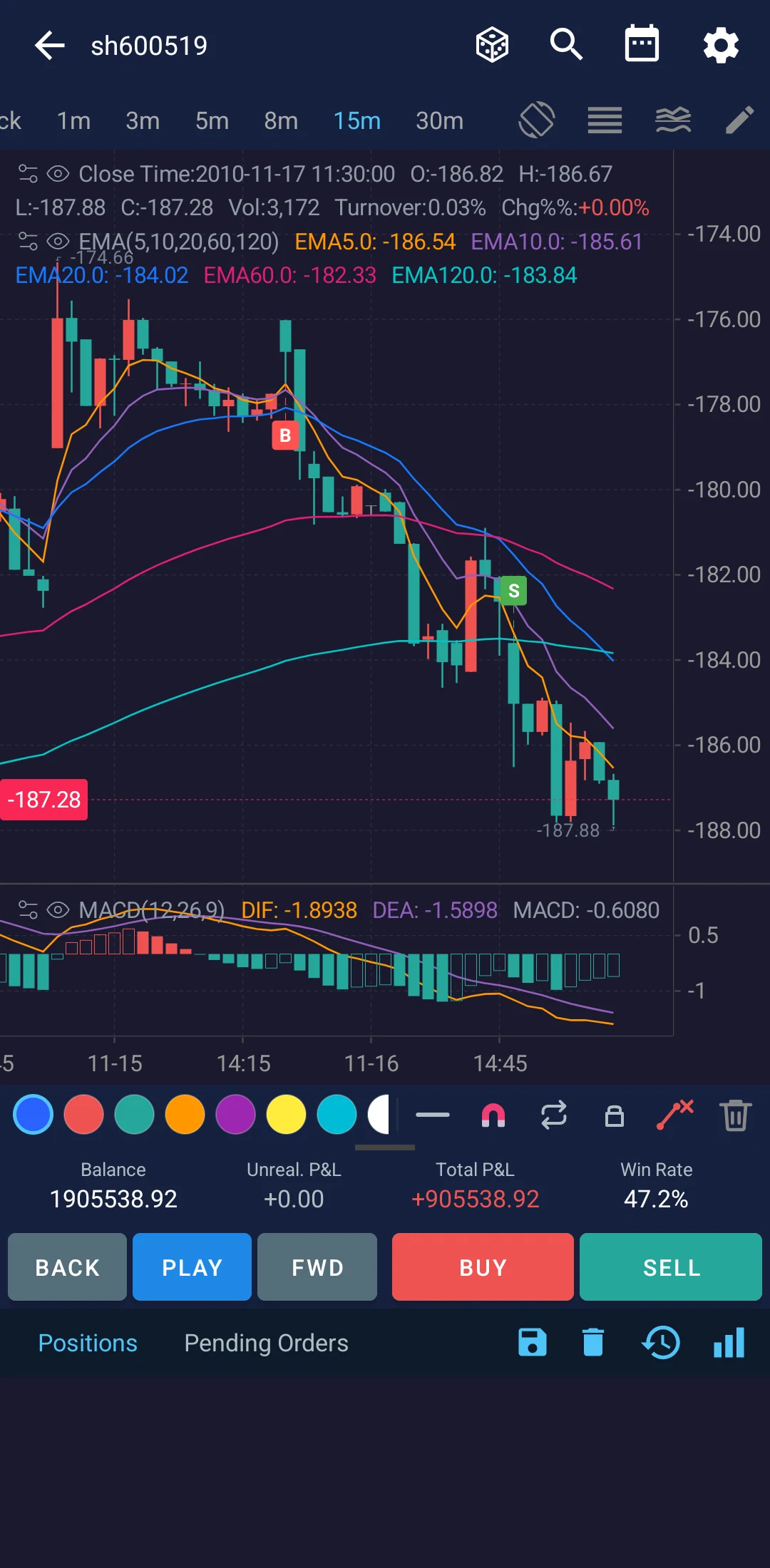
Automatically add stops and profit targets to new entries on mobile
Set default percentages and check each protective order’s quantity and trigger price after the entry fills.
Find the default stop and target settings
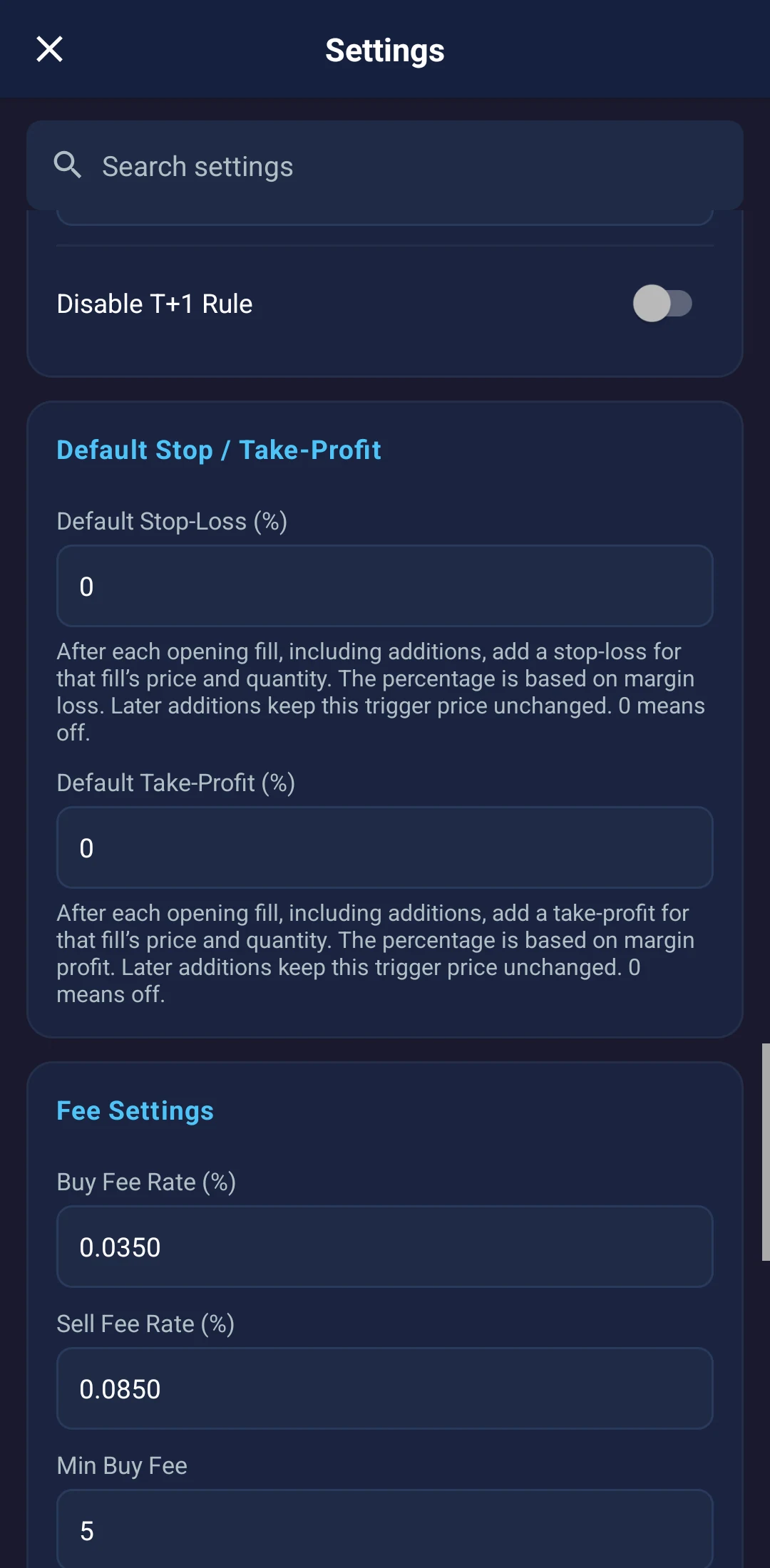
In Settings, search for Default Stop-Loss or Default Take-Profit. Both are under Default Stop / Take-Profit.
Enter the stop and target percentages
Set Default Stop-Loss (%) and Default Take-Profit (%) separately. Enter 0 to disable that type of order. After an entry or add-on fills, the app calculates a trigger from that fill price and leverage and uses the filled quantity for the new protective order.
Verify the protective orders after the fill
Open Pending Orders on the trading screen and check each order’s trigger price, side, and quantity. An add-on is handled separately, so the new average entry price leaves the existing trigger prices intact.